
Trips calendar
See trip start dates for customer-linked leads and prepare for upcoming departures.
The calendar is a premium feature and shows trip start dates for customer-linked leads.
Use the calendar#
- Open Trips Calendar.
- Use the previous and next month arrows, or open the month picker.
- In the month picker, move between years and choose a month.
- Select a day to view the departing travelers.
- Open a trip to reach its customer details.
- Use Today to return to the current month and date.
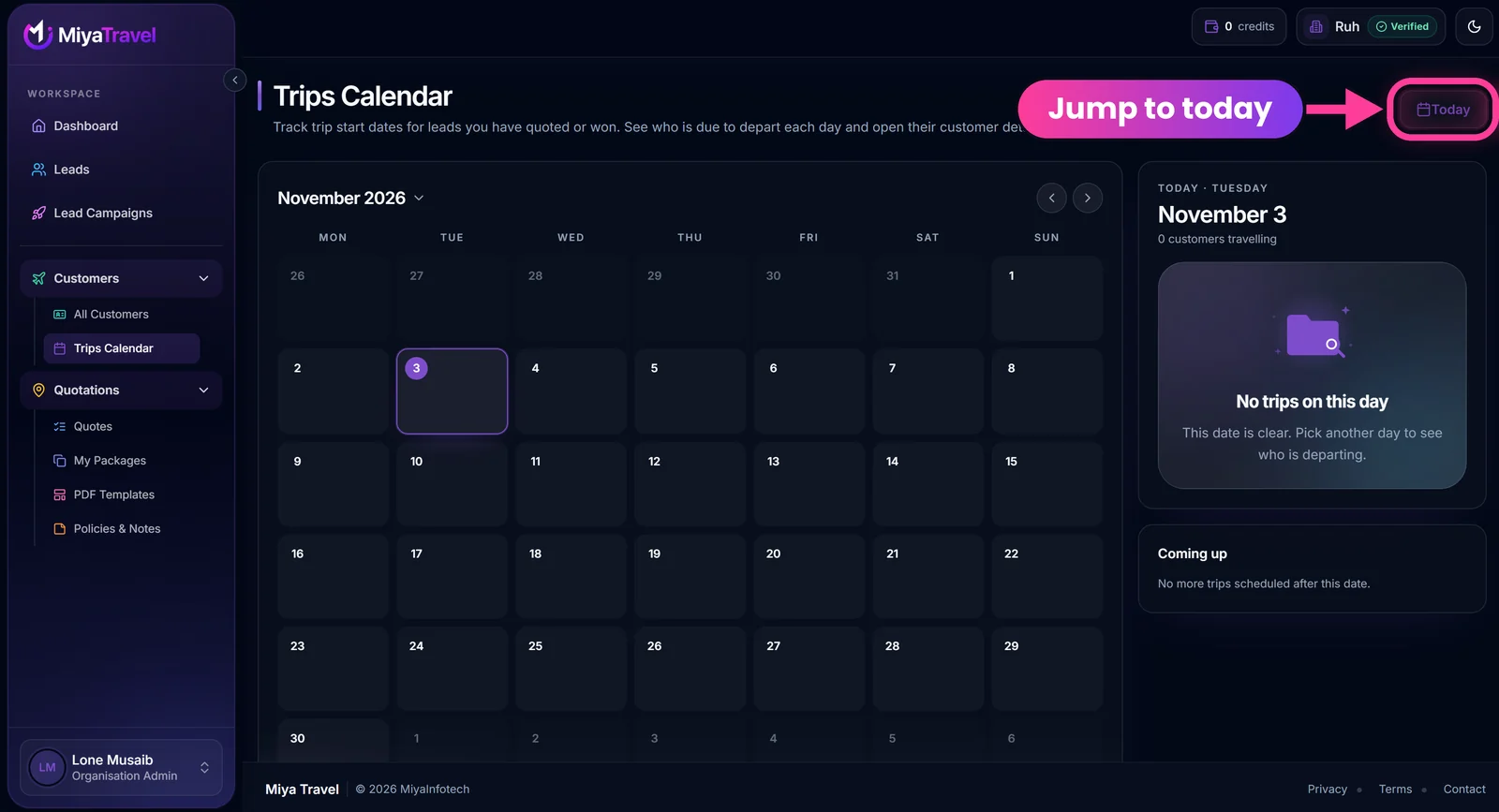
The side panel shows the selected date and how many customers are travelling that day. Below it, Coming up lists later departures, or says "No more trips scheduled after this date." when there are none.
The app fetches the selected month plus nearby months. A day with no trips shows "No trips on this day."
Note
A trip without the required customer link or start date will not appear on the calendar.
Frequently asked questions#
Why doesn't my trip show on the calendar?
The lead must be linked to a customer and have a trip start date.
Can agents use the calendar?
Yes, admins and agents can both use it, subject to premium access.
Last updated 3 November 2026. Written for travel agencies in India.Need help? support@miyatravel.com