
Quick start
Follow this checklist to go from a new account to your first sent quotation.
This page walks you through the shortest path to value. Each step links to a full guide.
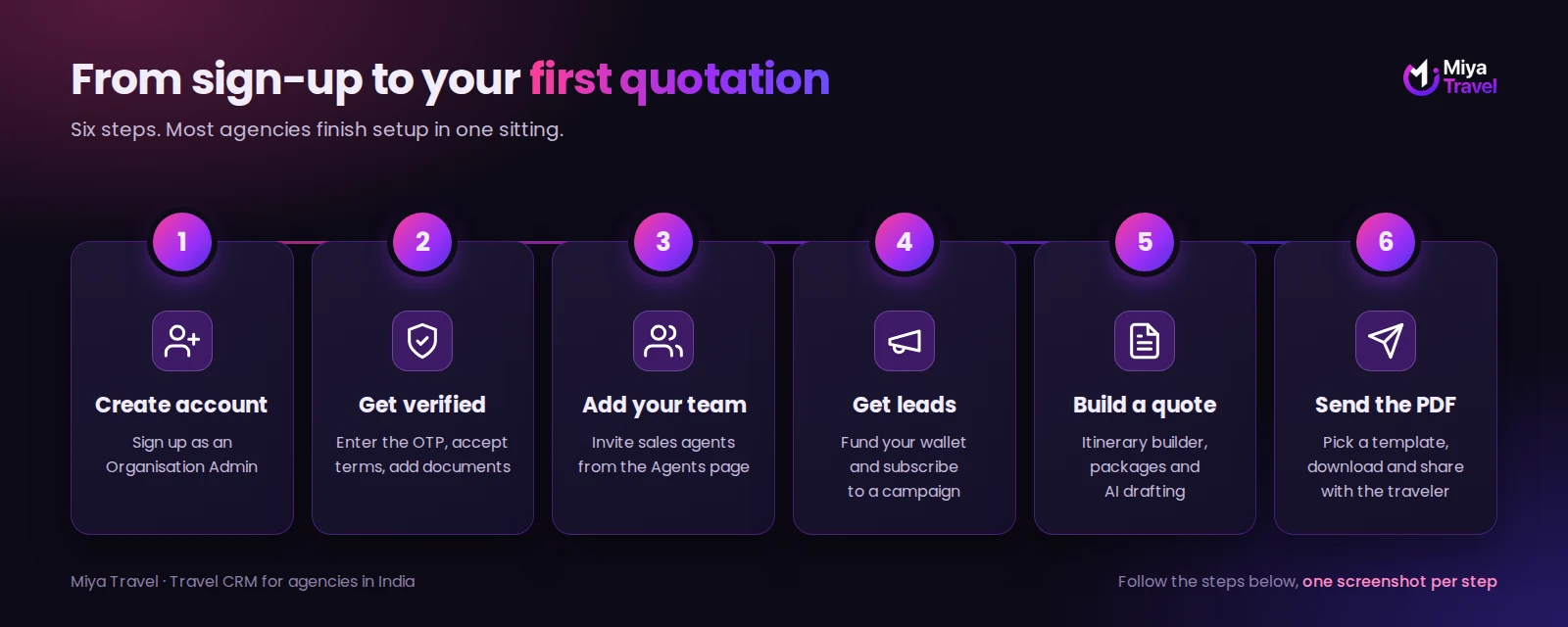
Set up your agency#
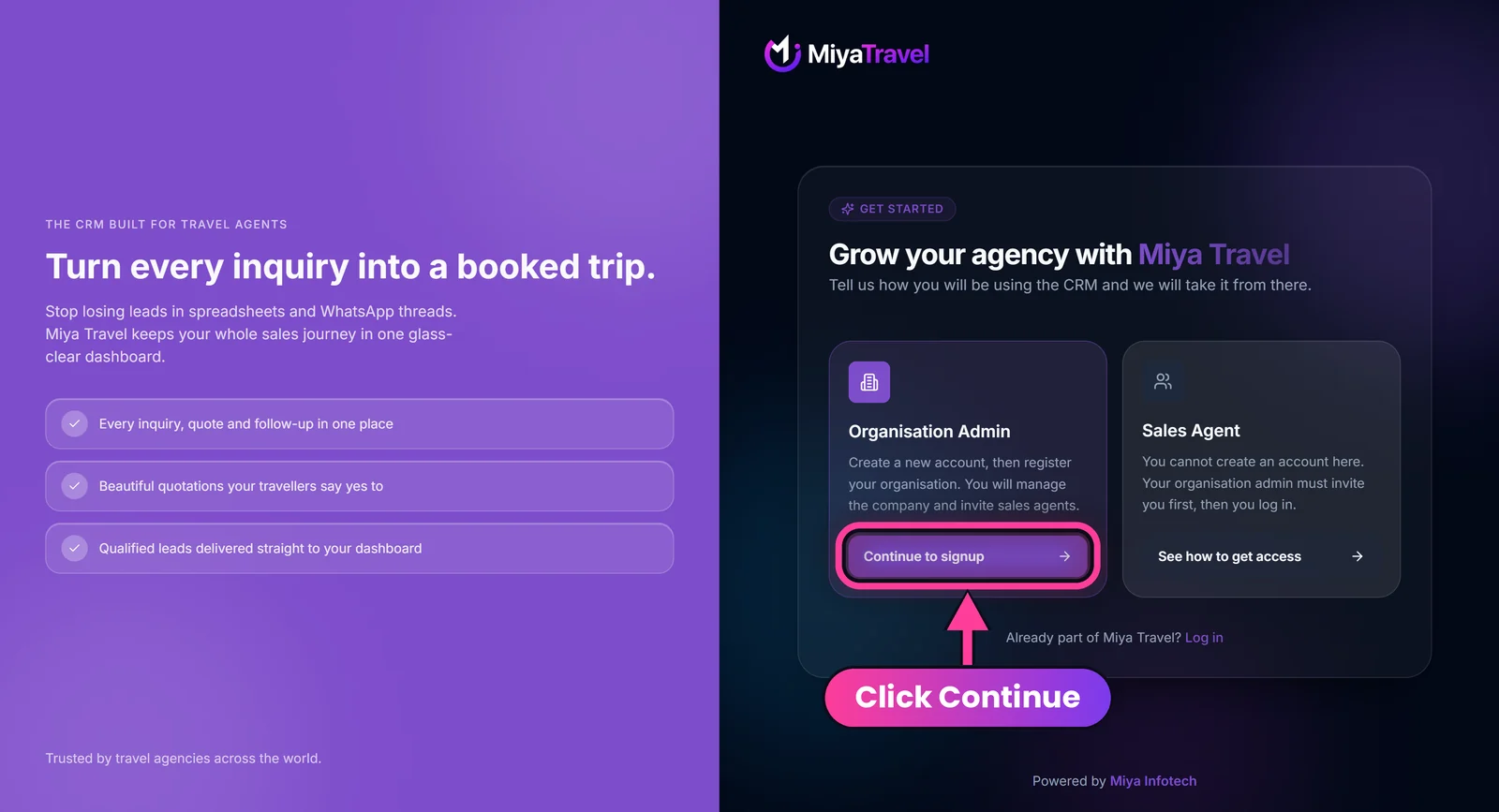
- Open agent.miyatravel.com/signup (or select Sign up now on miyatravel.com), choose Organisation Admin, select Continue to signup, and enter your name, work email and phone number with country code (for India,
+91). Select Send me a signup code. - Enter the six-digit one-time password (OTP) sent to your email and select Verify & create account.
- Fill in the agency form: company name, business type and full business address. GSTIN and social links are optional. See Sign up and onboarding.
- Read and accept the Terms and Conditions.
- Upload your verification documents and logo, or skip and do it later.
- Wait for the status to change to Approved. This normally takes 1 to 5 minutes.
- If the Start free trial button shows in the header, start your trial to unlock premium features. See Subscription and free trial.
Customers, quotes, packages, templates, policies and the trips calendar are premium features. They need an active subscription or trial.
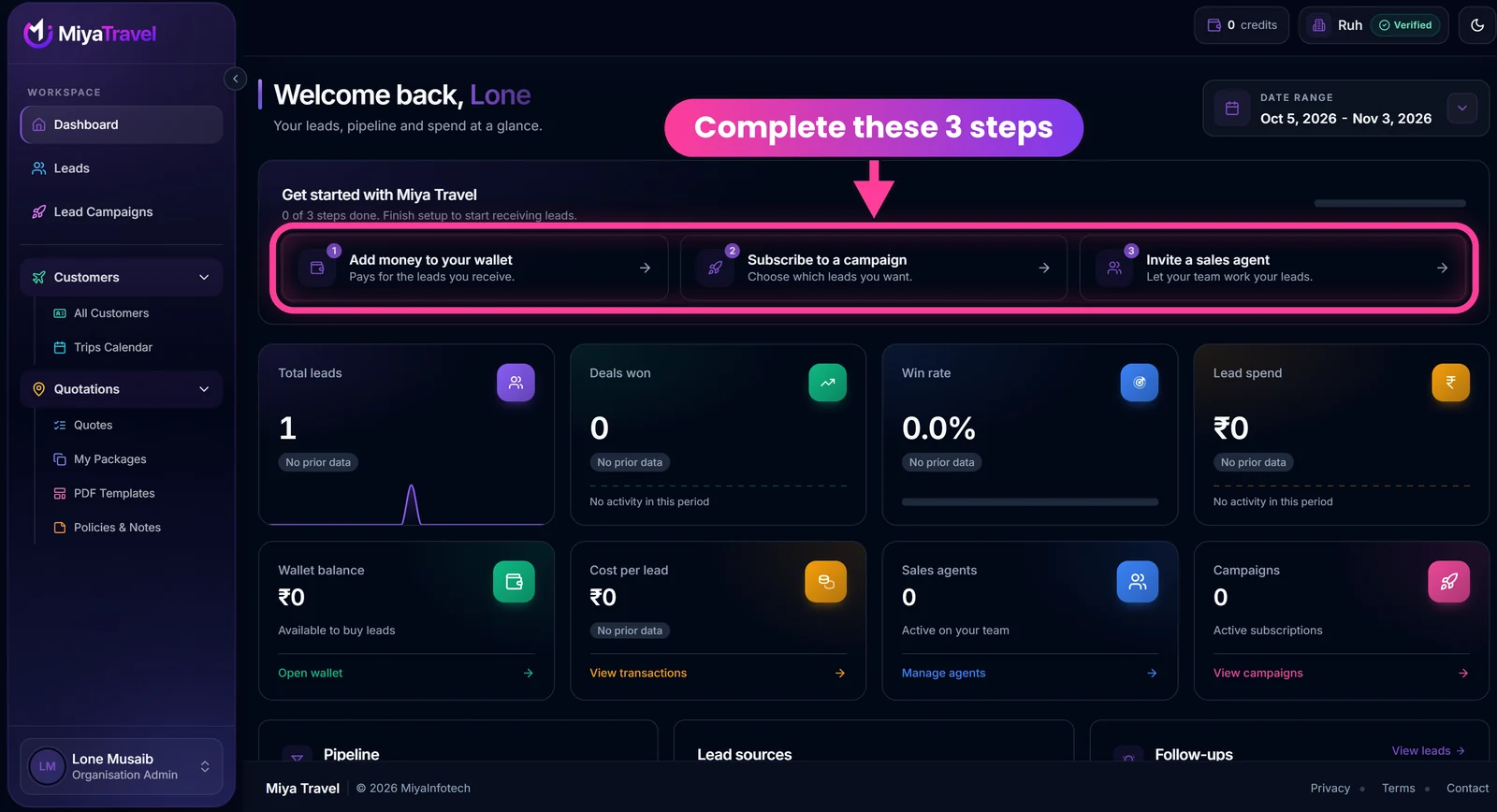
Follow the Get started card#
After onboarding, the dashboard shows a Get started with Miya Travel card with three steps and a progress bar: Add money to your wallet, Subscribe to a campaign and Invite a sales agent. Each step opens the right page, so you can finish setup in order.
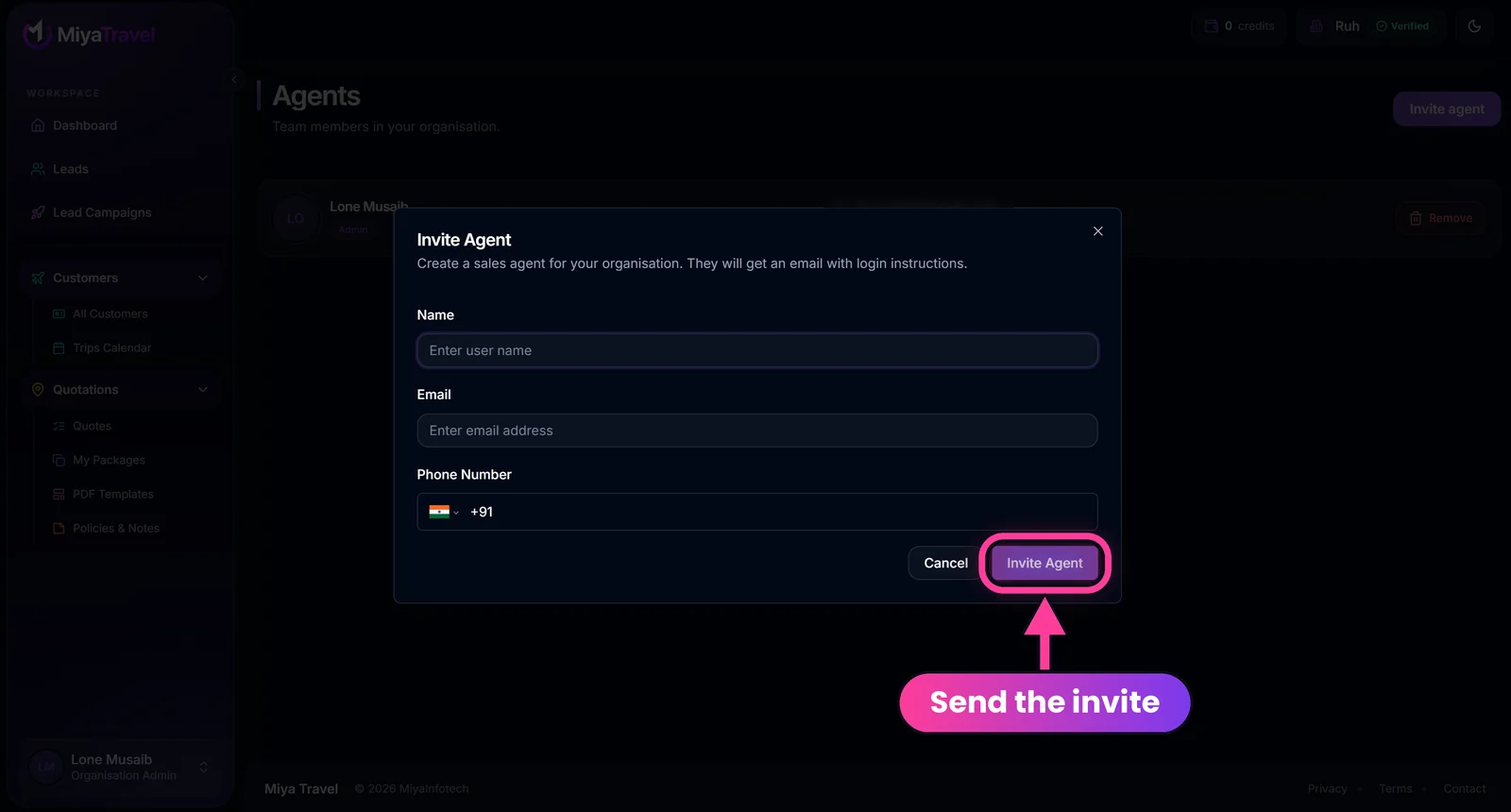
Add your team#
Open the account menu, go to Agents and select Invite Agent. Enter the agent's name, email and phone number. The agent then logs in with exactly those details. See Invite and manage agents.
Get your first lead#
You have two ways to start the pipeline:
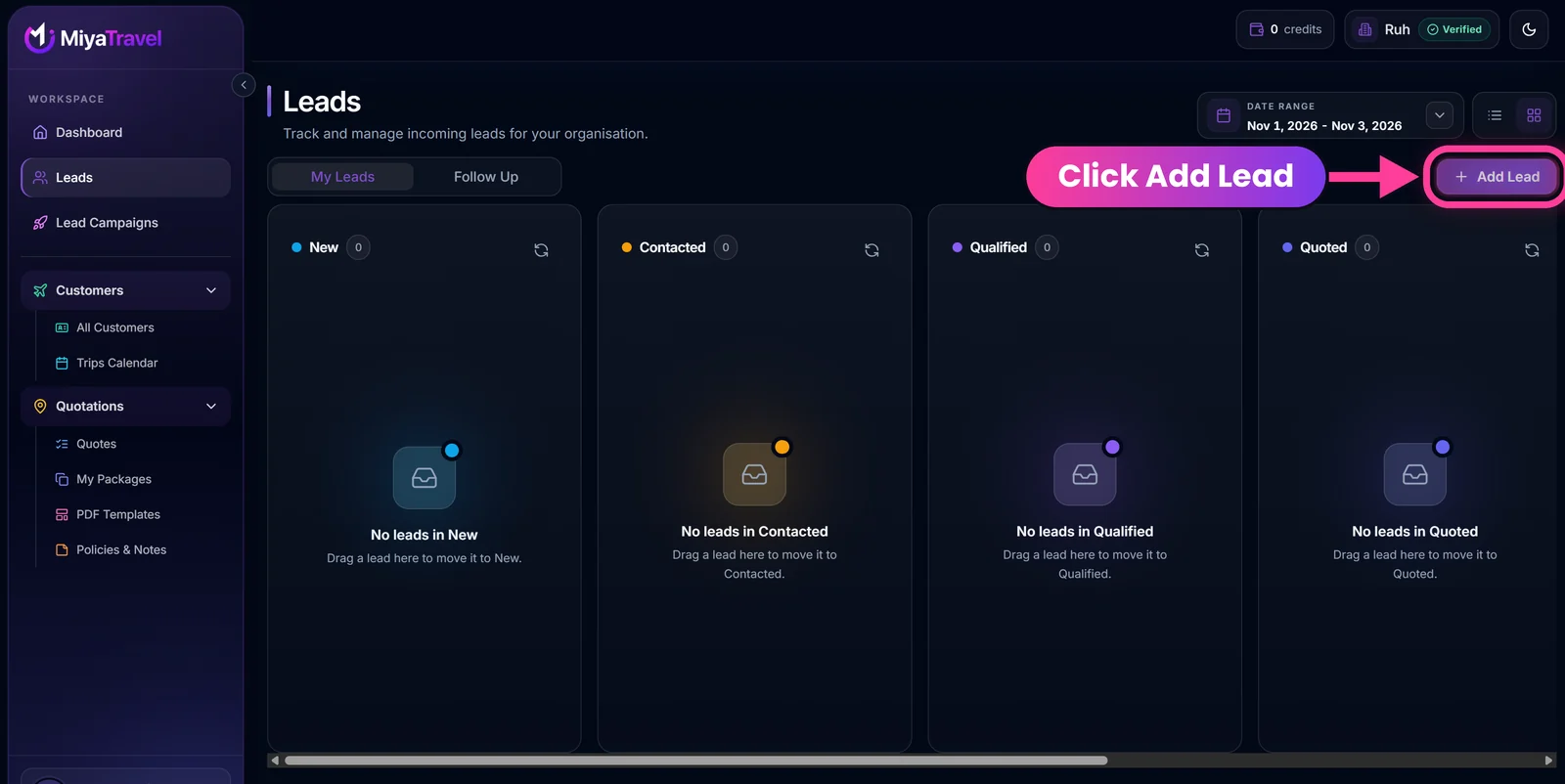
- Add a lead manually. Open Leads, select Add Lead, and enter the traveler's details. See Leads.
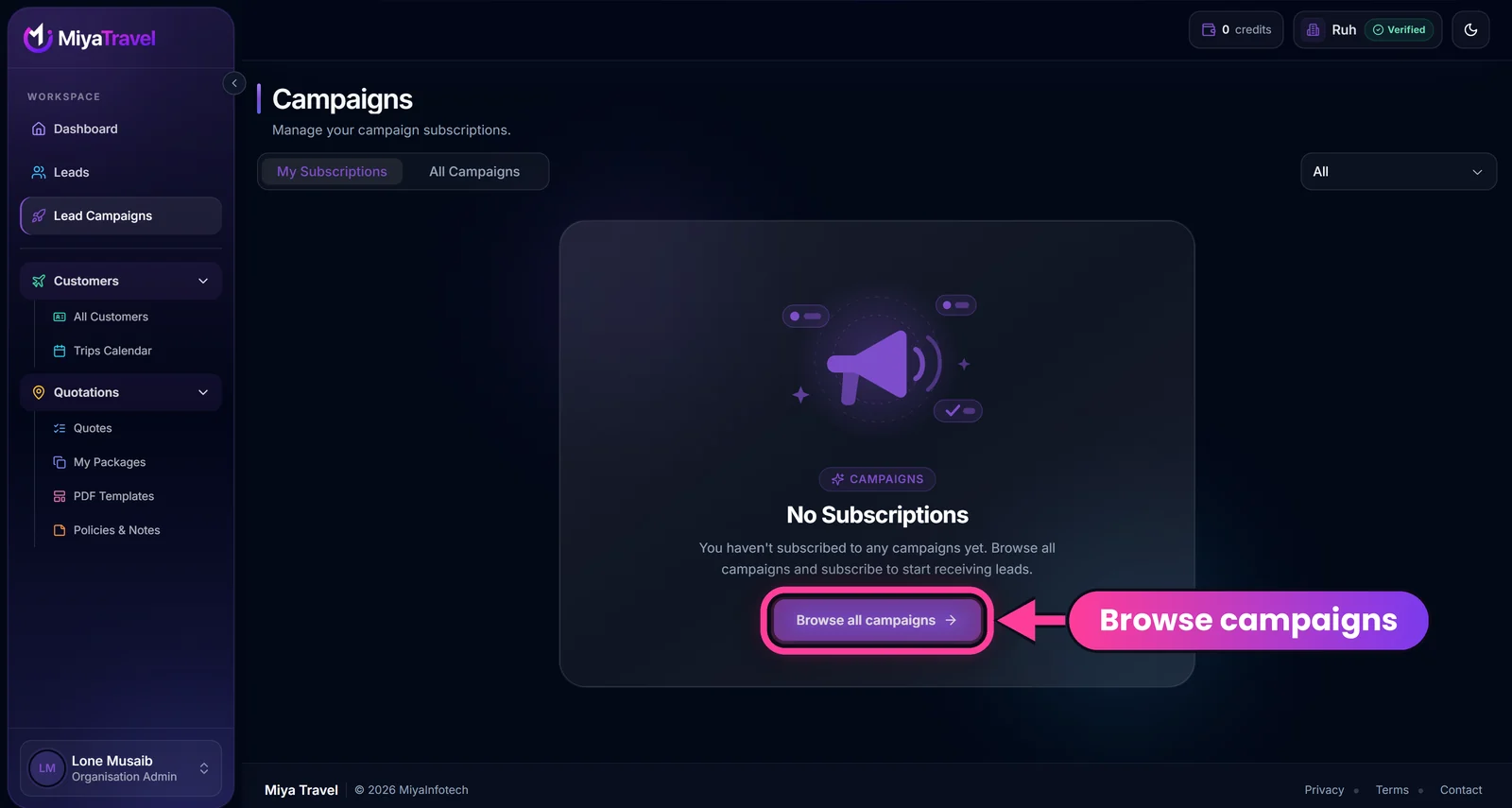
- Subscribe to a campaign. Open Lead Campaigns, choose a campaign and confirm. Leads from that campaign start arriving in your pipeline, and their cost is deducted from your wallet.
Send your first quotation#
- Open a lead and select Create quotation.
- Choose Create from scratch or Create using My Packages.
- Complete traveler details, travel details, day-wise itinerary, inclusions, exclusions and pricing. Use AI generation to draft the itinerary.
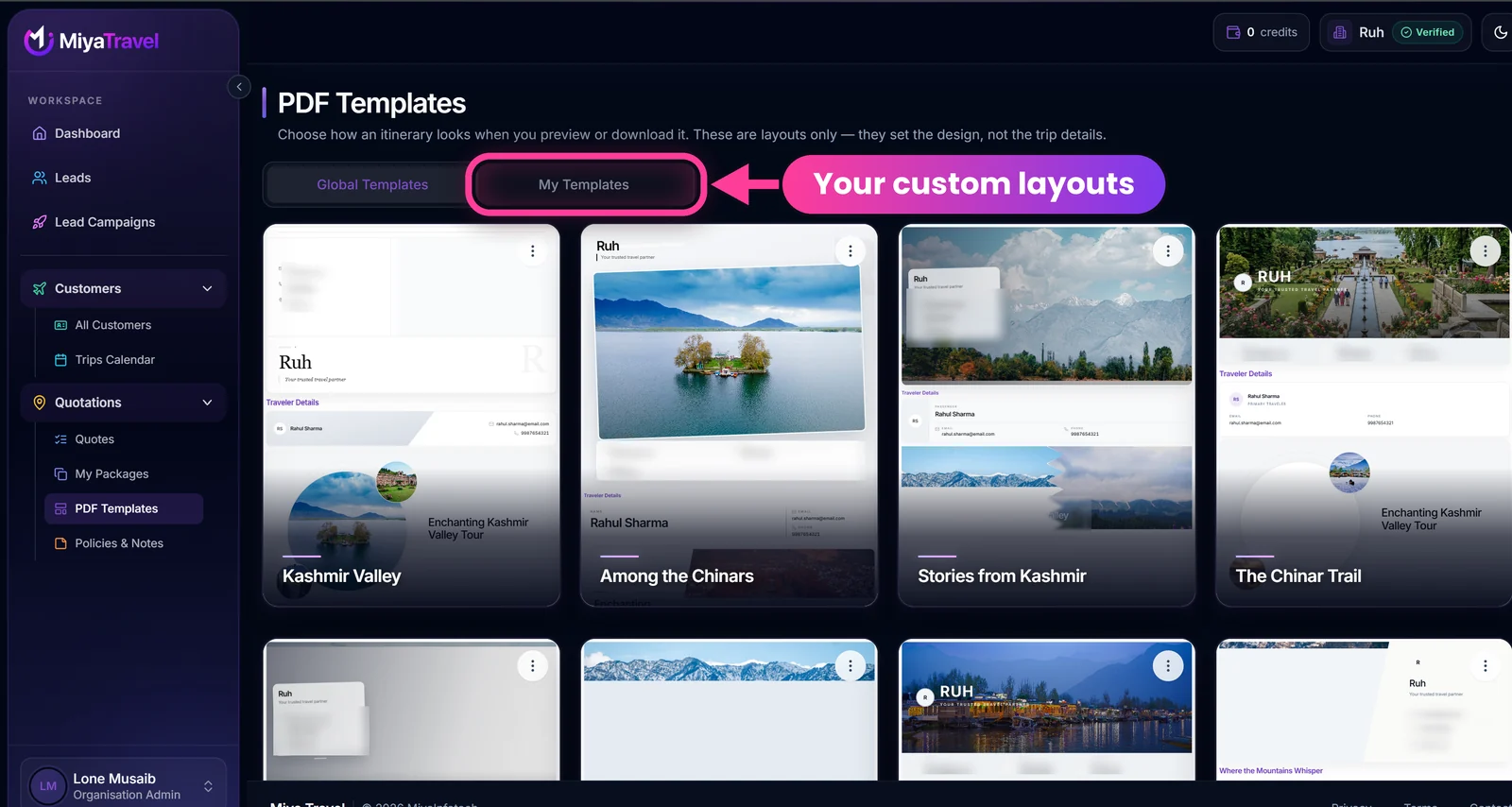
- Preview the quote with a PDF template.
- Download the PDF and send it to the traveler, then set the lead to Quoted.
Set up your reusable content once#
Save your standard policies, notes, inclusions, exclusions and additional services and keep your best trips in My Packages. Every future quote gets faster.
Save important quotations to the server early. Unfinished drafts live only in your current browser.
Frequently asked questions#
How long does setup take?
Account creation and onboarding take a few minutes. Verification normally shows as taking 1 to 5 minutes.
Do I need to upload documents to start?
Document upload is optional and can be skipped, then completed later from the onboarding documents page or the organisation profile.
Can my team use the same account?
Yes. Each sales agent gets their own login. Invite them from the Agents page as an organisation admin.
Where do I pay for lead campaigns?
Campaign leads are deducted from your wallet balance at the campaign's lead price. Add balance in rupees from the Wallet page. See Wallet and top-ups.