
My Packages
Your reusable itinerary library. Build a trip once and reuse it in every quotation.
My Packages is a premium feature. Packages are trip content, not PDF layouts. Visual layout is handled in PDF templates.
Your package library#
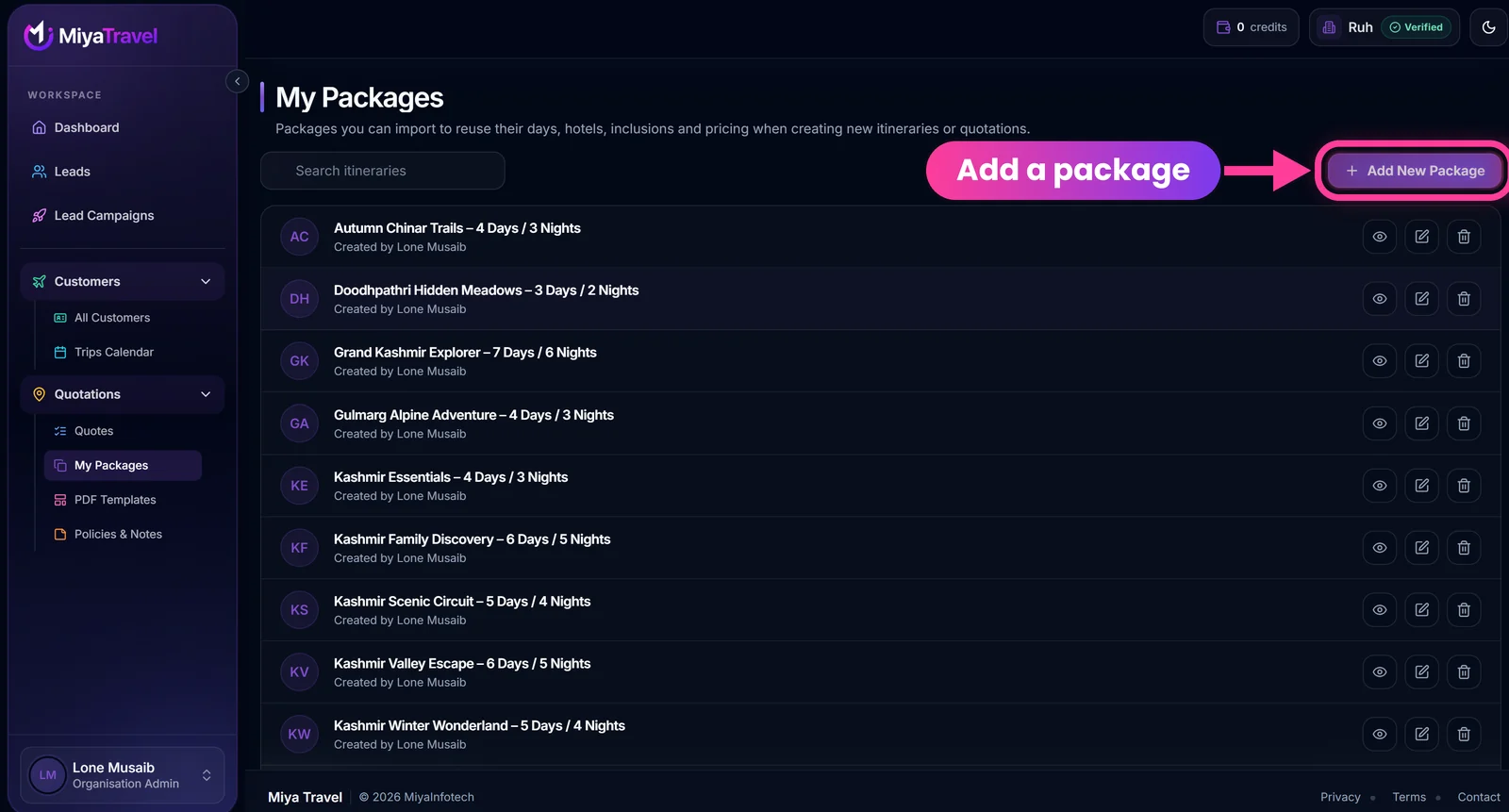
Each row shows the package name with its days and nights, and who created it. Use the search box (Search itineraries) to find a package. The three icons on the right of each row are view, edit and delete.
Create a package#
- Open My Packages.
- Select Add New Package.
- Complete the same trip-content builder used for quotes. Traveler linkage is not required.
- Enter a package name.
- Save.
Manage packages#
- Search packages with the Search itineraries box.
- View or preview a package.
- Edit package content.
- Delete a package after confirmation.
- Import a package into another package or into a quotation.
- Save a quotation as a package.
Use a package in a quote#
From a lead choose Create using My Packages, or inside the builder select Import from My Packages. Review the imported traveler, dates and pricing before sending. See Quotes and itineraries.
Frequently asked questions#
What is the difference between a package and a quote?
A package is reusable trip content with status Saved. A quote is linked to a lead or customer and has status Quoted.
Does a package include the PDF design?
No. The PDF layout comes from the template you pick at preview time.
Can I turn a finished quote into a package?
Yes. Use Save as package or Save to My Packages.