A good travel quotation format in Excel has a header, a day-wise plan, a price table per person, an inclusions and exclusions list and clear payment terms. Use formulas for totals and per-person prices, and keep one master file for each destination.
Many travel agents build their first quotations in Excel. It is familiar, free and flexible. The problem is consistency. Each agent creates a slightly different sheet, prices are calculated by hand, and a change to one hotel means editing several cells in several places. A travel quotation format in Excel that follows a clear structure fixes most of these problems, and it gives you a base to move to software later.
This guide shows the sections a quotation needs, the formulas that save time, and the mistakes that cause disputes after the client accepts.
The sections every quotation needs
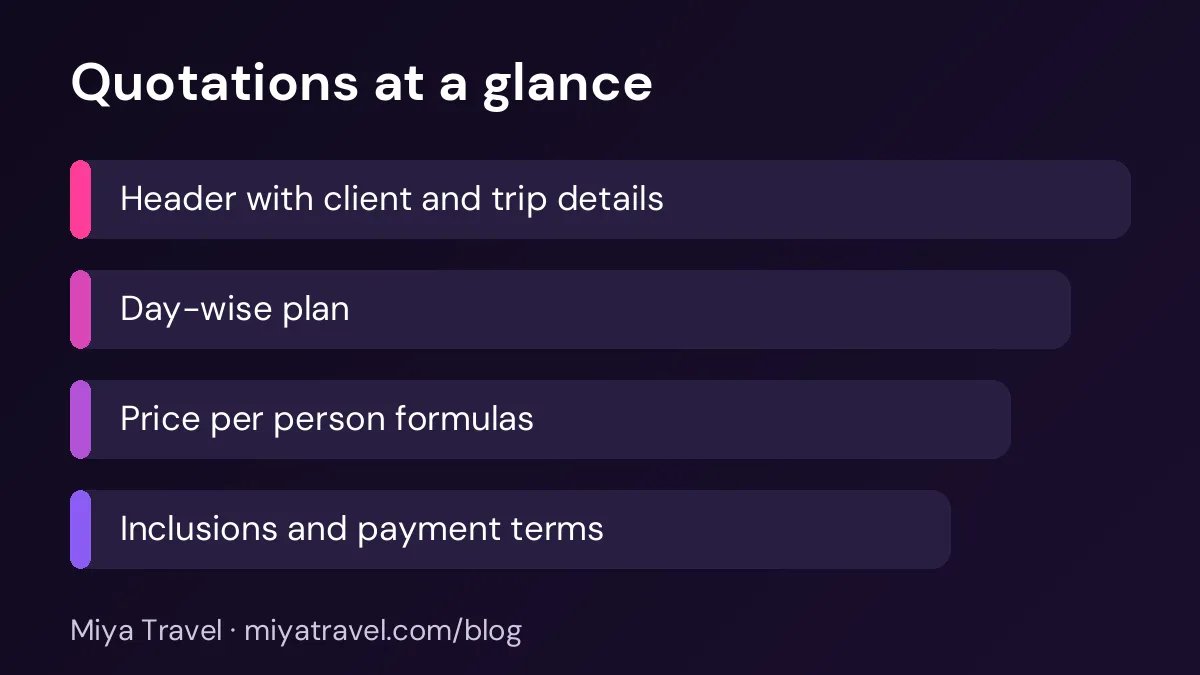
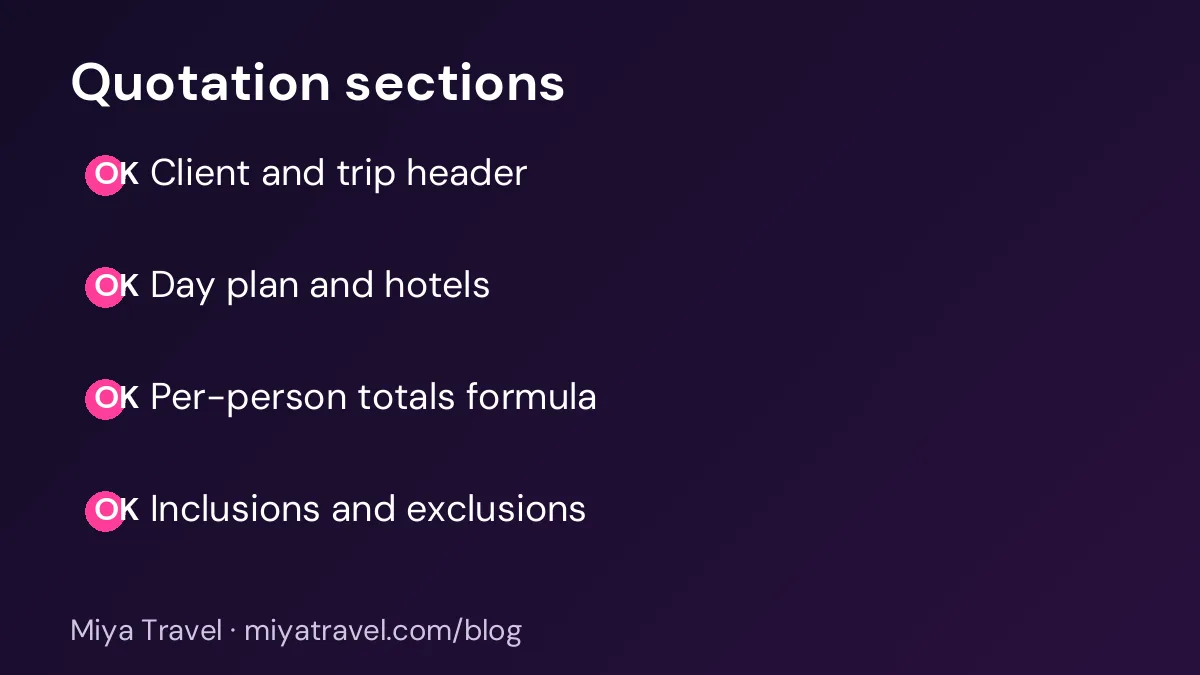
A travel quotation should read like a short contract. Start with a header that shows the agency name, the client name, the quotation date, the validity period and a quotation number. The quotation number helps you find the document later and link it to the lead.
Next, add a trip summary: destination, travel dates, number of nights, number of travellers and room type. This section lets the client check the basics in five seconds.
Then add the day-wise plan. Each row should contain the day, the city, the main activities, the hotel and the meal plan. Keep the text short and specific, the same way you would in an itinerary.
After the plan, add the price table. Show the cost per person for each item, the total for the group and the final price. Then add the inclusions, the exclusions, the payment terms and the cancellation policy. Finish with a line that says the quotation is valid until a specific date.
Setting up the price table
A clear price table makes the quotation easy to trust. Use one row for each item: accommodation, transport, sightseeing, meals, guide, entry tickets and any service charge. Use columns for the unit, the rate, the quantity and the total.
For accommodation, the formula is simple. If the room rate is in cell C5 and the number of nights is in cell D5, the total is =C5*D5. For transport, use the number of vehicles or days multiplied by the rate. Keep each formula in the same column so it is easy to check.
For the per-person price, divide the total by the number of travellers. If the total is in cell F12 and the number of travellers is in cell B3, use =F12/B3. Round the result to the nearest rupee, and state whether the price includes or excludes tax.
Lock the formula cells and leave only the input cells open. This prevents a staff member from overwriting a total by accident.
Handling GST and service charges
Many agencies add a service charge or GST to the quotation. Show each one as a separate line, not inside the item price. This makes the breakdown clear and avoids confusion when the client compares quotations.
The rate and the rule depend on the service you sell. Confirm the current treatment with your accountant before you finalise the format. Do not copy a rule from a forum or an old template without checking it.
Inclusions and exclusions that protect you
Inclusions and exclusions protect both the client and the agency. List what is covered, such as the hotel stay, the transfers, the guide and the sightseeing. List what is not covered, such as airfare, personal expenses, optional tours, tips, travel insurance and visa fees if they are not included.
Be specific. "Breakfast included" is clear. "Meals included" is not. "Airport transfer on arrival" is clear. "Transfer" is not. A short list with exact terms prevents most complaints later.
Payment terms and cancellation
Set the payment plan in the quotation. For example, an advance at confirmation, a second payment before a fixed date and the balance before departure. State the cancellation terms too, with the charges for each period before the trip.
Your cancellation terms should match the supplier terms. If a hotel charges a penalty for cancelling within seven days, your client penalty should cover that risk. Check the terms before you send the quotation.
Keeping one master file
Create one master Excel file for each destination you sell often. Include the day plan, hotels and typical prices. For each new client, copy the file and change only the dates, the hotel choices and the final prices. This keeps quality consistent and saves time.
Save each sent quotation with a clear name, such as the quotation number and the client name. Keep a folder for accepted quotations. When a client asks for a change, you can find the original quickly.
When Excel stops working
Excel works well for a few quotations a week. It starts to fail when the team grows, when the same client receives many versions or when you need reports on how many quotations were sent and accepted. At that point, the sheet is hard to share and the data is hard to track.
Watch for these signs: staff copy the wrong version, prices are updated in one file and not another, or the owner cannot see which quotations are open. These are signs that a quotation tool will save time.
Miya Travel includes quotations and itineraries as part of the sales workflow. The quotations and itineraries documentation explains how they connect to the lead. You can also read our travel quotation software guide when you are ready to compare options.
A sample layout you can copy
Start with the columns. Column A holds the item description, column B the unit, column C the rate, column D the quantity and column E the total. Keep these headings in row ten, so the price table starts in the same place in every master file. Use a light border around the table and a bold heading row.
Below the table, add the subtotal, any service charge, the tax line if applicable, and the final total. Then add a line for the per-person price, which divides the final total by the number of travellers. Keep these lines at the bottom, so the client sees the total first and the breakdown above it.
Use a separate sheet for rates. Store hotel rates, transport rates and guide fees in one table. When the rate changes, update it once, and let the quotation sheet pick up the new value with a lookup formula. This avoids the common error where a rate is changed in one quotation and forgotten in the others.
Common mistakes in Excel quotations
The first mistake is a total that does not match the sum of the items. Check the total every time. The second is a per-person price that uses the wrong number of travellers, for example after a family changes the group size. The third is a hotel name that differs from the supplier confirmation. The fourth is an old validity date that makes the price look current when it is not.
Review every quotation with a second person before you send it, at least until the team is confident. A two-minute review can save a dispute.
Protecting the quotation file
A master quotation file holds your prices, your inclusions and your terms, so it should be protected from accidental changes. Keep one locked master copy that only the owner can edit. Staff should work from a copy, and the copy should be saved with the client's name and the date. This keeps the master clean and makes it easy to find the version sent to any client.
Use version numbers in file names. A name such as the client name, the destination, the date and version 2 tells you which quotation is current without opening the file. When a client asks for a change, save a new version rather than overwriting the old one. The earlier versions are the record of what was offered.
Remove personal data from the master file. The master should hold templates and rates, not client names, phone numbers or passport details. Client-specific information belongs in the copy, which can be deleted or archived according to your data policy.
Checking the quotation before it is sent
A short checklist before sending prevents most quotation errors. Check the client name and the number of travellers. Check the dates and the number of nights. Check each hotel name against the rate sheet, and check the price per person against the total. Check that the validity date is correct and that the terms match the destination.
Ask a second person to read the quotation once a week during the busy season. A fresh read catches errors that the author has stopped seeing, such as a day that is missing or a hotel that has changed. A two-minute review is one of the cheapest forms of quality control an agency can use.
Frequently asked questions
What should a travel quotation include?
A header with the agency and client details, a trip summary, a day-wise plan, a price table per person, inclusions and exclusions, payment terms, cancellation terms and a validity date.
How do I calculate the price per person in Excel?
Add all item totals to get the group total, then divide by the number of travellers. Use a formula such as =F12/B3 and round the result to the nearest rupee.
Should GST appear on the quotation?
Show GST or service charges as separate lines, following the treatment your accountant confirms for your service. Do not hide them inside the item prices.
Can I reuse a quotation for another client?
Yes, if you copy a master file and change the dates, hotels, travellers and prices. Always check every number before you send it.
When should I move from Excel to quotation software?
When several staff members share quotations, when versions get mixed up or when you want reports on quotations sent and accepted.