
Excel works for a small travel agency at the start, but it becomes hard to share and easy to break as enquiries grow. Move to a dedicated travel tool when staff share leads, when versions get mixed up or when you need reports. Switch in stages, starting with leads.
Excel is a good place to start. Almost every travel agent knows how to use it, it costs nothing and it can hold a list of leads, a day-wise plan and a price sheet. Many successful agencies began with a single workbook. The problem arrives later, when the agency has five staff members, two hundred open enquiries and a client who asks why the price changed three times. At that point, an alternative to Excel for a travel agency is no longer a luxury. It is part of running the business.
This guide explains when to make the move, what to check before you switch and how to move your data in stages so that nothing is lost.
Why Excel works at first
A spreadsheet is flexible. You can add a column for a new field, change a formula or sort the list by destination in seconds. There is no setup, no training and no monthly fee. For a solo agent or a team of two, that flexibility is valuable.
The strength of Excel is also its weakness. Anyone can change anything. A formula can be overwritten, a row can be deleted by mistake and two people can edit the same file in different copies. As the team grows, these small risks add up.
Signs that Excel has become a problem
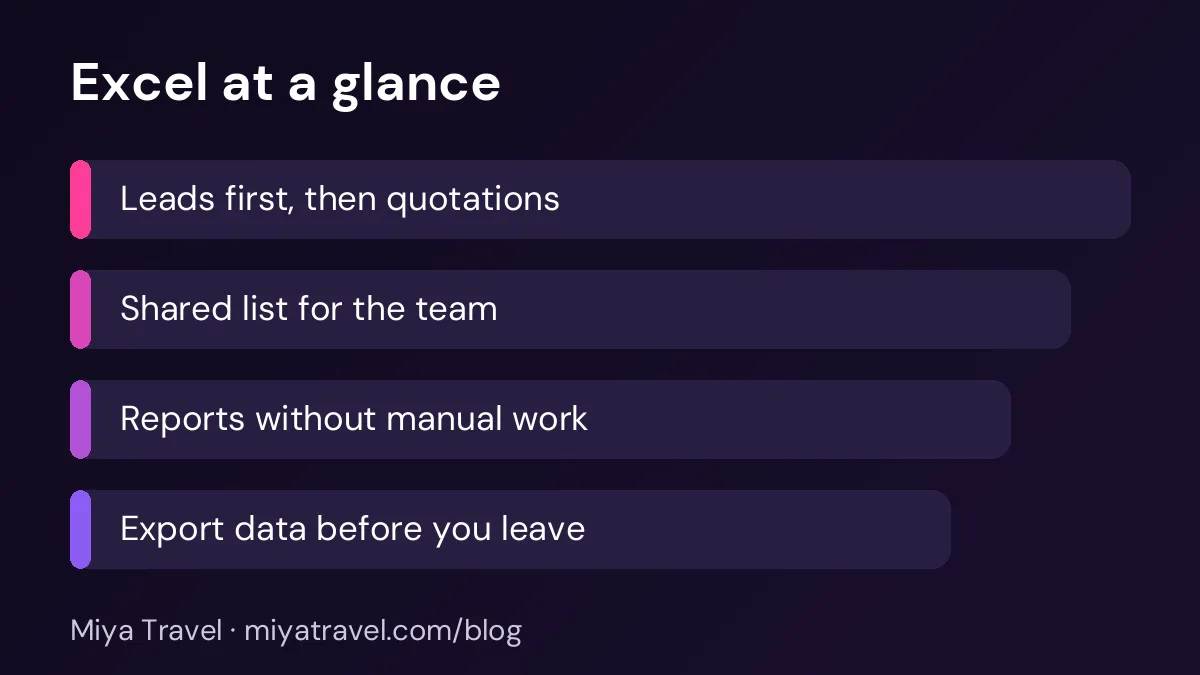
Watch for a few clear signals. The first is that staff send the file by email or WhatsApp and nobody knows which version is current. The second is that the owner cannot see the status of leads without asking each person. The third is that follow-ups are missed because the reminder lives in someone's head. The fourth is that monthly reports take a full day to prepare by hand.
If you see two or more of these signs, the spreadsheet is slowing the business. It is time to plan the move.
What a dedicated tool should give you
A tool built for travel should give each staff member a clear view of their own leads, and give the owner a view of the whole team. It should keep customers, quotations and itineraries linked to the lead, so that the history is never split across files.
It should also provide reminders for follow-ups and simple reports on leads, quotations and bookings. These reports replace the hours of manual counting that most agencies do each month.
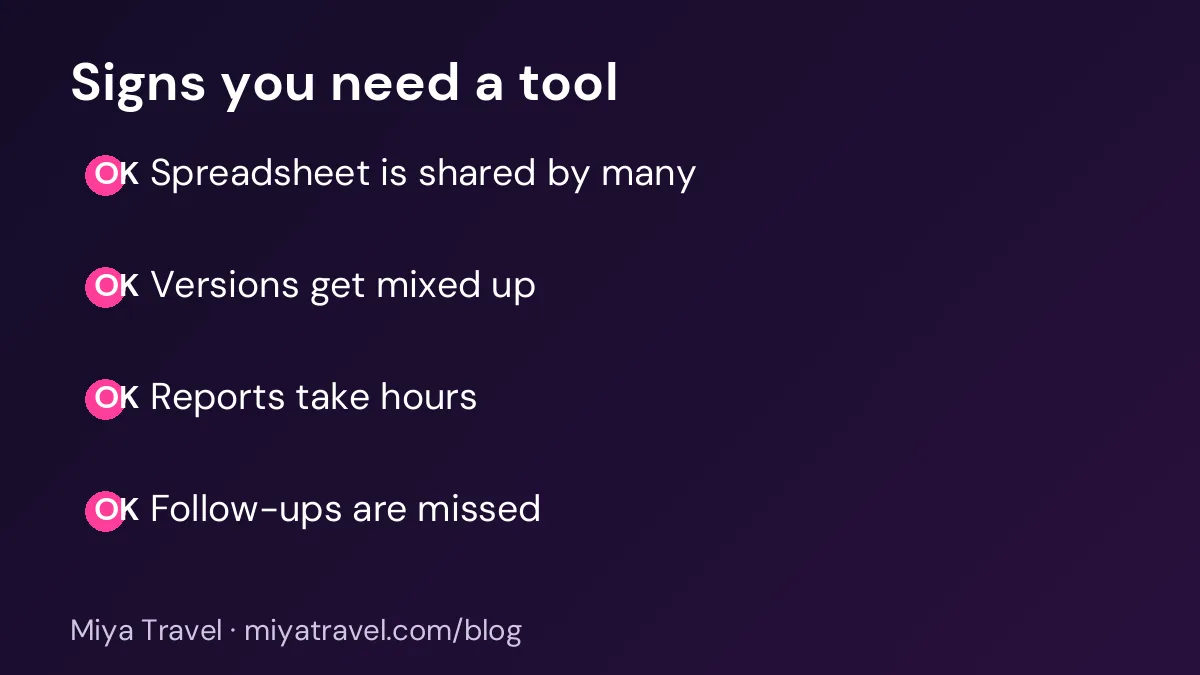
Finally, it should let you export your data. You should never be locked in. If you decide to change tools later, you need a clean copy of your leads and customers.
A staged switch that avoids disruption
Do not switch everything on one day. Move in three stages over about four weeks.
In the first week, move only the open leads. Enter them into the new tool with their status, owner and next follow-up date. Keep the spreadsheet open but mark it as read-only for new entries. Your team now works in the tool for all new enquiries.
In the second week, move the customers and the recent quotations. Link each quotation to its lead. Check that the customer phone numbers and names are correct, because duplicates cause confusion later.
In the third week, move the historical data you need for reports. You do not need every old row. Keep the spreadsheet as an archive, and move only what you will use.
In the fourth week, stop using the spreadsheet for daily work. Keep it for reference only, and review it once a month until you are sure nothing is missing.
Cleaning your data before the move
A spreadsheet often contains duplicates, blank phone numbers and inconsistent destination names. Clean the list before you import it. Remove duplicates by phone number, standardise destination names and check that each lead has an owner.
Spend an hour on this step. Dirty data in a new tool creates the same problems you had in Excel, and the team will lose trust in the system quickly.
Training the team
Train the team together for one hour, not individually over several days. Show them how to add a lead, change its status, create a quotation and set a follow-up. Ask each person to add one real lead during the session.
Then set one rule for the first month: every new enquiry goes into the tool, never into a spreadsheet. Check this rule in the morning meeting. Small reminders in the first month are what make the change stick.
Keep the spreadsheet open for the first two weeks. If you need to check an old figure, you can look at it without going back to daily use.
Keeping staff motivated during the change
People resist a change when they do not see the benefit. Explain the switch in terms of their own work. A staff member who spends an hour each Friday finding a lead in a spreadsheet will value a search that takes five seconds. A staff member who worries about missing a follow-up will value a reminder that appears on their screen.
Ask the team which part of their current work they dislike most, then show how the tool helps with that part first. Early wins build trust. If the team sees that the tool removes a frustration, they will use it without being told.
Be honest about what will be harder at first. The first week may feel slower because everyone is learning. Say so, and set a date when you will review how the change is going. A clear end date for the trial period makes the change feel manageable.
Common mistakes when leaving Excel
The first mistake is trying to move everything at once. The second is keeping two systems for the same leads, which causes confusion. The third is not checking the data after the import. The fourth is letting one person do all the work while the rest of the team continues with the spreadsheet.
Another common mistake is choosing a tool with too many features. A small team needs leads, quotations and follow-ups. A complex tool with fifty features will slow down the switch.
What to keep from Excel
Some Excel habits are worth keeping. A clear naming convention for files, a standard list of destinations and a consistent price table all help the new tool work better. Use the same stage names in the tool that you used in the spreadsheet, so that the team does not have to relearn the process.
Keep one monthly summary sheet, even after the move, if your accountant needs it. The point is to stop using the sheet for daily work, not to delete every spreadsheet.
Miya Travel as an option
Miya Travel is a travel CRM with leads, customers, quotations, itineraries and team roles. Many agencies start by moving leads and quotations first, then add the rest. You can read the documentation to see how leads and quotations work, and you can test the tool with a few of your own leads before you move everything.
Whatever tool you choose, use the staged plan above. A calm switch protects your bookings and your team's confidence.
Keeping one source of truth during the move
During the switch, the most dangerous period is when both the spreadsheet and the new tool are in use. A lead updated in one place but not the other creates confusion, and the team loses trust in both. Decide a clear cut-off date for each type of data. After that date, the spreadsheet is read-only, and all updates happen in the new tool.
Tell the team the cut-off date in writing, and remind them each morning during the first two weeks. If a staff member accidentally updates the spreadsheet, correct it quickly and explain the rule again. Consistency in the first month matters more than any single feature.
Keep a short log of what was moved on each date. The log shows the progress of the switch, and it helps you answer questions such as whether a particular customer or quotation was moved. Once the switch is complete, the log becomes part of the archive.
Measuring the benefit of the switch
After the switch, measure whether it helped. Compare the time taken to create a quotation before and after, the number of leads missed in a month, the time spent on monthly reports and the number of data errors found in a sample. These numbers show whether the switch was worth the effort.
Ask the team the same questions before and after the switch. How long does it take to find a client's history? How confident are you that the follow-up list is complete? How much time do you spend on reports? Simple scores from one to five show progress clearly.
Share the results with the team. When people see that the switch saved time and reduced mistakes, they are more likely to keep using the tool and to suggest improvements.
Frequently asked questions
When should a travel agency stop using Excel?
When staff share the file and versions get mixed up, when follow-ups are missed or when reports take hours to prepare. Two or more of these signs are a clear signal.
Can I keep Excel for reports after I switch?
Yes. Many agencies export a monthly summary from the tool and keep it in Excel for the accountant. The daily work moves to the tool.
How long does the switch take?
A staged switch usually takes about four weeks for a small agency. Larger teams may need longer, especially if they have years of customer history.
What should I do with old spreadsheets?
Keep them as an archive for at least one financial year. Stop editing them for daily work once the move is complete.
Will my team resist the change?
They may at first. A short training session, one rule for new enquiries and a daily review in the first month usually settle the change within two weeks.