
A simple, easy-to-use CRM beats a powerful one nobody opens. Look for lead records, a clear pipeline, reminders and reports, and skip advanced automation until you need it.
Small teams do not fail at CRM because the software lacks features. They fail because nobody opens it. A simple CRM that fits in your day beats a powerful one that sits unused. This guide shows how to pick the best CRM for small business teams that want speed and clarity.
What is a simple CRM?
A simple CRM, sometimes called a basic CRM or easy CRM, does four things well: it stores contacts, tracks each deal through stages, reminds you to follow up, and shows you what is open. It leaves out complex automation, scoring and custom code. For many teams, that is exactly right.
Why an easy to use CRM wins
- Adoption. An easy to use CRM gets used. Data gets entered. Reports become trustworthy.
- Fast setup. You should be live the same day.
- Low training cost. New hires pick it up in an hour.
- Lower price. You do not pay for features you never touch.
Simple CRM software: must-have features
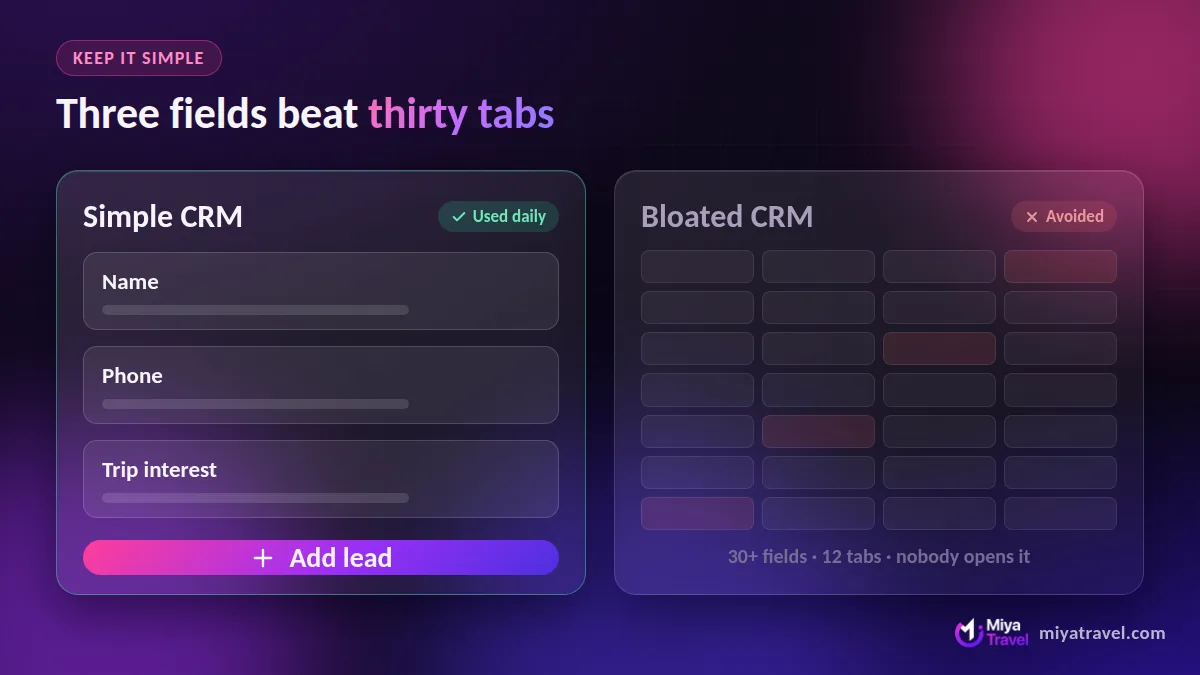
- Lead and customer records with notes.
- A pipeline with clear stages.
- Follow-up reminders.
- Simple reports.
- Team access with permissions.
That is the core of any simple CRM software or basic CRM software option. Anything else is optional.
Features you can skip at first
- Advanced marketing automation.
- Lead scoring models.
- Custom objects and scripting.
- Many third-party integrations.
CRM systems for small business: what to compare
When you compare crm systems for small business needs, and the best crm system for small business teams, ask: how many clicks to add a lead? How many to log a follow-up? How many to see today’s task list? If any answer is high, move on. The same logic applies to crm software for small businesses, crm tools for small business, best crm software for small businesses and every simple CRM for small business option you test.
A simple CRM for service businesses
Service businesses need one more thing: a place to create and track quotations. A simple CRM for an agency that cannot produce a quote is only half useful. That is why industry-specific tools work well: Miya Travel keeps the pipeline simple and adds quotations and itineraries, so a small travel agency runs the whole sale in one place. See travel CRM software for details.
Best simple CRM: a quick test
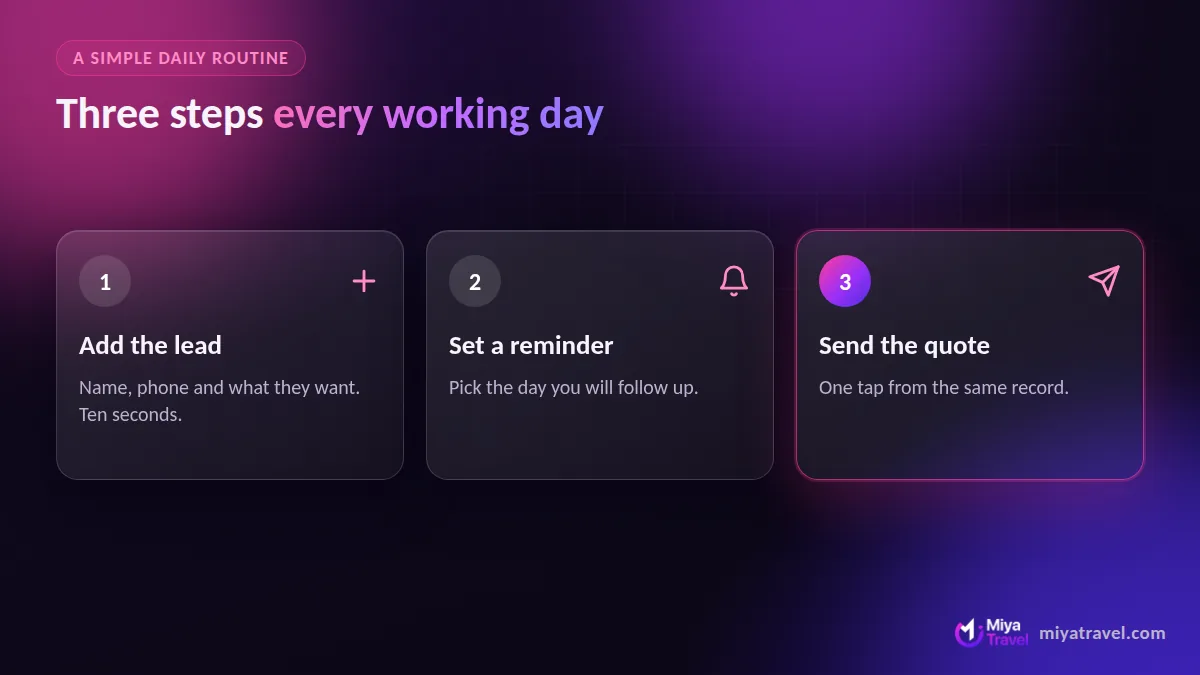
To find the best simple CRM for you, give three tools the same task: add five leads, move two through the pipeline, set one reminder. Time it. The fastest one that also covers your needs wins.
If you cannot explain your CRM to a new teammate in ten minutes, it is too complicated for a small business.
Growing out of simple
You may eventually need more. Pick a tool with an upgrade path, not a dead end. Read the best CRM software in India guide when you are ready to compare bigger platforms, or the free CRM guide if budget matters most.
Frequently asked questions
What is the easiest CRM to use?
The easiest CRM is one with a short list of features, a clear pipeline and a fast mobile or web interface. Test with a real task before you choose.
What is a basic CRM?
A basic CRM stores contacts, tracks deals through stages and sets reminders, without complex automation.
Do small businesses need a CRM?
Yes, once inquiries or customers outgrow a spreadsheet. A CRM prevents lost leads and missed follow-ups.
Is there a simple CRM for travel agencies?
Yes. Miya Travel keeps the pipeline simple and adds quotations and itineraries for travel businesses.