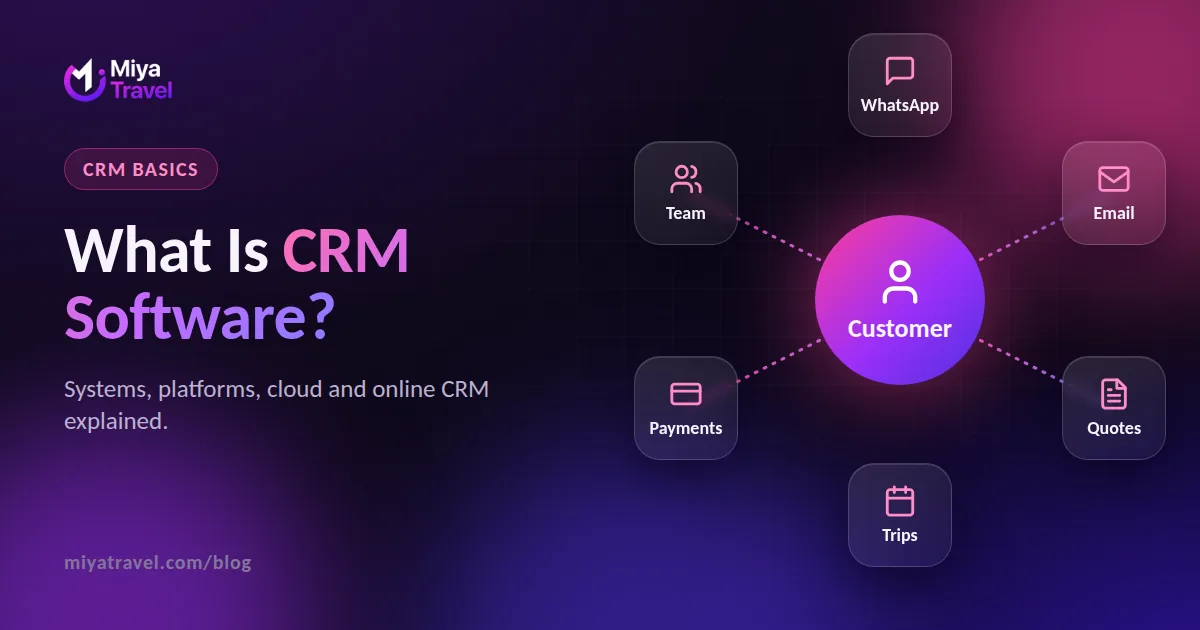
CRM software stores every customer and lead interaction in one shared place with statuses, reminders and reports. Cloud and online CRMs run in your browser, and industry CRMs add features for your trade.
CRM stands for customer relationship management. CRM software is a tool that stores everything your business knows about its customers and prospects: who they are, what they asked for, what you offered and what happens next. This guide explains the idea without jargon.
What is CRM management?
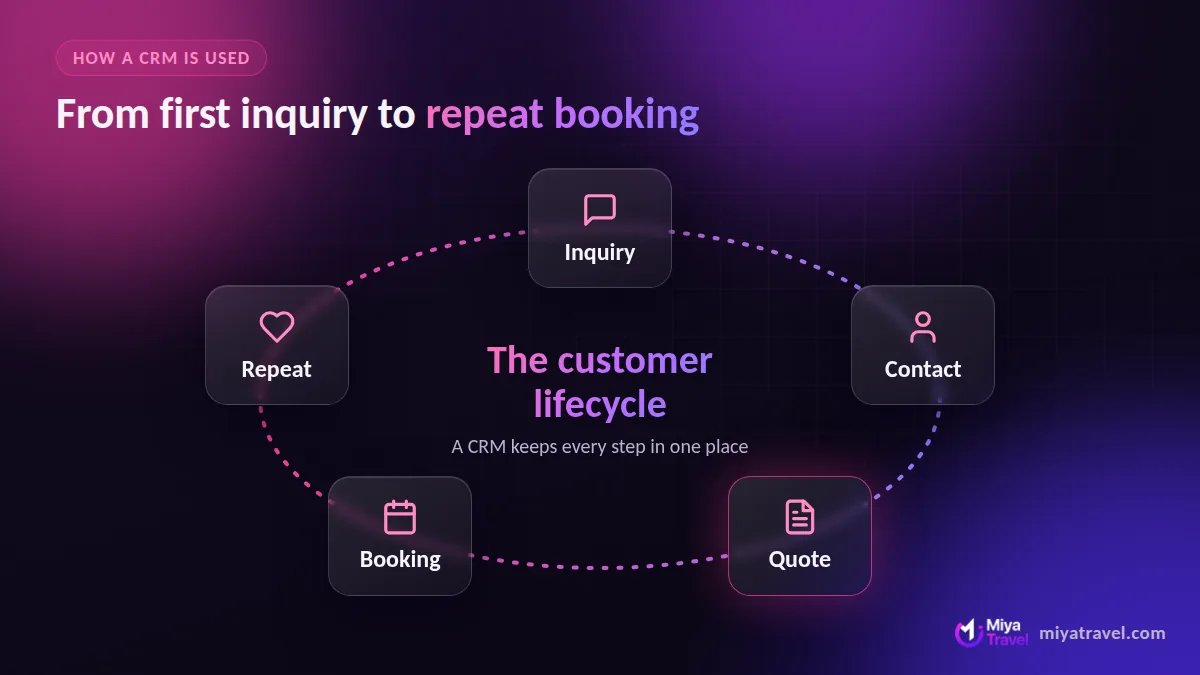
CRM management is the habit of recording every customer interaction in one shared place instead of in personal inboxes, notebooks and chat threads. A CRM management system or CRM management software makes that habit easy. The result is that anyone on the team can pick up any conversation.
The core features of a CRM system
- Contact and customer records. Names, phone numbers, emails and history.
- Lead tracking. Each prospect has a status that shows how far along they are.
- Tasks and reminders. Never forget a follow-up.
- Notes and communication history. Context for the next conversation.
- Reports. What is working and what is stuck.
Any CRM system software package is built on these. Beyond them you will find marketing automation, support desks and integrations.
Types of CRM
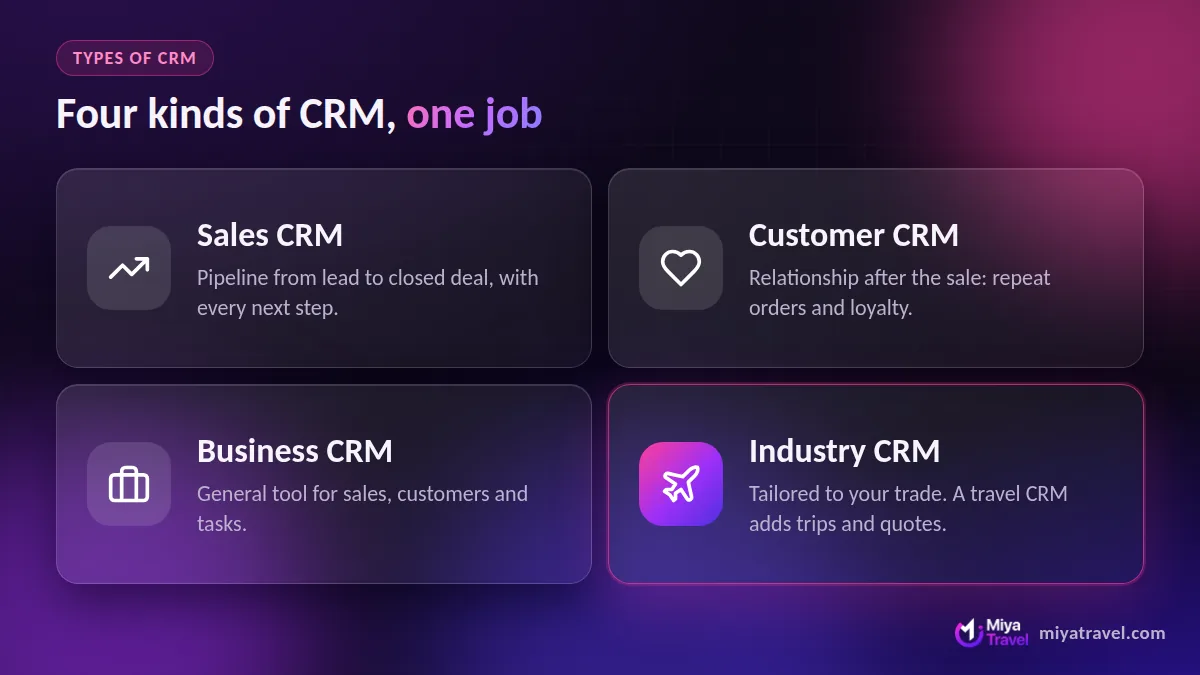
Sales CRM
A sales CRM focuses on the pipeline from lead to closed deal. Sales CRM software and sales CRM systems are built for teams that need to see every deal and every next step. See our sales CRM guide.
Customer CRM
A customer CRM or customer CRM software product emphasises the relationship after the sale: repeat orders, support and loyalty.
Business CRM
A business CRM is a general tool covering sales, customers and tasks for small and mid-size companies.
Industry and agency CRM
An agency CRM is tailored to service agencies that sell projects or packages. A travel CRM is one example: it adds trips, quotations and itineraries.
CRM cloud, online CRM and CRM app
CRM cloud products run on the vendor’s servers and you open them in a browser. An online CRM is the same thing, as is a CRM online tool. A CRM application or CRM app may also include a mobile version. Cloud CRM is the default today because it needs no installation and works from any device.
CRM platform vs CRM tool vs CRM solution
These words are used loosely. A CRM platform is usually broader, with marketing, sales and service modules. CRM tools and CRM solutions can mean anything from a lightweight contact manager to a full suite. A CRM product is whatever the vendor sells; CRM packages are its pricing tiers. Focus on what a tier includes.
Customer management software and systems
Reviews of the best customer management software and online CRM systems compare the same core features. Customer management software, a customer management system and client management system are everyday names for the same thing. The label changes by industry: consultants say client, retailers say customer.
Examples of CRM software
General examples include Zoho CRM, HubSpot CRM, Salesforce and Pipedrive. Industry examples include Miya Travel for travel agencies. For a fuller shortlist, read best CRM software in India. You can also browse our CRM software hub.
Do you need a CRM?
You need one when any of these are true: leads go cold because nobody follows up, the same customer is entered in several places, your team asks “who is handling this?” daily, or you cannot say how many deals are open. If you recognise two or more, start with a simple CRM.
Frequently asked questions
What is CRM software in simple words?
It is software that keeps all your customer and lead information, conversations and follow-ups in one shared place.
What is the difference between CRM and a spreadsheet?
A CRM adds pipeline stages, reminders, history and team access, which spreadsheets lack.
What is an online CRM?
An online CRM is cloud software you use in a browser or app with no installation.
Who uses CRM software?
Sales teams, agencies, shops, schools and service businesses. Travel agencies use travel CRMs to manage inquiries and quotations.