Free travel quotation software lets a small agency build professional quotations without paying up front. Check the limits on quotations, users and features, build a clean template, and move to a paid plan when the limits start to slow the team or when you need features the free plan does not include.
A small travel agency with one or two people does not always need a full system on day one. A free quotation tool can be a good place to start. It lets you send professional quotations, share a day-wise plan and track which clients received which version, without paying for software before you know how much you will use it. The risk is that a free plan may have limits that slow you down later. This guide shows how to get the most from a free tool and when it is time to move on.
Check the limits before you start
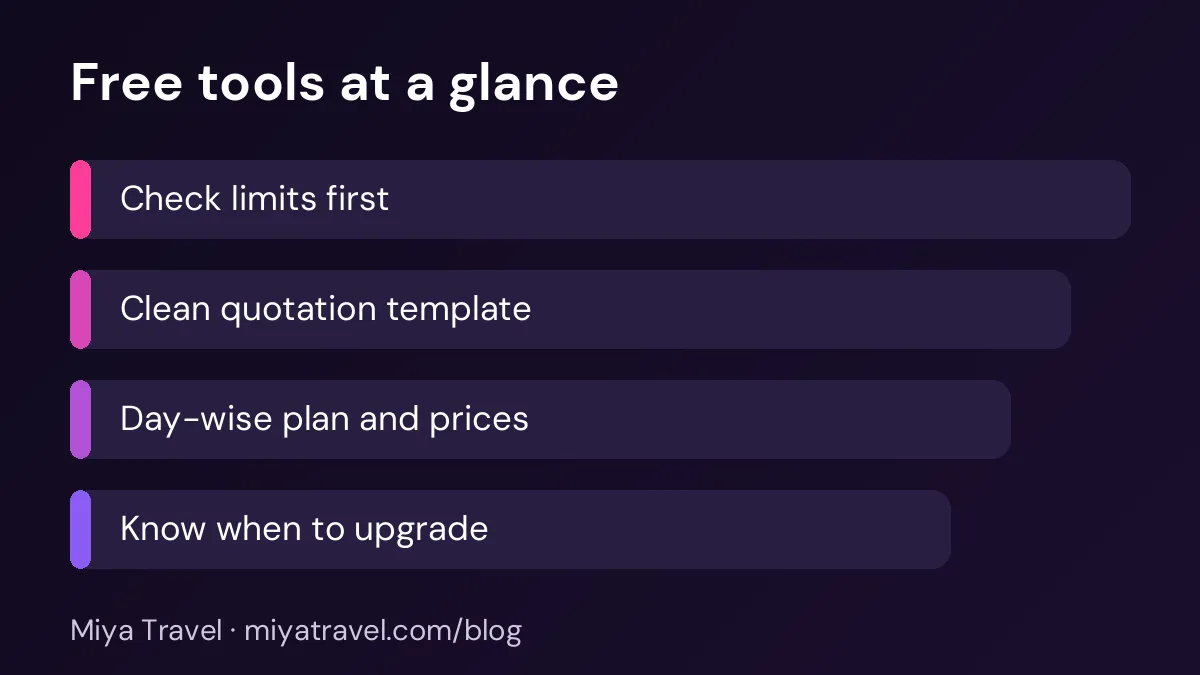
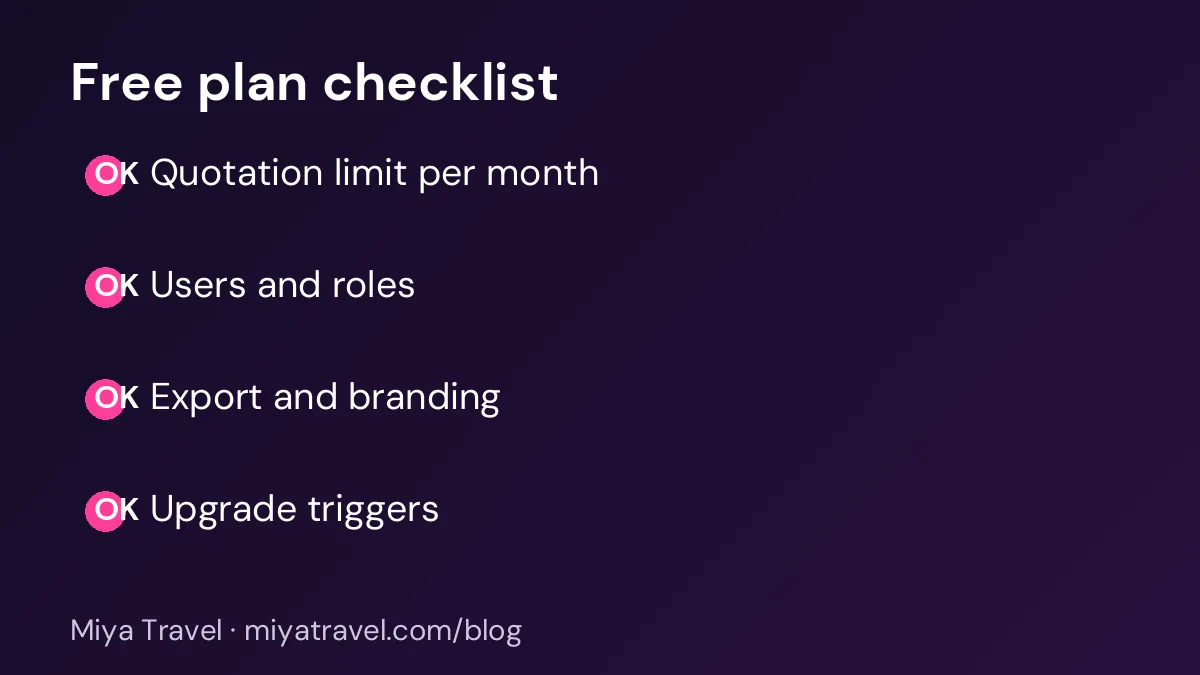
Every free plan has limits. The most common are the number of quotations per month, the number of users, the number of leads or customers and the features available. Some free plans remove branding or limit exports, and some restrict the templates you can use.
Read the limits before you build your process around the tool. Write them down, and estimate how long it will take to reach each limit. If you send thirty quotations a month and the plan allows ten, the free plan will not support your business for long.
Ask the vendor what happens when you reach a limit. Some tools stop working, others let you continue with a warning. Know which one applies before you rely on the tool.
Build one clean quotation template
A good template saves time on every quotation. Start with the header, the trip summary, the day-wise plan, the price table, the inclusions and exclusions, and the payment and cancellation terms. Keep the template the same for every client, and change only the details.
Keep the price table simple. Show the price per person, the number of travellers and the total. State whether taxes are included, and show any service charge as a separate line. A clean table is easier for the client to trust.
Write the day-wise plan clearly
The day-wise plan is the part of the quotation clients read most closely. Keep each day short, with the city, the main activities, the hotel and the meals. Use the same format for every day, so the client can scan the plan quickly.
If the free tool supports a day-wise plan builder, use it. If not, a simple table in a document works well, as long as the layout is consistent.
Keep the quotation records
Save each quotation with the client name, the date and the version number. Keep a copy of the PDF you sent, because the client may refer to it later. A simple folder structure works well: one folder per client, one file per version.
When a client accepts a quotation, record the decision on the lead. This record matters more than the tool itself, because it shows what was agreed.
Avoid the common mistakes
The first mistake is building the quotation without checking the price against the rate sheet. The second is a quotation with no validity date, which makes an old price look current. The third is a missing inclusions or exclusions list, which leads to disputes. The fourth is sending the wrong version to the client, which is why version numbers matter.
Another mistake is treating the free tool as the whole system. A quotation tool does not replace the lead process, the follow-up or the booking record. Keep those steps in place, even on a free plan.
Know when to upgrade
Upgrade when the free plan starts to slow the team, not only when you reach the limit. Watch for signs such as staff sharing one login, quotations sent late because of the limit, reports that take hours to build by hand or clients asking for features the free plan does not support.
Compare the cost of the paid plan with the time it saves. If a paid plan saves two hours a week, the cost is often small in comparison. Our free travel CRM page explains what to check on a free plan and how to move to a paid one.
What to look for in a paid quotation tool
When you upgrade, look for a tool that links quotations to leads and customers, keeps versions, supports the day-wise plan and the price per person, and produces clean PDFs. Ask the vendor to show a quotation with two versions and a revision, and check that the history is kept.
Also check whether the tool can share the quotation link with the client and track whether it was opened. These features help the follow-up, but they are not essential for a small agency at the start.
Miya Travel includes quotations and itineraries as part of the sales workflow. The quotations and itineraries documentation explains how they work, and the travel quotation software page shows the main features.
A simple first-month plan
In week one, choose a free tool and read its limits. In week two, build the template and send your first three quotations. In week three, track the responses and record each decision. In week four, review how much time the tool saved and how close you are to the limits. Decide whether to stay on the free plan or upgrade.
Keeping quotations accurate over time
A quotation is only as good as the rates behind it. Hotel rates, transport costs and entry fees change, often without much notice. A free tool can make it easy to build a quotation quickly, but it cannot tell you whether the numbers are still correct. That check belongs to the agency.
Set a simple routine. Each month, review the rates used in your three most common templates. Check each hotel rate against the latest rate card or confirmation, and update the template before you send any new quotation. Keep the validity date on every quotation, so that an old price does not look current when it is not.
When a supplier changes a rate after you have sent a quotation, decide quickly whether to honour the old price or revise the quotation. If you revise it, send the client a clear note explaining the change, and keep both versions on file. A transparent approach protects trust, even when the price moves against the client.
Keep a short list of the suppliers behind each template. When a hotel is replaced, you should know which templates need changing. Without this list, old hotels can remain in quotations for months after they have stopped working with your agency.
Writing quotations that stand out
A free tool gives every agency the same basic layout, so the content makes the difference. Start the quotation with a short personal opening that mentions the client's destination and the reason for the trip. Two sentences are enough, and they show that you listened to the enquiry.
Make the first option the one you most recommend, and explain why in one line. Clients often choose the first option they read, so it should match what they need. If you offer a second or third option, describe the difference in plain words, such as a closer hotel, a longer stay or a private transfer.
Use simple language. Avoid long paragraphs about the destination. Instead, give the client the facts they need to decide: the hotels, the transfers, the inclusions, the price per person and the payment terms. A quotation that is easy to read is more likely to be read to the end.
Finish with one clear next step, such as confirming the dates or sending the advance. A quotation with no next step leaves the client to decide when they are ready, and many clients never come back.
Keep a folder of your best quotations that led to bookings. When you build a new quotation for a similar trip, start from one of these proven examples rather than a blank page.
Frequently asked questions
Is free travel quotation software good enough for a small agency?
It can be, for a small number of quotations each month. Check the limits and the features before you rely on it.
What limits should I check on a free plan?
Quotations per month, the number of users, the number of leads or customers, branding options, exports and the templates available.
How do I build a good quotation on a free tool?
Use one template with a clear header, a trip summary, a day-wise plan, a price table, inclusions and exclusions, payment terms and a validity date.
When should I upgrade from a free plan?
When the limits slow the team, when staff share a login, when reports take too long or when you need a feature the free plan does not include.
Do I need a quotation tool if I already use Excel?
Not always. Excel works well for a small number of quotations. A dedicated tool becomes useful when several people share quotations and you need to track each version and its outcome.