Travel agency accounting software records money in and out of your agency: receivables, payables, supplier bills, GST and profit per booking. A CRM tracks leads and quotes. Most agencies need both, and you should check what each tool covers before you pay for either.
Many travel agencies start with a spreadsheet for money and a notebook for leads. As the business grows, the spreadsheet breaks. A client pays in two parts, a hotel bill arrives late, and nobody knows whether a booking made a profit. This guide explains what travel agency accounting software should do, how it differs from a CRM, and what to check before you buy.
What accounting software does for a travel agency
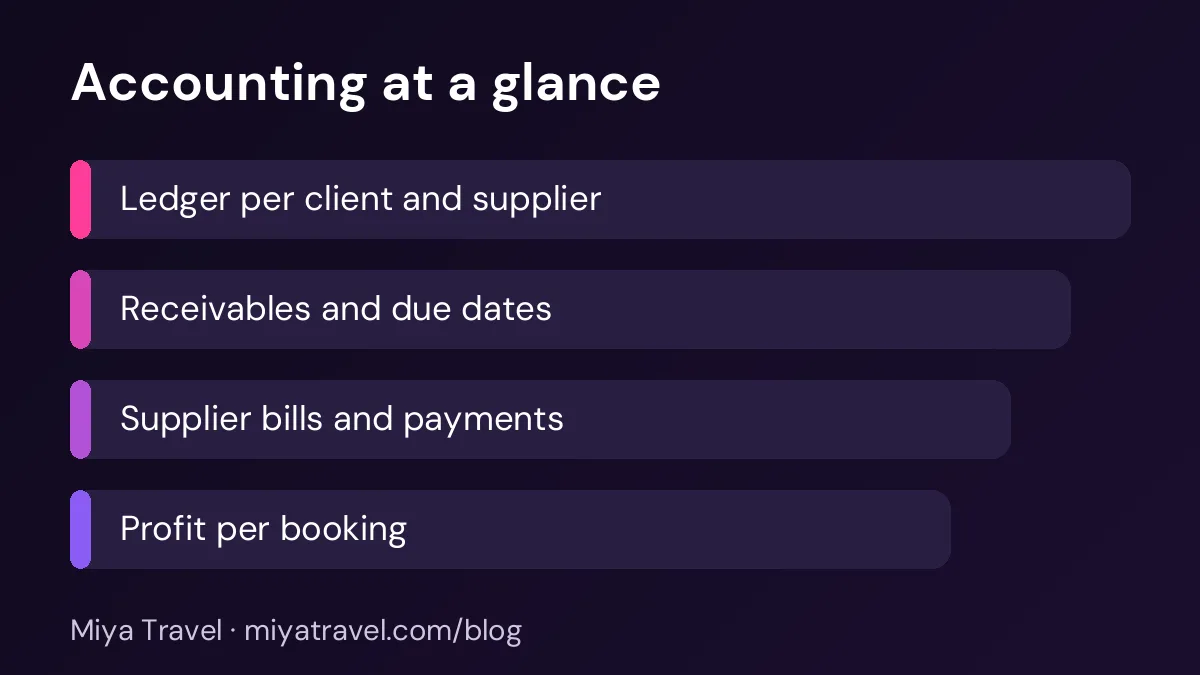
Accounting software records every rupee that moves through the agency. For a travel business that means client payments, supplier bills, refunds, commissions and tax. It answers three questions: how much do clients owe us, how much do we owe suppliers, and what did each booking earn after costs.
A good tool keeps these records linked to the booking, not in a separate file. When a client pays part of a quote, the balance should update automatically. When a supplier invoice arrives, it should show against the right trip.
How accounting differs from a CRM
A CRM manages the sales side: leads, follow-ups, quotations, itineraries and the status of each deal. An accounting tool manages the money side: ledgers, receivables, payables, invoices and tax. Some products combine the two, but many do not.
This difference matters when you compare tools. A tool that is excellent for quotations may have only basic payment notes. A tool built for accounts may be weak at lead follow-up. Decide which problem is more urgent before you compare features. For most small agencies, the sales pipeline is the first gap, and accounts follow once bookings are stable. You can read more about the sales side in our guide on travel agency lead management.
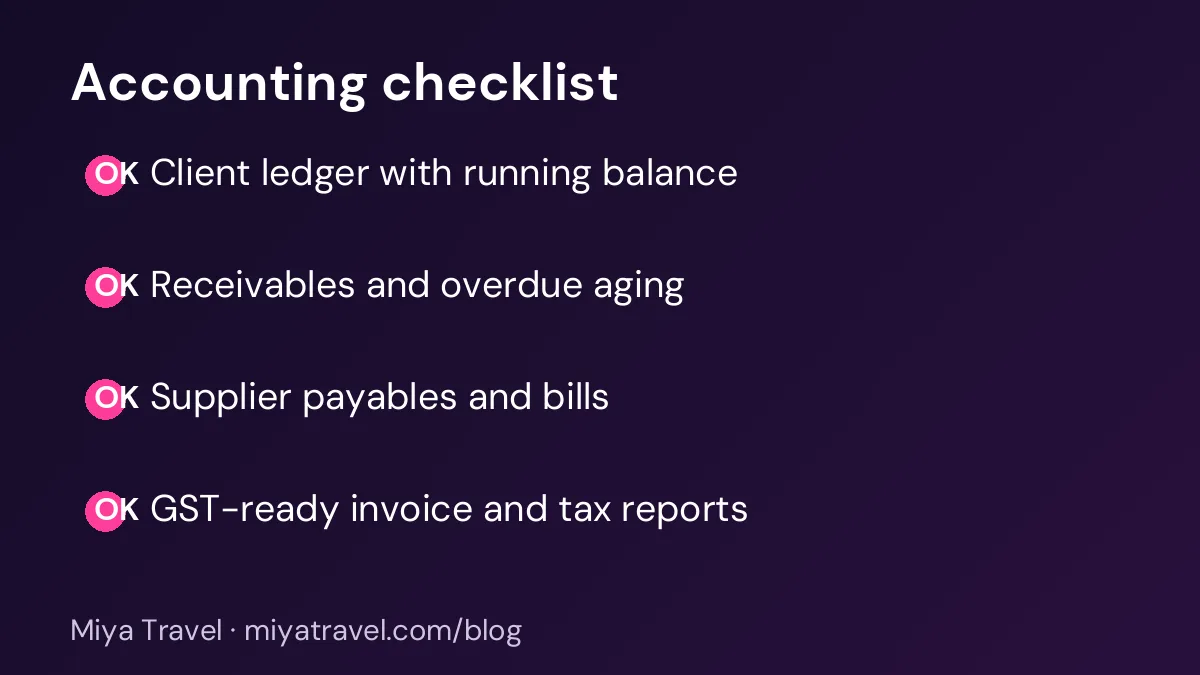
Five accounting features to check
- Client ledger. Each client should have a running balance with every quote accepted, payment received and refund issued. You should be able to print or share it.
- Receivables with due dates. The tool should list what is due this week and what is overdue, sorted by amount and age.
- Supplier payables. Hotel, transport and activity bills should be recorded against the trip, with the date you must pay.
- Profit per booking. Selling price minus supplier cost and commission should be visible for each trip, not only in a monthly total.
- Tax and invoice support. Check whether the tool produces tax invoices in the format your accountant needs. Ask how GST is handled for your type of service before you assume it works.
Ask the vendor to show a real booking with a partial payment, a supplier bill and a refund. The demo tells you more than a feature list.
Questions to ask before you buy
Start with the basics: who will enter the data, how often, and who needs to see the reports. A small agency may need only one person to update payments and one owner to see profit. A larger team needs roles so that staff can record payments without seeing every supplier cost.
Ask how the tool handles currency if you sell international trips, how it stores receipts and whether you can export the full data at any time. Data export matters. If you switch tools later, you need your ledger in a format you control.
Also ask about support for your accountant. Many agencies share reports with an external accountant every month. The easiest setup is a report that your accountant can read without extra work.
Common mistakes
The most common mistake is buying an accounting tool and still tracking partial payments in a separate sheet. This creates two versions of the truth. Choose one place where payments are recorded, and link the booking to it.
Another mistake is ignoring refunds and cancellations. Travel bookings change often. A good tool keeps cancellation charges and refunds on the same ledger as the original sale, so profit stays accurate.
The third mistake is waiting until year end. If you review receivables and supplier bills every week, you catch small problems early. Monthly profit reviews work well for most agencies. Weekly reviews of overdue amounts prevent cash flow stress.
One booking, followed from quote to profit
Consider a family trip to Kerala. The agency quotes ₹1,20,000, the client pays ₹40,000 as an advance, and the agency pays a hotel ₹35,000 and a transport operator ₹18,000 before the trip. The client pays the balance after the trip, but the hotel invoice arrives two weeks later.
Without a ledger, the owner sees ₹40,000 received and assumes the trip is profitable. With a ledger, the same booking shows ₹80,000 still due from the client, ₹53,000 owed to suppliers, and an expected margin that depends on the final balance and any commission. If the hotel invoice is not recorded, the margin looks better than it is.
This example shows why accounting needs the booking reference. Every payment, supplier bill and refund should point to the same trip. When that link exists, you can answer questions like "which trips earned the most last quarter" in minutes, not hours.
Who needs accounting software and who can wait
A solo agent who handles five to ten bookings a month with full payment at the time of booking can often manage with a simple ledger. The risk is low because cash moves quickly and few suppliers are involved.
An agency that takes part payments, works with many hotels and transport operators, or sends invoices to corporate clients needs a proper accounting setup much earlier. The usual trigger is the first month when receivables are above one month of revenue, or when you cannot say with confidence which trips made money. If you reach that point, start with the ledger before you add more staff.
Common reports for a travel agency
Every agency should have four reports available on demand. The first is the receivables aging report, which groups client balances into current, 30 days, 60 days and older. The second is the payables report, which lists supplier bills by due date. The third is the profit by booking report, which shows selling price, supplier cost and margin for each trip. The fourth is the monthly summary, which gives total sales, collections, supplier payments and any refunds.
You do not need a complex dashboard to start. These four reports, printed or exported once a month, cover most decisions. Your accountant will also ask for the same data at year end, so keeping them current saves time later.
How this fits with a travel CRM
A travel CRM and an accounting tool work best together. The CRM holds the quotation and the accepted booking. The accounting tool holds the payments and bills that follow. When both use the same booking reference, you avoid retyping the same trip.
Miya Travel focuses on the sales side of the agency: leads, customers, quotations, itineraries, team roles and reports on the pipeline. Check the current feature list in our documentation before you assume a feature exists. If you need a full ledger or GST filing, plan that as a separate tool or confirm it with the vendor first.
A simple setup for a small agency
Start with one ledger for each client and one for each major supplier. Record every payment on the day it arrives. Review overdue receivables every Monday. Review profit per booking once a month, and look for trips where the margin is below your target.
After three months you will know which bookings earn the most and which clients pay late. That information is more useful than any single report, and it helps you set prices for the next season.
Frequently asked questions
Is travel agency accounting software the same as a CRM?
No. A CRM manages leads, follow-ups and quotations. Accounting software manages ledgers, receivables, payables, invoices and tax. Many agencies use both, and the two work best when they share the booking reference.
Do small travel agencies need accounting software?
Most do, once they have regular bookings and partial payments. Even a simple ledger for each client prevents missed payments and makes monthly profit easy to see.
What reports should a travel agency check every month?
Check receivables and overdue amounts, supplier payables due this month, and profit per booking. Share the same reports with your accountant so that year-end work is simpler.
Can one tool handle sales and accounts?
Some tools cover both, but coverage varies. Check the ledger, invoice and tax features during a demo, not only the sales features.
What should I export from my current spreadsheet before switching?
Export client names, booking references, payments received, supplier bills and dates. Keep the original file as a backup for at least one financial year.