
Booking management software for a travel agency tracks each confirmed trip from the first confirmation to the trip close. It keeps suppliers, documents, payments and changes on one booking record, so the team knows the status of every trip at any time.
A quotation is a promise. A booking is the work that makes the promise true. Once a client accepts, the agency must confirm hotels, transport, guides and activities, collect the right documents, track payments and handle any changes before the trip begins. Booking management software for a travel agency keeps all of this on one record, so the team can see where each trip stands from confirmation to the day the client returns.
This guide explains what a booking record should include, how to manage a trip from confirmation to close and which mistakes cause the most trouble.
What a confirmed booking should contain
A confirmed booking is more than a list of hotels. It holds the client details, the trip dates, the itinerary, the supplier confirmations, the vouchers, the payment status and the owner of the trip. It also includes the cancellation and change terms that the client accepted.
The owner matters more than people expect. Each booking should have one person responsible for it until the trip is closed. When a supplier calls with a problem, the team knows who to call.
The stages of a booking
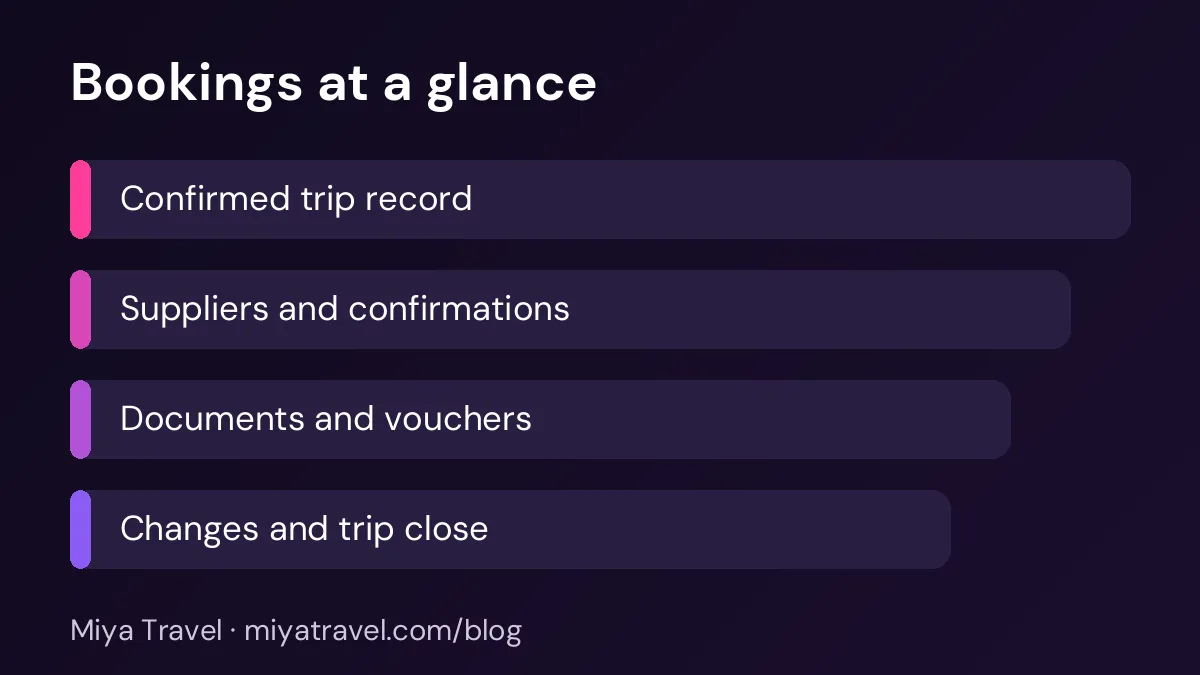
A booking usually moves through a set of stages. It starts as confirmed when the client accepts and the first payment arrives. It moves to supplier confirmed when each supplier has returned a reference number. It moves to documents ready when vouchers and travel documents are sent. It becomes departed on the first travel day and closed after the client returns and the final supplier invoices are checked.
Each stage should have a clear meaning. A booking is not supplier confirmed until every supplier reference is recorded. A booking is not closed until the final invoices are reconciled. These rules help the team avoid confusion.
Do not send vouchers until every supplier confirmation is recorded. A voucher for a hotel that has not confirmed the room causes most of the problems at check-in.
Supplier confirmations
Record each supplier with the confirmation number, the contact name and the deadline for any change. A hotel might allow a room change until seven days before arrival, while a transport operator might need the pickup list 48 hours ahead. Keep these deadlines visible on the booking.
Store the confirmation as a document as well as a number. If a supplier disputes a booking later, the written confirmation is your evidence. A number alone is not enough.
Vouchers and travel documents
Vouchers are the documents the client shows at the hotel, the transfer and the activity. Each voucher should show the client name, the supplier name, the date, the service and the confirmation number. Check the spelling of names against the passport, because a voucher with a wrong name can be refused.
Send one set of documents to the client, clearly labelled by day or by service. A single PDF with a short index is easier to use than many separate attachments.
Managing changes after confirmation
Changes are normal. A client may shorten the trip, add a passenger or change a hotel. Each change should be recorded on the booking with the date, the reason and the financial effect. Check the supplier deadline before you agree to the change, and confirm the new price with the client in writing.
Keep the old version of the booking. When the client disputes a charge later, you can show exactly what was changed and when.
Trip close
Trip close is the step most agencies skip. A closed booking should have all supplier invoices received and checked, all payments reconciled, the feedback form sent and any issues recorded. Closing the booking tells the team that the trip is finished and no action is needed.
Send the client a short feedback form after the trip. Ask about the hotel, the transfers, the guide and the overall experience. Record the answers on the customer record. This helps you choose better suppliers and gives you a reason to contact the client again.
Common mistakes
The first mistake is confirming a booking without a supplier reference. The second is sending vouchers before the confirmations are checked. The third is missing a supplier deadline for a change. The fourth is leaving the booking open after the trip, which makes the reports wrong. The fifth is storing documents in personal folders so that colleagues cannot find them.
Another mistake is treating every booking the same. A group tour needs a passenger list and rooming. A single family trip needs a clear itinerary and simple vouchers. Use the same stages, but add the details each type needs.
What to look for in booking software
Choose a tool that shows the status of each booking, links suppliers and documents to the booking, records changes and allows you to close a booking cleanly. Ask the vendor to show a booking from confirmation to close, including one change and one supplier problem.
Check permissions too. Operations staff may need to see supplier details, while sales staff may only need the client and itinerary view. Confirm that the tool can separate these roles.
Miya Travel manages leads, customers, quotations and itineraries, which connect the sale to the trip. Check the quotations and itineraries documentation to see how the sale and the trip details work together, and confirm any booking-specific features with our team.
A pre-departure routine
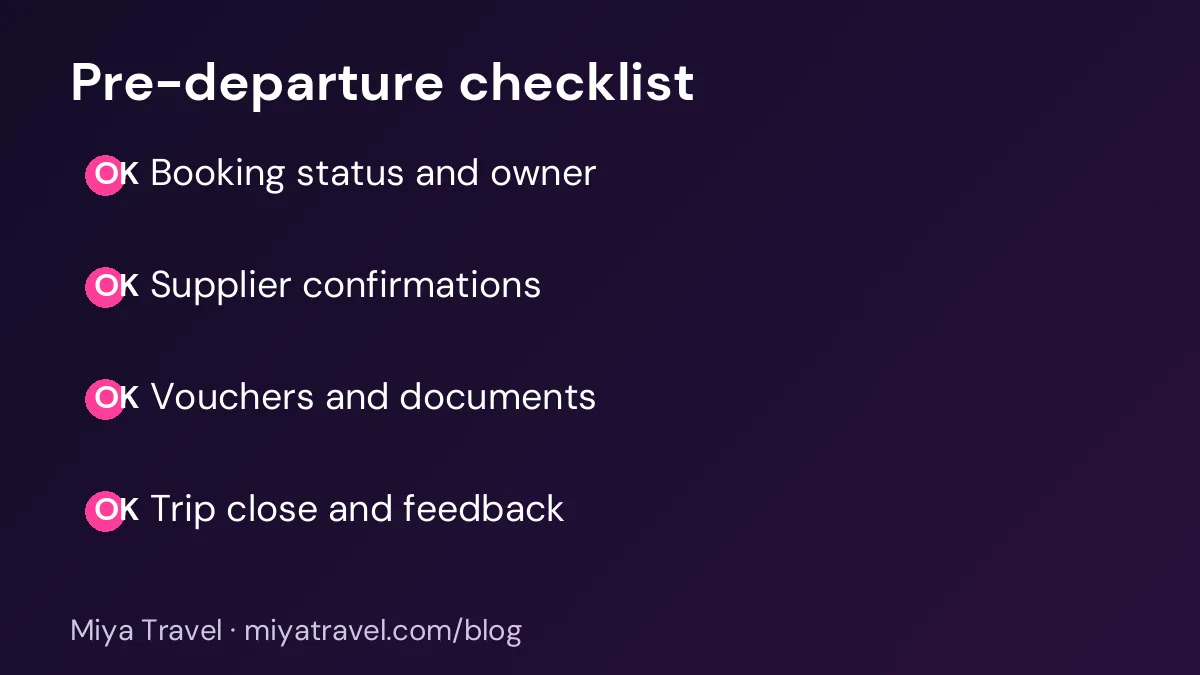
One week before departure, confirm every supplier reference and the final headcount. Send the final itinerary and vouchers. Check that the client has the emergency contact number and the hotel details. Two days before departure, confirm pickup times with the transfer operator. On the day before departure, call the client to confirm they have all documents.
This routine takes less than an hour for most bookings and prevents the most common day-of-travel problems.
Handling last-minute changes on a confirmed trip
Confirmed trips change more often than most agencies expect. A flight is rescheduled, a guest falls ill or a hotel has a maintenance issue a week before arrival. The booking record should make these changes manageable, not stressful. Start by recording the change itself: what changed, when the client told you, who approved it and what it costs.
Then check the knock-on effects. A change to a flight may affect the airport transfer, the first-night hotel and the day plan. A hotel change may affect the transfer time and the meals. Work through each linked item in the booking, and confirm the new details with each supplier. A booking record with all linked items in one place makes this check much faster.
Update the client in one clear message. Explain what changed, what stays the same and what you need from them. Send the revised itinerary and vouchers as one set, so the client does not have to combine several documents. Ask the client to confirm receipt, and record the confirmation.
Finally, review the change for cost. If the change adds cost, decide who pays and record the decision. If it saves cost, pass the saving on where your agreement allows. A clear record protects the margin and the relationship.
Working with the operations team
The people who confirm suppliers and the people who sell the trip often work from different information. A booking record that both teams can see prevents most misunderstandings. Give the operations team read access to the client's requirements, and give the sales team read access to supplier confirmations and deadlines.
Hold a short daily check for trips departing in the next three days. Review the confirmations, the vouchers and any open changes. Assign an owner to each open item, and make sure each owner knows the deadline. This routine catches problems while there is still time to fix them.
Keep a simple escalation rule. If a supplier does not confirm within the agreed time, the operations person should call the supplier. If the supplier still does not confirm, the owner of the trip should be told the same day, so that a backup can be arranged.
Frequently asked questions
What is booking management software for a travel agency?
It is software that tracks each confirmed trip from confirmation to trip close, including suppliers, vouchers, payments, changes and feedback, on one booking record.
When is a booking considered confirmed?
When the client has accepted, the first payment is recorded and the supplier references are in place. Some agencies also require the documents to be checked before they call the booking confirmed.
Should I send vouchers before final payment?
Check your payment terms first. Many agencies send vouchers only after the agreed payment is received, to protect the supplier arrangements.
How do I handle a supplier who changes a booking?
Record the change, confirm the new details in writing, update the client and check the financial effect before you agree.
When should I close a booking?
Close it after the trip, once all supplier invoices are received and checked, payments are reconciled and the feedback form has been sent.