Hotel booking software for a travel agency keeps hotel rates, room types, supplier confirmations and cancellation deadlines in one place, so the agent quotes accurately and confirms every stay correctly. The goal is to avoid double bookings, wrong room types and missed cancellation dates.
Hotels are the largest cost in most travel packages, and they are the part of the trip clients remember most. A travel agency that quotes the wrong rate, confirms the wrong room type or misses a cancellation deadline can lose money on the trip and trust with the client. Hotel booking software for a travel agency helps the team keep rates, room types and supplier confirmations organised, so every stay matches the quotation.
This guide explains what the software should track, how to manage hotel bookings from quote to check-in and which mistakes cost the most.
Why hotel bookings need a system
A hotel booking has many details. The property name, the category, the room type, the meal plan, the check-in and check-out dates, the number of guests and the rate all have to match. A single wrong detail can mean a room that is too small, a breakfast that was not included or a check-in on the wrong date.
Hotels also have their own rules. Some confirm rooms instantly, others hold them until a payment is made. Some charge for cancellation after a certain date. Each rule affects the agency's margin and its client promises. A system keeps these rules visible when the agent needs them.
What the software should record
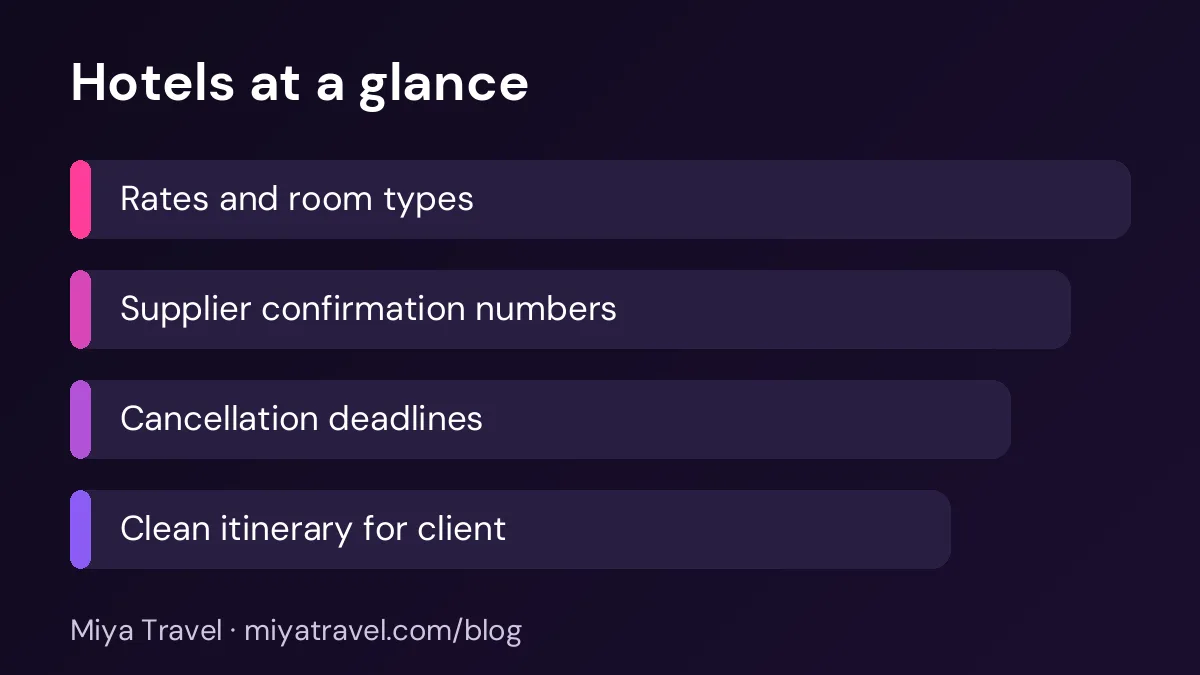
For each hotel, record the property name, city, category and contact details. Keep a list of room types with the maximum occupancy and the meal plan included. Record the rate for each season, with the dates it applies.
For each booking, record the client name, the hotel, the room type, the dates, the number of guests, the rate, the supplier confirmation number and the cancellation deadline. These fields together form the booking record, and they should match the quotation and the itinerary.
Put the cancellation deadline in the booking title or the first line of the record. It is the detail most often missed when a client changes plans.
From quote to confirmation
The workflow starts with the quotation. Check the rate for the dates, the room type and the meal plan. Make sure the rate is current, because hotel rates change by season and by event. Use the rate sheet, not an old quotation.
When the client accepts, request the room from the hotel in writing. Confirm the room type, the meal plan and the dates. Ask for a confirmation number and check that it matches the details you requested. Record the number in the booking straight away.
Finally, send the client a clean hotel summary as part of the itinerary. Include the hotel name, address, check-in time, check-out time and contact number. This summary is what the client will show at reception.
Managing room types and occupancy
Room types are a common source of errors. A "superior double" at one hotel may be a different size from another hotel's version. A triple room may be a double with an extra bed. Ask the hotel to confirm the room type in plain terms, and record the description the client will see.
Occupancy matters too. A room listed for two adults may not accept an extra child. Check the rule before you quote, and note any extra bed charges in the quotation.
Cancellation deadlines and changes
Every hotel booking should have a cancellation deadline. Record it as a date and a rule, such as free cancellation until a certain date and a charge after that. Set a reminder a few days before the deadline, so the team can act if the client changes plans.
Changes need the same care. If a client shortens the stay, check whether the hotel allows the change and what it costs. Update the booking and the quotation together, so the client sees the new price.
Matching hotel rates with client prices
Your client price should include the hotel cost, your margin and any taxes you have agreed to show. Keep the hotel cost and the client price side by side in the booking, so you can see the margin for each stay.
If a hotel rate changes after the quotation, decide quickly whether to absorb the change or pass it on. Record the decision, and tell the client clearly. Silent price changes damage trust.
Common mistakes
The first mistake is quoting from an old rate sheet. The second is confirming a room type without checking the description. The third is missing the cancellation deadline. The fourth is no confirmation number, which makes it hard to resolve a problem at check-in. The fifth is forgetting to share the check-in time and the hotel address with the client.
Another mistake is booking too early without knowing the final guest list. A change in the number of guests after booking can cost extra or require a different room. Confirm the guest list before the hotel deadline.
What to look for in a tool
Choose a tool that stores hotel rates by season, links a hotel to a booking, records confirmation numbers and shows cancellation deadlines clearly. Ask the vendor to show a booking with a change in dates and a rate update, and check whether the record keeps both versions.
Also check how the tool handles supplier contacts. A booking is only as good as your ability to reach the hotel quickly when there is a problem. The contact details should be easy to find from the booking.
Miya Travel supports quotations and itineraries with the hotel details the client sees. For rate management and supplier tracking, check the documentation and confirm the features you need before you plan around them.
A simple hotel checklist for every booking
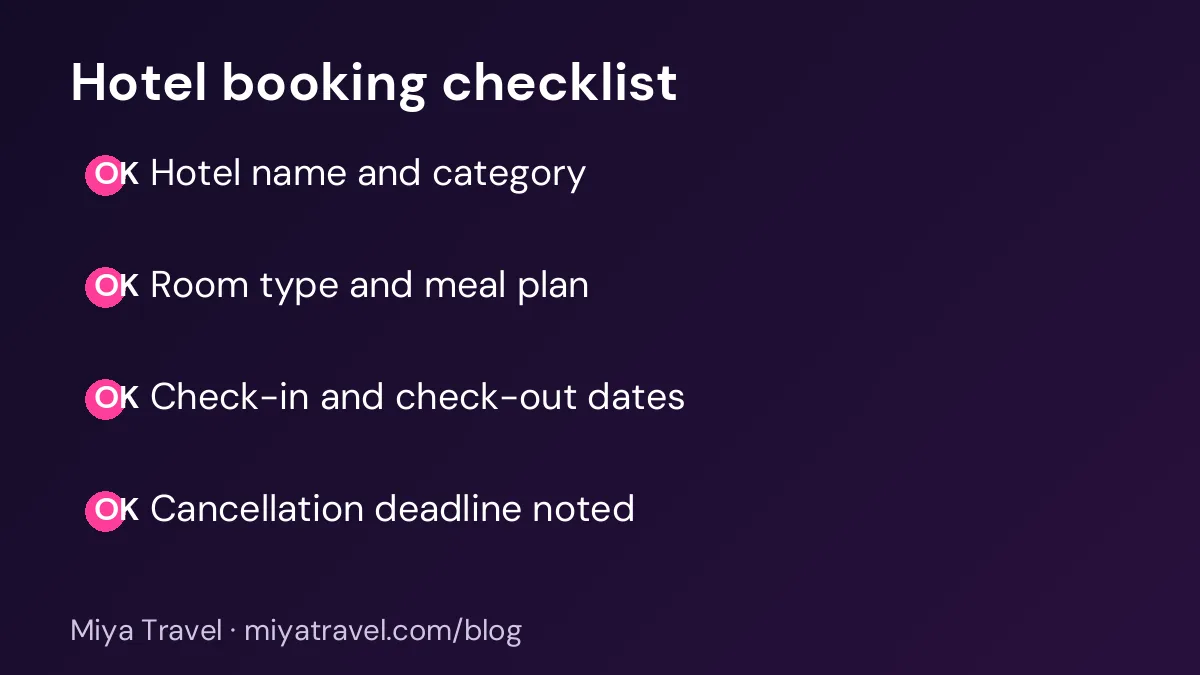
Before you confirm a hotel booking, check the property name, the room type, the meal plan, the dates, the guest count, the rate, the confirmation number, the cancellation deadline and the check-in time. This checklist takes two minutes and prevents most of the errors that cause problems at reception.
Handling overbooking and room problems
Even a well-organised agency will face a hotel problem sometimes. A room may be overbooked, a property may be under renovation or a room may not match the description. The way the team responds matters as much as the problem itself. Clients remember how a problem was handled, often more than they remember the problem.
Start with a clear rule. If a hotel cannot provide the confirmed room, the agency should find an alternative of the same or higher standard at no extra cost to the client, where the agreement allows. If no equal option exists, explain the situation honestly, offer the best alternative and discuss a fair adjustment. Record each step in the booking, with the date and the person who spoke to the hotel.
Keep a list of backup hotels for each city. The list should show the category, the approximate rate, the location and the contact person. When a problem arises, the team can act within minutes instead of searching for options under pressure. Review the backup list each quarter, because a hotel that worked well last season may have changed.
After the trip, review every room problem. Ask whether the rate sheet, the booking process or the supplier relationship caused the issue. A pattern with one hotel may mean it is time to stop working with it, or to agree clearer confirmation terms.
Confirming details with the hotel in writing
Many room problems start with a verbal confirmation that was never written down. A phone call that agrees a room type, a meal plan or a late check-out is useful, but it is not enough. Follow every call with a short email or message that repeats the details and asks the hotel to confirm. Save the reply with the booking.
Check the confirmation for the basics: the guest names, the dates, the room type, the meal plan, the number of rooms and any special request. A small error in the confirmation, such as a wrong check-out date, can cause problems at the reception desk. Catching it early takes two minutes.
Keep the hotel's contact details for the reservation team and the front desk separately. The reservation team can change a booking, while the front desk can solve a problem on the day. Knowing who to call for each need speeds up the response.
Frequently asked questions
What is hotel booking software for a travel agency?
It is software that stores hotel rates, room types, booking details, confirmation numbers and cancellation deadlines, so the agency can quote and confirm stays accurately.
How do I make sure the room type is correct?
Ask the hotel to confirm the room type in writing, check the occupancy and any extra bed rules, and record the description the client will see.
What should I do about a cancellation deadline?
Record it in the booking, set a reminder a few days before, and explain the charge to the client when they book. Check the hotel terms before you accept any change.
Should I share the hotel contact with the client?
Yes. Share the hotel name, address, check-in time, check-out time and contact number in the itinerary, so the client can reach the hotel directly if needed.
How often should I update hotel rates?
Review rates each season and whenever a major event changes demand in a city. Always quote from the current rate sheet, not an old quotation.