Visa tracking software helps a travel agency record each client's visa application, documents, appointment dates, submission status and decision date in one place. It prevents missed deadlines, lost passports and last-minute stress before departure.
For many travel agencies, visas are the part of a booking that creates the most stress. A client sends passport photos on WhatsApp, a document is missing from the file, an appointment is booked for the wrong date and the trip is three weeks away. Visa tracking software and a simple visa tracking process reduce these risks by keeping every application in one record with clear deadlines.
This guide explains what to track for each visa application, how to set reminders and how to choose a tool or set up a process that your team will follow.
Why visa tracking is different from booking
A flight or hotel booking has a confirmation number and a fixed date. A visa application has many steps, and each step depends on the embassy or consulate. Requirements change, appointment slots are limited and processing times vary by country and season. The agent must follow each application until the passport is returned.
This makes visas a process problem more than a sales problem. A good tracker shows where each file is stuck, so the team can act before the deadline.
What to track for every application
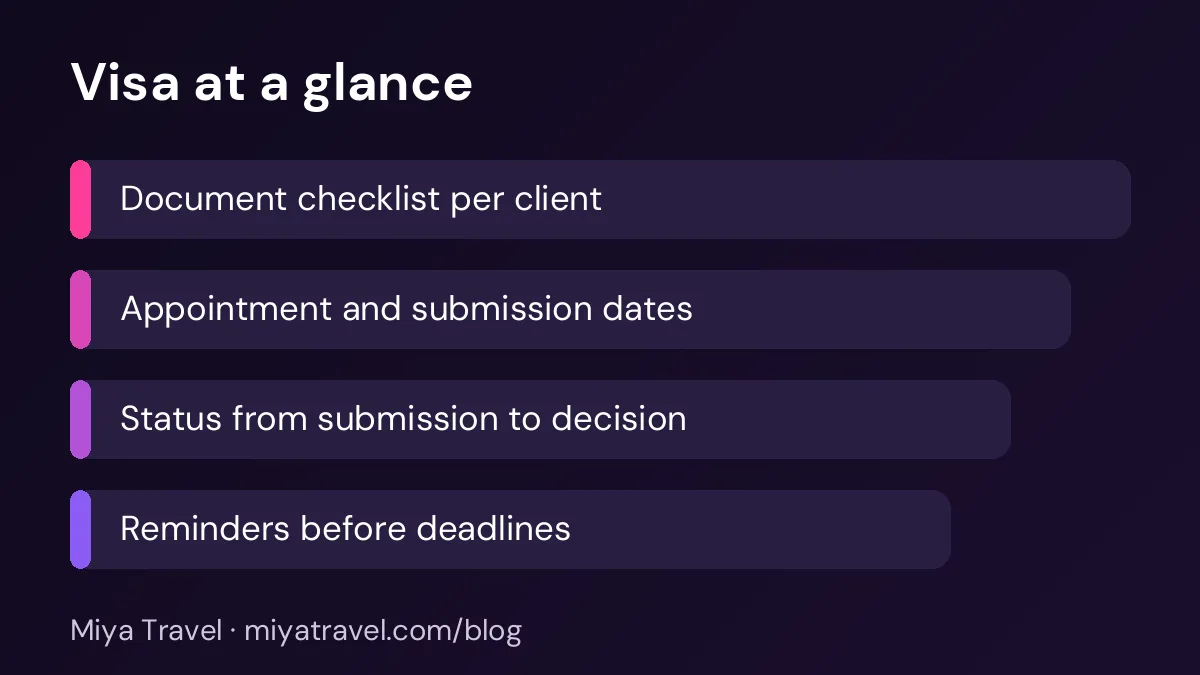
Start with the client's name, passport number and passport expiry date. Check that the passport is valid for the period the visa requires, usually with some extra months of validity. Record the destination, the visa type and the travel dates. Note the embassy or consulate that handles the application.
Next, track the document checklist. List each required document, the date it was received and whether it has been checked. Common items include the passport copy, photographs in the required size, the application form, the travel itinerary, hotel bookings, bank statements and an invitation letter where needed.
Finally, track the timeline. Record the appointment date and time, the submission date, the expected decision date and the date the passport is returned.
A simple visa tracking workflow
The first step is the document collection. Send the client a checklist and ask them to send each document in a single message or upload. Check each file as it arrives. Do not accept a blurred photo or an expired document, because the embassy may reject the application and you will lose time.
The second step is preparation. Fill the forms with the client's details, check the spelling against the passport and attach the documents in the order the embassy asks for. Ask the client to review the form and sign it.
The third step is submission and appointment. Book the appointment early, because slots can fill quickly. Record the appointment date and any fee receipt. The fourth step is tracking the decision. Check the status regularly and update the record. The last step is the return of the passport and the handover to the client, with a note in the file.
Ask clients to send documents in one folder with a clear name, for example "Rahul Sharma - passport copy". Missing or misnamed files cause most delays in the document stage.
Reminders that prevent missed deadlines
Reminders are the most valuable part of visa tracking. Set a reminder seven days before each appointment, another one before the document deadline and one before the passport is due back. Set a reminder when a passport has less than six months of validity, because many countries require more.
Send the client a reminder too. A short message such as "Please send your bank statement by Friday" works better than a long explanation. Clients often do not know which documents are needed until someone tells them.
Common mistakes
The first mistake is accepting a passport copy that is not clear. Ask for a colour scan with all corners visible. A blurred scan can cause a rejection.
The second mistake is booking the appointment before the documents are ready. Many agents book the slot and then find that a document is missing. Check the list first, then book.
The third mistake is losing track of the passport. Record where the passport is kept, when it was handed over and when it was returned. For agencies that collect passports, a simple log protects both the client and the agency.
The fourth mistake is assuming the same requirements apply every time. Check the official embassy or consulate website before each application, because requirements change.
Choosing software for visa tracking
Many general travel tools do not include a visa module. If you need one, check whether the software can store a checklist for each visa type, record appointment and submission dates, set reminders and keep documents attached to the client record.
A spreadsheet can work for a small number of applications. Use one row per application, one column per document and a colour code for status. The main risk is that the sheet is not updated, so set a daily review time for visa files.
Miya Travel includes customer records, tasks, checklists and reminders for travel teams. Check the current checklist and task features in the documentation before you plan your visa workflow around them.
How visa tracking supports the booking
A visa file is part of the trip. When the visa is due in two weeks and the flight is booked, the team should see both on the same record. This prevents a booking from being confirmed before the visa is secure.
Link the visa to the quotation and the customer. If the visa is refused, the team can see which bookings are affected and call the clients quickly. A clear record also helps when a client asks for a status update during a busy week.
Working with clients who send documents late
Many visa delays come from clients who send documents late, incomplete or in the wrong format. The agency cannot control the client, but it can control the process around them. Send the document checklist on the day the booking is confirmed, not a week before the appointment. Include an example of a correct photo and a correct bank statement, so the client knows what to send.
Set a deadline for each document, and make the consequence clear. For example, the appointment cannot be booked until the passport copy and photos arrive. When the deadline is missed, call the client and explain the effect on the trip dates. A clear, calm message is more effective than repeated general reminders.
Keep a short note of every document received, with the date and a check mark once it is verified. When the embassy asks for an additional document, you can point to the file and show exactly what was submitted. This record saves time and protects the agency if a dispute arises later.
A checklist for every visa file
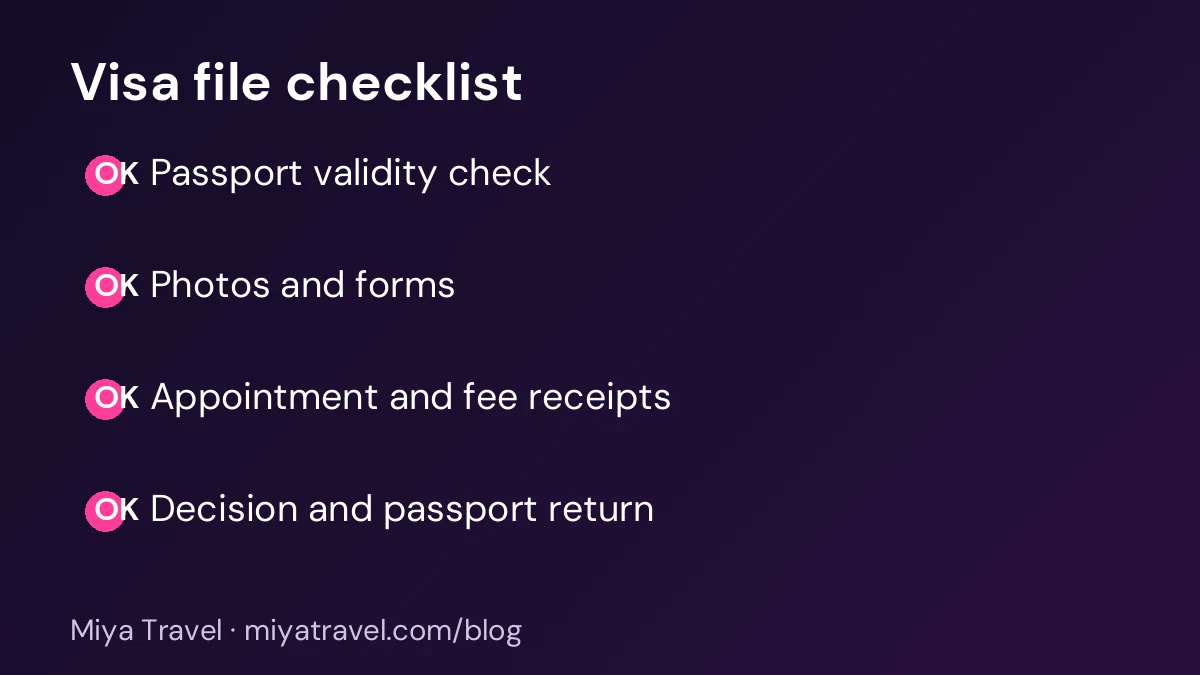
Before you close a visa file, check the following. The passport is returned and handed over. The decision is recorded. The client has the visa copy. The fee receipts are filed. The notes show any delay or refusal and the action taken. This final check takes two minutes and saves a lot of confusion later.
Review closed files once a month. Look for patterns, such as a country where applications often need extra documents. Use these patterns to improve your checklist.
Choosing who owns each visa file
Every visa file needs one owner. Without one, a document request may be sent twice, an appointment may be booked by two people or a passport may be collected by someone who does not know its status. The owner is responsible for the file from the first document request to the return of the passport.
Set the owner when the booking is confirmed, and record the name on the visa file. If the owner changes, record the handover with the date and a short summary of the file status. The new owner should check the document list, the appointment date and the open questions before contacting the client.
For agencies with several visa specialists, group the files by destination. A specialist who knows the requirements for one country can handle the checks more accurately than a generalist who handles many. Keep the team list of specialists visible, so that new enquiries are routed correctly.
Handling embassy questions and extra requests
Embassies sometimes ask for an extra document after the application is submitted. These requests can be sent by email, by the visa application centre or by post, and they often have short deadlines. Set up a shared mailbox or a single contact point, so the request is seen quickly by the file owner.
When an extra request arrives, log it on the visa file with the date, the deadline and the document required. Contact the client the same day, explain what is needed and set a reminder for the deadline. Record the client's response and the date the document was submitted.
Keep copies of every communication with the embassy or the application centre. If a question about a decision arises later, a complete record of exchanges shows what was asked and when it was answered.
Frequently asked questions
What is visa tracking software?
It is a tool or process that records each client's visa application, documents, appointment dates, submission status and decision date, and sends reminders so that deadlines are not missed.
How early should I start a visa application?
Start as soon as the booking is confirmed and the documents are ready. Appointment slots and processing times can make the timeline longer than the client expects.
What if a client's passport is close to expiry?
Check the validity rule for the destination. Many countries need several months of validity beyond the travel date. Tell the client early if a new passport is needed.
Should my agency keep clients' passports?
Only if the process requires it, and only with a clear log of when the passport was received and returned. Many agencies ask clients to submit copies and to bring the original to the appointment.
How do I avoid rejection?
Use the official checklist, check every document against the passport, submit clear scans and fill the forms carefully. Keep a copy of everything you submit.