
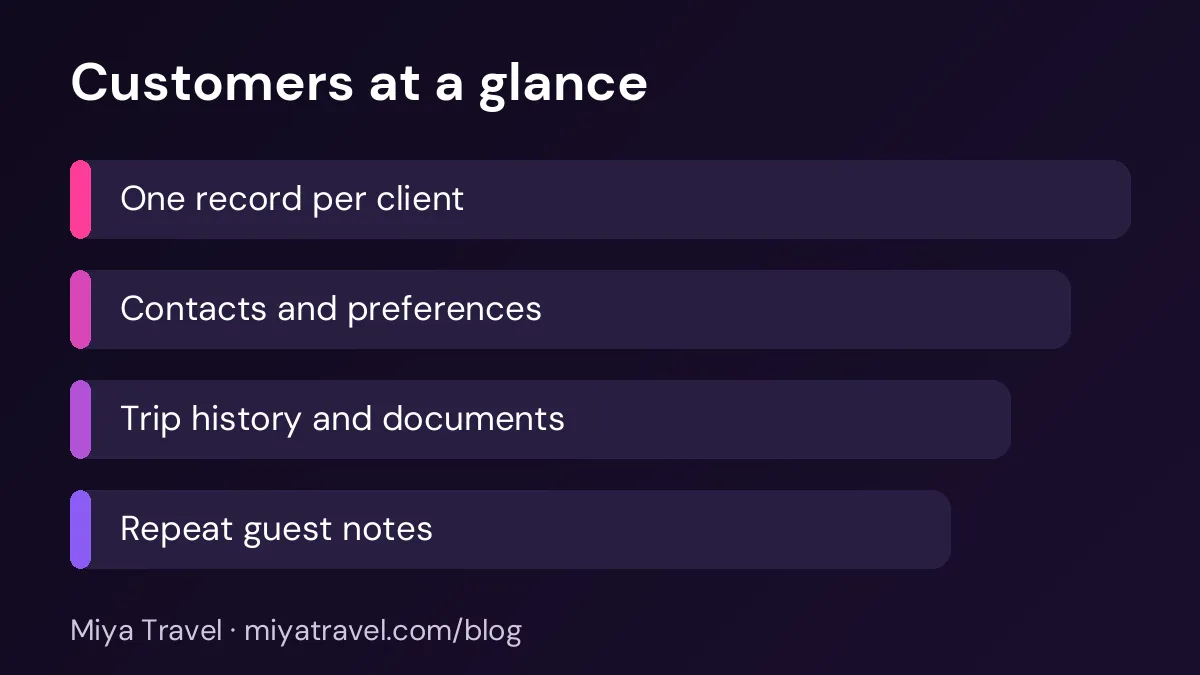
A travel agency customer database keeps one clean record for each client, with contact details, trip history, preferences, documents and notes. It helps the team serve repeat guests well and avoids duplicate records that split a client's history across several files.
Repeat clients are the most valuable part of a travel agency, and they are often the hardest to serve well. A family that travelled with the agency two years ago may call again with a new enquiry, and the agent may not know about the previous trip, the preferred hotel category or the dietary needs. A travel agency customer database solves this by keeping one clean record for each client, with everything the team needs to serve them.
This guide explains how to set up the database, which fields to keep and how to avoid the duplicate records that split a client's history across the team.
Why one record per client matters
When the same client appears in three places, each with a slightly different name or phone number, the agency loses the full picture. The agent who handled the first trip does not know about the second enquiry, and the client has to explain their history again. This is frustrating for the client and a waste of time for the team.
One clean record per client fixes this. Every enquiry, quotation, booking and payment links back to the same person. The team can see the whole relationship on one screen.
The core fields
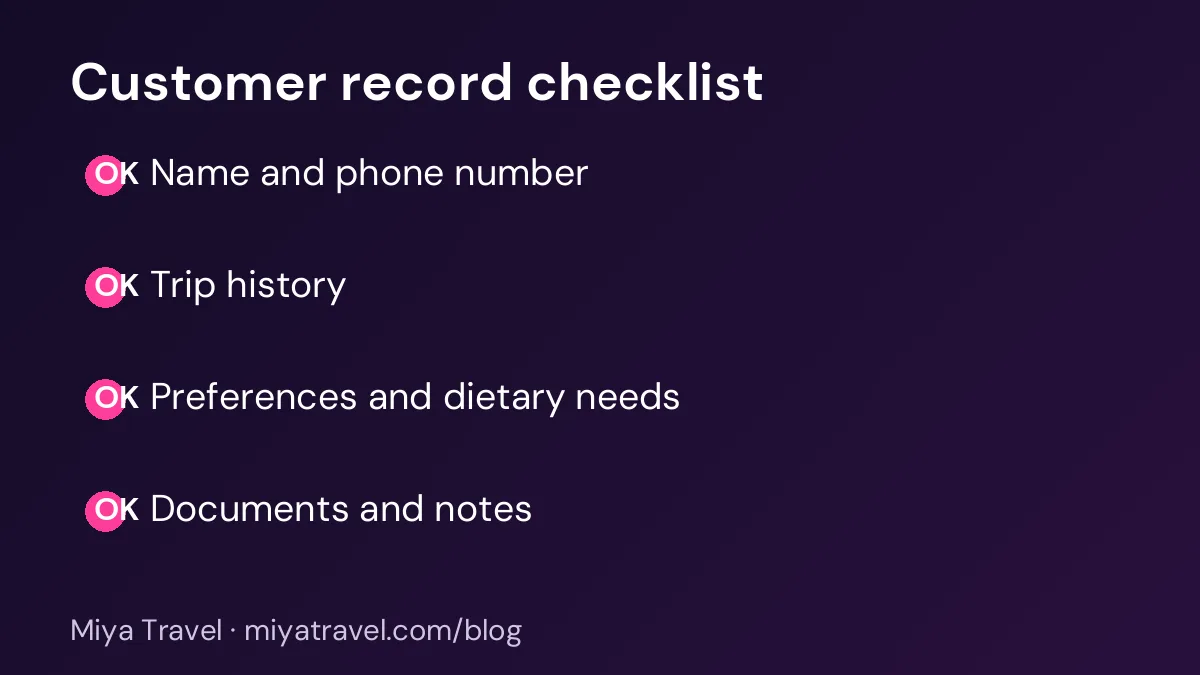
Start with the basics: full name as it appears on the travel documents, phone number, email address and city. The phone number should be the main identifier, because it is the easiest to check and the least likely to change. Add the client's preferred language and the best time to call.
Then add trip-related fields: the destinations they have visited, the typical trip length, the usual number of travellers and the budget range they mention. These help the team suggest the right package for the next enquiry.
Finally, add preferences and notes: hotel category, room type, dietary needs, travel style and any medical or accessibility requirements. Keep these notes factual and respectful, and store only what the team needs to serve the client well.
Ask clients for their name exactly as it appears on their passport, and store it in that form. Mismatched names are the most common cause of problems at airports and hotels.
Avoiding duplicate records
Duplicates happen when two staff members create a new record for the same client. The fix is a simple rule: before creating a new customer, search by phone number and email. If a match exists, use it. If the name is spelled differently, update the existing record rather than creating a new one.
Review the database every month for duplicates. Merge records that clearly belong to the same person, and keep the most complete version. A merge should keep the full trip history from both records, so no information is lost.
Recording trip history
Each trip should appear in the customer record with the destination, the travel dates, the package, the total paid and the main supplier. Link the booking, the itinerary and the payment record to the trip. Over time, this history shows which packages the client likes and when they usually travel.
Trip history is also a sales tool. When a repeat client enquires, the agent can say, "Last year you enjoyed the Kerala backwaters, would you like a similar trip with more time in the hills?" That message is more persuasive than a generic brochure.
Documents and sensitive data
Customer records may contain passport copies, visa documents and identity details. Store these securely, with access limited to staff who need them. Do not keep copies in personal phones or messaging apps. Ask your team to follow the same rule.
Keep only the documents you need for the trip. Once a trip is complete and the retention period has passed, remove what is no longer required. Confirm the rules with your legal adviser or accountant, because data protection requirements apply.
Keeping the database current
A database is only useful if it is current. Make it a habit to update the customer record after every call, booking and payment. Assign one person to check the new records each week, looking for missing phone numbers, unclear names and duplicates.
When a client changes their phone number or email, update the record immediately. An old number can cause a missed reminder or a wrong message, and that damages trust.
Common mistakes
The first mistake is storing customer data in several spreadsheets. The second is creating a new record for every enquiry instead of linking enquiries to the existing customer. The third is missing the client's preferences, so the team asks the same questions each time. The fourth is keeping documents for longer than needed. The fifth is letting one person control the database with no backup.
Another mistake is recording notes that are unclear or unkind. Keep notes short, factual and useful. "Prefers morning flights" is helpful. A vague judgement about a client is not.
Choosing a customer database
Look for a tool that uses phone number and email to find duplicates, links every enquiry and booking to the customer, stores preferences and shows trip history on one screen. Ask the vendor to show a repeat client with two previous trips and a new enquiry. The team should see the history in seconds.
Check access controls too. Staff should see the customers they serve, and the owner should see the full database. Confirm that you can export the customer list if you change tools.
Miya Travel includes customer records linked to leads, quotations and itineraries, so each new enquiry can build on the previous trip history. Check the documentation for the current customer features and confirm any specific fields you need.
A monthly database review
Once a month, review new customers for missing phone numbers and duplicates. Check that the trip history is complete for trips finished in the last month. Look for clients who have not travelled in two years, and decide whether to send a friendly check-in. This small routine keeps the database useful and makes repeat business easier.
Making the database useful for every role
A customer database serves different people in different ways. A sales agent wants to see the client's last enquiry and preferences before the next call. An operations person wants to see the passport name, the dietary needs and any medical note for a trip. The owner wants to see repeat business and the value of each client over time. One record can serve all three, if the fields are arranged clearly.
Set up the record in sections. Keep the contact details at the top, followed by the trip history, the preferences, the documents and the notes. Use the same order for every record, so each person knows where to look. A consistent layout saves time and reduces the chance of missing an important detail.
Limit who can edit sensitive fields. Changes to a passport name or a medical note should be made by a named person, and the change should be logged. This protects the client and gives you a record if a question arises later.
Review the layout once a year. Ask each role what they look for most often, and move those fields to the top. A database that matches the way people actually work is used every day.
Using the database for thank-you and milestone messages
A well-kept customer record makes it easy to send thoughtful messages. A thank-you note after a trip, a message on a client's anniversary of their first booking or a note when a child's birthday falls near a trip can strengthen the relationship. These messages cost little and are remembered.
Keep these messages personal and occasional. A client who receives a birthday message is pleased, but one who receives a message every week will feel the agency is pushing for sales. Set a simple rule, such as one personal message per year and one trip-related message after each booking.
Record the date of each personal message in the customer record, so the team does not send two in a short period. The record also shows which clients have been contacted recently, which helps the next follow-up.
Frequently asked questions
What is a customer database for a travel agency?
It is a list of clients with one record per person, holding contact details, trip history, preferences, documents and notes, linked to their enquiries and bookings.
Which field should be the main identifier?
The phone number is usually the best main identifier, because it is easy to check and rarely changes. Use email as a second check.
How do I avoid duplicate customers?
Search by phone number and email before creating a new record. Merge duplicates monthly and keep the complete history from both.
How long should I keep client documents?
Keep only what the trip requires and what your legal adviser or accountant says you must keep. Remove older documents securely once they are no longer needed.
Can the database help with repeat sales?
Yes. Trip history and preferences let the agent suggest a relevant next trip, which is more effective than a generic offer.