A travel CRM free trial is worth using only if you test it with real work. Plan 14 days: enter real leads, send real quotations, give each staff member a role and measure time saved. Then decide based on what your team actually did, not on the feature list.
Most agencies try a travel CRM the same way. They sign up, click around for an afternoon, add a few test customers and then forget the account exists. A month later they are back to spreadsheets. A travel CRM free trial is valuable only if you use it to test your real work. This guide gives you a 14-day plan, shows what to measure and explains the questions to answer before you pay for a plan.
Why most trials fail
A trial fails when it does not match daily work. The test data is fake, so the team never sees how the tool handles a real client with a changed date. The trial happens in the owner's account only, so staff never log in. The trial ends before the first busy weekend, so the team never checks how the tool behaves under pressure.
A good trial feels a little uncomfortable. Your team has to enter real information, send real quotations and follow real leads. That discomfort shows you the problems that matter.
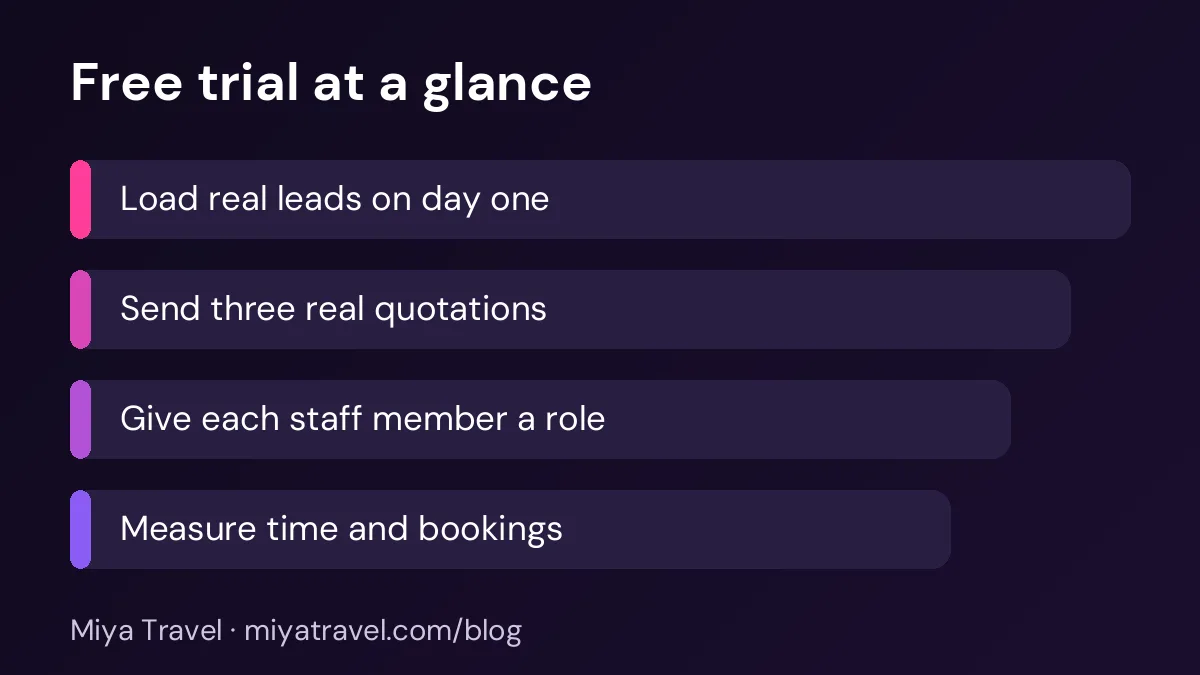
Before you start: set three goals
Write down three goals before you sign up. Make them specific. For example, "reduce the time to create a quotation from 40 minutes to 15 minutes", "send every enquiry a reply within one hour" and "see the open leads for each staff member on one screen". Measurable goals keep the trial honest.
Also choose the team members who will test the tool. Include at least one person who handles enquiries, one who creates quotations and the owner who reviews the numbers. Give each one a clear role in the tool, so you can test team permissions as well.
Days one to three: load the real work
On day one, import your current leads and customers. If you use a spreadsheet, export it and clean the names and phone numbers. Do not import everything. Start with the leads from the last two months and the customers who booked this year. This is enough to test search, status and history.
On day two, set up your pipeline stages. Use the stages your team already uses, such as new, contacted, quoted, won and lost. Remove any stage nobody uses. Assign owners to the open leads.
On day three, create three real quotations. Choose one domestic trip, one international trip and one group enquiry. Time each one from start to finish. Note every point where you had to stop and look for something. Those pauses are the real cost of the tool.
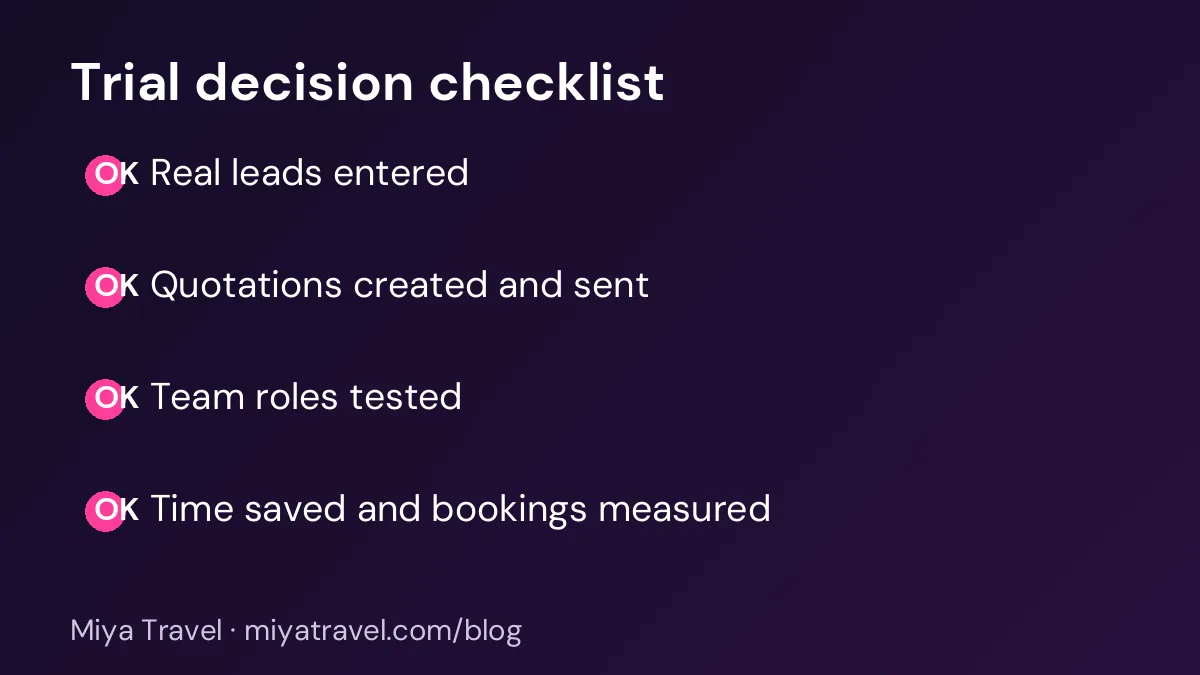
Days four to seven: test the daily routine
From day four, use the tool for every new enquiry. Each staff member should update the status after every call or message. The owner should check the open leads once in the morning and once in the evening, without asking staff for a separate report.
Test a revision. Change the hotel or the number of travellers on one quotation and see whether the price, the day plan and the summary update. A tool that makes revisions slow will frustrate your team in peak season.
Test the team roles. Log in as a staff member and check whether they can see only their own leads. Check whether they can change prices if you want to restrict that.
Keep a simple log during the trial. Write down each problem, the time it cost and whether the vendor fixed it. This log is more useful than your memory at the end.
Days eight to fourteen: check the results
By the second week, you should have enough data to judge the tool. Count how many leads were entered, how many quotations were sent and how many bookings came from them. Compare the numbers with the same period last month, if you have them.
Ask each team member the same three questions. Did the tool save time on your daily work? Did you find anything faster than before? What is the one thing that annoyed you? Their answers will show you whether the tool will last after the trial.
Check support too. Send the vendor one real question during the trial and time the reply. Support during the trial is often better than support after you pay, so note what you see.
Questions to answer before you pay
Ask about the limits on users, leads and quotations, and check whether they apply to the plan you need. Ask how data is exported if you leave. Ask whether the price includes updates and support, or whether there are extra charges later.
Ask how the tool handles your busiest month. A plan that works for ten leads a week may slow down or become expensive at a hundred. Ask for the limits in writing.
What the free plan shows you
A free plan is useful for testing the basics, but it may not include every feature your agency needs. Check whether the free plan includes the features you tested. Our free travel CRM page explains what to check on a free plan and how to move to a paid plan.
If the free plan does not cover your daily work, the free trial is not the right test. Ask the vendor for a trial of the plan you would really use.
Common mistakes in a trial
The first mistake is testing with fake data. The second is letting only the owner use the tool. The third is ignoring time measurements. The fourth is deciding in the first two days because the screen looks good. Give the tool the full fourteen days.
Another mistake is importing messy data and blaming the tool. Spend an hour cleaning names and phone numbers before the import. A clean list makes the trial fair.
Testing with your busiest day in mind
Most trials happen on quiet days, when the team has time to explore. The real test is a busy day, when five enquiries arrive before lunch and two clients ask for changes by evening. Try to schedule part of your trial around a known busy period, such as a long weekend or a festival season.
On that day, time how long it takes to add a new lead, find an existing customer and send a revised quotation. Note any moment when a staff member has to ask a colleague for help, or when a screen loads slowly. Those interruptions are the real cost of a slow tool. A tool that works well on a quiet day but struggles on a busy one will fail you when the business needs it most.
Ask one staff member to act as a new joiner during the trial. Give them only the written instructions and see how far they get without help. If they can add a lead and create a quotation in under an hour, the tool is easy to learn. If they cannot, plan extra training before you buy.
Making the decision
At the end of the trial, compare the tool with your current process. If it saves time, shows the pipeline clearly and your team wants to keep using it, it is worth buying. If it adds work or confuses staff, look at another option.
Use the same test with Miya Travel or any other vendor. The best tool is the one your team uses every day after the trial ends.
Reporting back to the team after the trial
A trial is only useful if its results are shared. After the two weeks, hold a short meeting with everyone who used the tool. Walk through the log of problems, the time measurements and the answers to the three questions. Ask each person to name one thing they liked and one thing they would change.
Write a one-page summary of the trial. Include the goals you set at the start, the results against each goal, the problems that were fixed by the vendor and the problems that remain. Share the summary with the owner and with each team member. A written record makes the final decision easier to explain and easier to review later.
If the team is split, look at the reasons. A tool that one person loves and another dislikes may fit one role well and another poorly. In that case, you may decide to use the tool for the roles where it works, or to ask the vendor for a fix before you decide.
Asking the vendor for a fair deal before you pay
At the end of a good trial, you are in a strong position to negotiate. Ask the vendor for a clear quote for the plan you need, with the price for twelve months and the price for a shorter commitment. Ask whether there is a setup fee, a discount for an annual payment and what happens to your data if you cancel.
Confirm the support hours and the response time in writing. Ask who your contact will be after the sale, and how you will get help during a busy month. A vendor who answers these questions clearly is likely to support you well after you pay.
Keep the trial data safe until you have decided. If you do not buy, ask the vendor how you can export your data and delete your account. Knowing this in advance protects your records and gives you a clean exit.
Frequently asked questions
How long should a travel CRM free trial last?
Use at least fourteen days. Two weeks includes a full set of enquiries, quotations and follow-ups, which is enough to see how the tool works in daily use.
Should I import all my old leads during the trial?
No. Import the leads from the last two months and the recent customers. This is enough to test search, status and history without spending a whole day on cleaning.
What should I measure during the trial?
Time to create a quotation, time to reply to an enquiry, how many leads each staff member can see and how many quotations turned into bookings.
Can I test team roles in a free trial?
Often yes, but check the plan. Log in as a staff member during the trial and confirm that they see only what you intend.
What if the trial ends before I am ready?
Ask the vendor for an extension if your test is not complete, and explain what you still need to check. A good vendor will respond clearly.