Travel agency software in India should manage leads, quotations, itineraries, customers and team follow-ups in one place, and it should fit how Indian agencies sell domestic and international packages. Test it with a real quotation before you commit.
Indian travel agencies sell many kinds of trips: pilgrimage tours, family holidays, honeymoon packages, corporate offsites and international tours to Dubai, Thailand or Europe. Each type needs a different quotation, a different set of suppliers and a different follow-up rhythm. A generic tool built for another market often fails on the details that matter most, such as multi-city itineraries, per-person pricing and quick revisions after a client asks for a hotel change.
This guide explains what travel agency software in India should do, how to compare vendors, and what to test before you commit. It is written for agency owners and team leads who want a tool their staff will actually use every day.
Why Indian agencies need software built for travel
Most agencies start with a spreadsheet, a WhatsApp group and a notebook. That works for a few clients a week. It breaks when three people quote the same customer, when a revision is lost, or when a lead waits a week for a reply because nobody saw the message.
Travel-specific software organises the work around the trip. A lead becomes a customer, the customer receives a quotation, the quotation becomes an itinerary, and the accepted itinerary becomes a booking. Each step has an owner and a status. The team can see where every enquiry stands without asking around.
Generic sales software can manage leads, but it usually needs extra work to handle days, nights, hotel categories and per-person costs. Check this early, because a tool that needs workarounds for every quotation will slow your team down.
Features that matter most
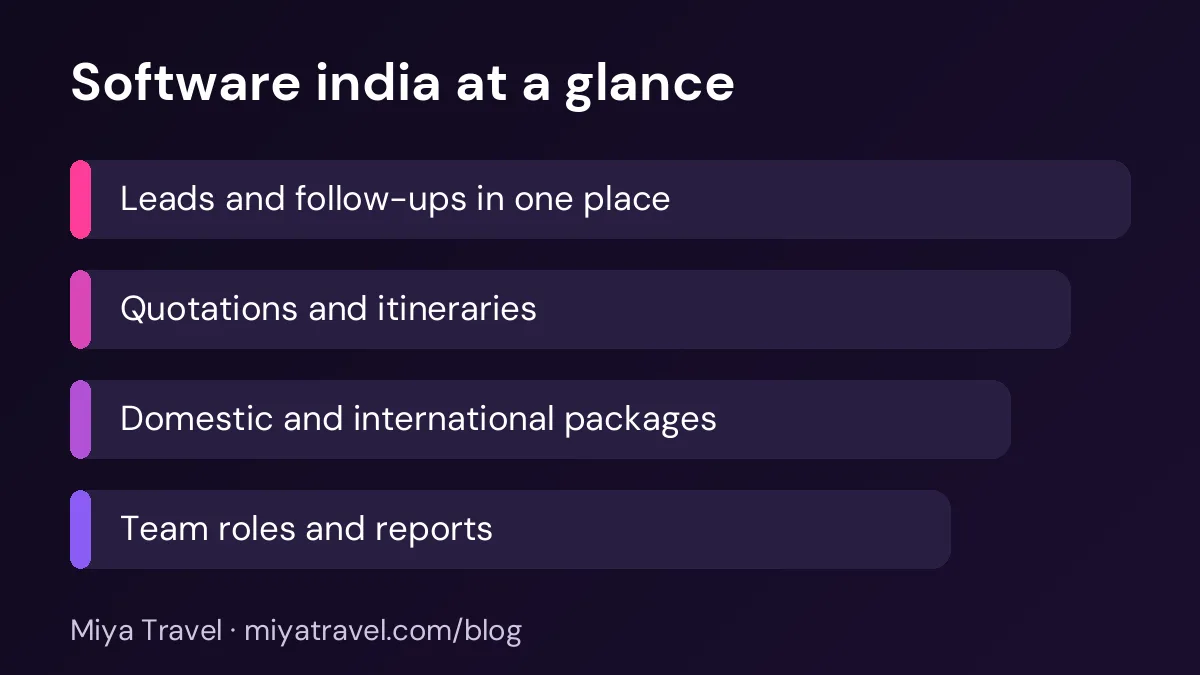
For most Indian agencies, five features decide whether a tool is useful after the first month.
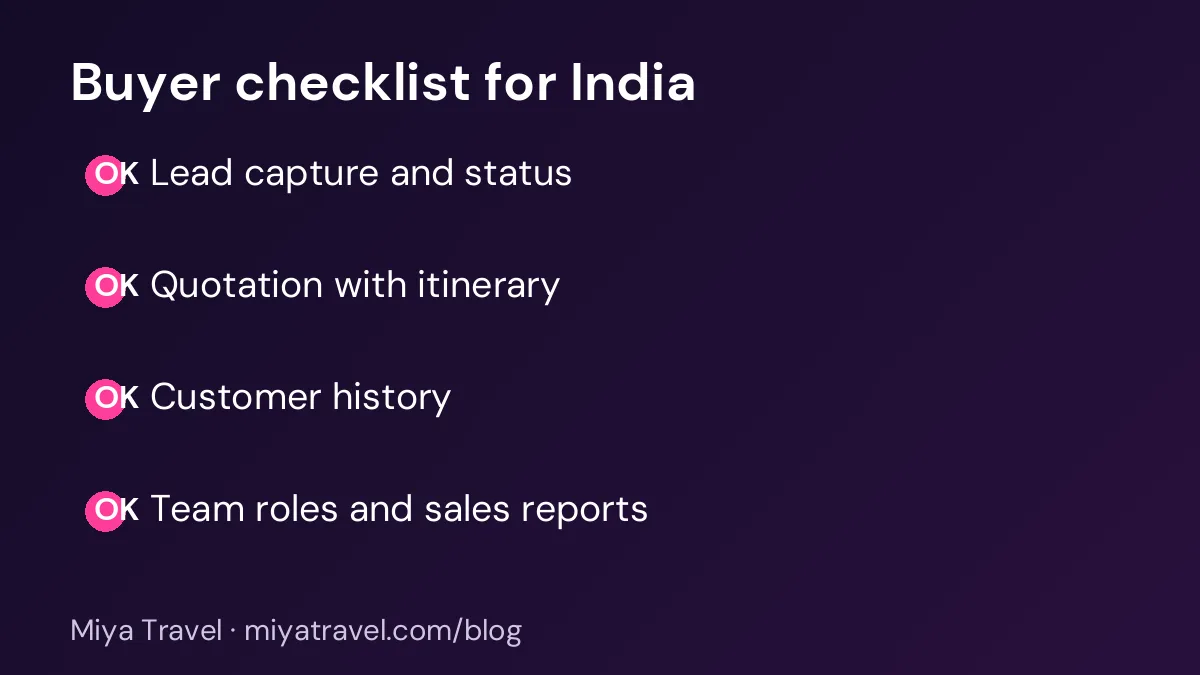
- Lead capture and status. Enquiries from calls, website forms, WhatsApp and walk-ins should land in one list with a clear status such as new, contacted, quoted or won.
- Quotations with itineraries. The quotation should show day-wise plans, inclusions, exclusions and prices per person. Revisions should be quick.
- Customer history. Every past trip, quotation and payment note should stay with the customer, so repeat clients get better service.
- Team roles. Owners need to see everything. Staff should see only their leads and quotations, unless you decide otherwise.
- Reports on the pipeline. You should see how many quotations were sent this week, how many turned into bookings and which packages sell best.
If a feature is not in your list of five, it is a bonus. Do not pay extra for it until your team has used the tool for a full season.
How to compare vendors
Start with a short list of three tools. Ask each vendor to show a real quotation for a domestic trip and a real quotation for an international trip. Time how long it takes to create each one. If the demo takes longer than your current method, the software will not save time in daily use.
Next, check how the tool handles changes. Clients rarely accept the first quotation. Ask the vendor to show a revision: changing a hotel, removing a day, adding a visa cost. The revision should keep the old version for reference.
Then check mobile use. Many agents work from a phone between client calls. A tool that only works on a desktop will be used less, and the data will fall behind.
Finally, ask about support and data export. Find out who answers questions during your busy season, and confirm that you can export your customers and quotations if you switch tools later.
Pricing and value
Do not compare only the monthly price. Compare the total time your team spends per quotation, the number of leads you can handle without adding staff, and the number of bookings you lose to slow replies. A tool that saves ten minutes per quotation can pay for itself quickly if you send many quotations each week.
Be careful with free plans. They are useful for testing, but check the limits on users, leads and quotations before you build your process around them. Our free travel CRM page explains what to check on a free plan.
Testing a tool in two weeks
A short trial is the best test. In the first two days, enter your current leads and the last ten customers. In the next three days, create quotations for three real enquiries, including one domestic and one international. In the following days, have each staff member update the status of their leads every day and note what slows them down.
At the end of two weeks, ask three questions. Did the team find leads faster? Did quotations go out sooner? Did the owner get a clearer view of the pipeline? If the answer is yes to all three, the tool is likely worth buying.
Common mistakes
The first mistake is choosing software by a long feature list. Most agencies use fewer than ten features every day. Focus on those.
The second mistake is skipping training. Even a good tool fails if the team uses it differently. Set one rule for how leads are updated and how quotations are named, and check it every week.
The third mistake is keeping old spreadsheets alive. If the team still tracks leads in a sheet, the software will show only part of the business. Move everything into the tool once the trial is complete.
A worked example: one quotation, two tools
Imagine an agency in Jaipur that receives a request for a six-day Rajasthan tour for a family of five. In a spreadsheet, the agent copies an old quotation, changes the hotel names, recalculates the per-person price by hand and emails a PDF. If the family asks for a different hotel the next day, the agent starts again.
In travel-focused software, the same request becomes a lead. The agent selects the destination, adds the dates and the number of travellers, and builds the day plan from saved hotel and transfer details. The price per person updates automatically. When the family asks for a change, the agent edits one day, and the summary and price update together. The lead status changes to quoted, and a follow-up reminder is set for the next day.
The difference is not only speed. The second method keeps one record of the request, the quotation and the revision, so the owner can see what happened without asking the agent. That record is what makes the team reliable when several enquiries arrive together.
How Miya Travel fits Indian agencies
Miya Travel is built for travel agencies and tour operators in India. It covers leads, customers, quotations, itineraries and team workspaces in one dashboard. You can check the features in the Miya Travel documentation, and you can read more about the sales side in our travel CRM software guide.
Use the two-week test above with any vendor, including us. The best tool is the one your team uses every day without being reminded.
Preparing the team for the change
A new software tool changes how people work every day, and that change can feel uncomfortable. Prepare the team before the switch by explaining why the agency is making the change and what problem it solves. People accept change more easily when they understand the reason and when they have been part of the decision.
Ask one or two experienced agents to help test the tool and to become the first point of contact for their colleagues. These champions answer simple questions, share tips and report problems to the vendor. A team that has a trusted colleague to ask is far more confident than one that depends on a distant support line.
Set realistic expectations for the first month. The team may be slower at first, because they are learning new screens. Say so openly, and set a short-term target that accounts for the learning curve. A target that is realistic keeps people motivated, while an unrealistic one creates frustration and pressure.
Frequently asked questions
What is travel agency software?
Travel agency software manages the work of selling trips. It usually covers leads, customers, quotations, itineraries, bookings and team follow-up. Some tools also include accounting, but many leave that to a separate system.
Is travel agency software in India different from global tools?
It can be. Indian agencies often need per-person pricing, domestic and international package options, and quick quotation revisions. Check these needs during a demo.
How much should a small agency expect to pay?
Prices vary by vendor and by the number of users. Compare the total cost with the time saved per quotation and the bookings you would otherwise lose to slow follow-up.
Can I try the software before I pay?
Many vendors offer a trial or a free plan. Check the limits on users, leads and quotations, and run the two-week test with real enquiries.
Do I need software if I have only two or three staff?
Even a small team benefits from one place for leads and quotations. You can start with a simple setup and add more features as your team grows.