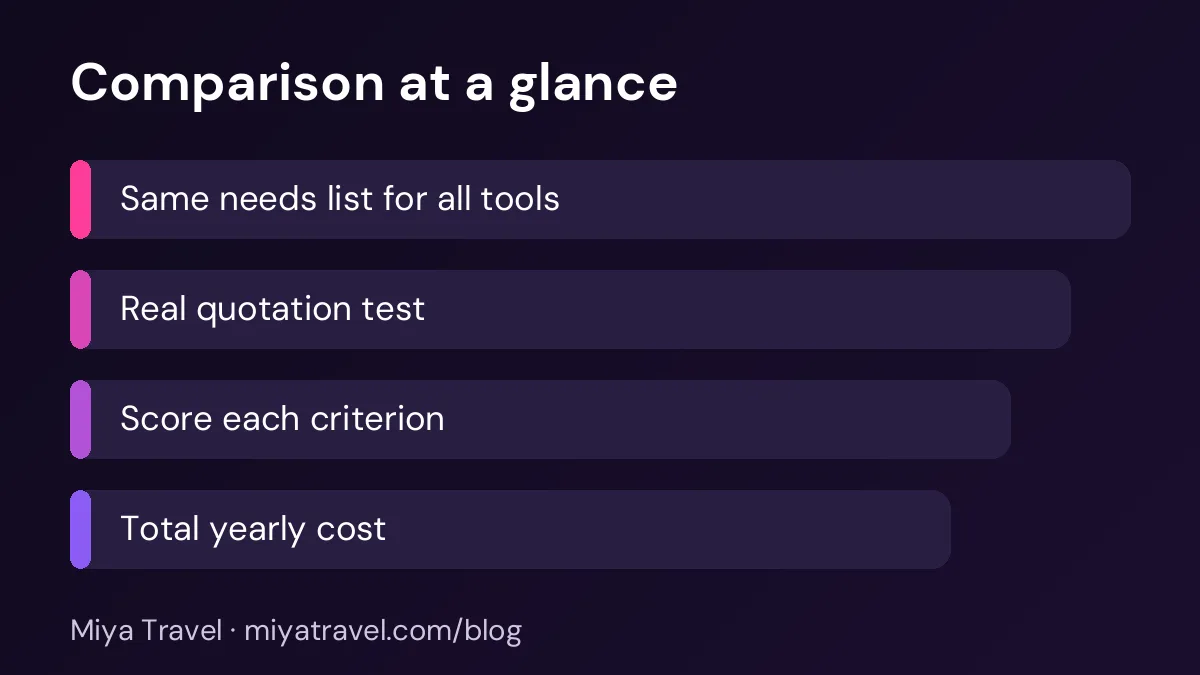
To compare travel agency software in India fairly, score each tool against the same list of needs, test each one with a real quotation and a real lead, and compare the total cost over a year rather than the monthly price alone. A simple scoring method keeps the decision based on evidence, not on the best demo.
Choosing travel agency software in India is harder than it looks. Every vendor has a polished demo, a long feature list and a promise that the tool will save time. The demo shows the best case, but the decision depends on your daily work. A fair comparison uses the same test for every tool, scores each one against the same needs and looks at the full cost, not only the monthly fee. This guide shows you how to run that comparison.
Write the needs before you see any demo
Before you book a single demo, write down what your agency needs. List the must-have features, the nice-to-have features and the things you do not need. Must-haves might include lead capture from WhatsApp, quotations with day-wise plans, team roles and reports on the pipeline. Nice-to-haves might include AI draft itineraries or a customer app. Things you do not need might include a full accounting module if your accountant uses a separate system.
Share the list with the team. Ask each person to add the features that would save them time. A list written by the owner alone often misses the problems the agents face every day.
Give each tool the same test
The most useful test is a real quotation. Choose one domestic trip and one international trip from your recent work, and ask each vendor to build both during the demo. Use your own destinations, hotels and prices where possible. Time each build, and note every point where the tool slowed down or needed a workaround.
Then test a revision. Change the hotel and the number of travellers on one quotation, and check whether the price and the day plan update correctly. A tool that is fast to build but slow to revise will cost time every week.
Do not let the vendor drive the demo with their own data. Ask them to use the trip you give them, so the comparison is fair and you see the real workflow.
Score each criterion
Create a scorecard with the same criteria for every tool. Common criteria include ease of use, quotation speed, revision handling, lead management, team roles, reports, mobile use, support, data export and price. Give each one a score from one to five, and write a short reason for each score.
The scores are a guide, not a verdict. A tool that scores lower on reports but much higher on quotations may still be the right choice if quotations are your biggest time cost. Weigh each criterion by how often your team will use it.
Ask the vendor the important questions
Some questions reveal more than a feature list. Ask how the tool handles data export if you leave. Ask what the support hours are during your busiest season. Ask how often the tool is updated and how changes are announced. Ask for the limits on users, leads and quotations in the plan you would buy.
Ask for two references from agencies of your size in India. A reference call often reveals problems that a demo hides, such as slow support during peak periods or an extra charge for a feature you assumed was included.
Compare the total cost
The monthly price is only part of the cost. Add the setup fee, the training cost, any charges for extra users, the cost of extra storage or support and the time your team spends learning the tool. Multiply the monthly cost by twelve, add the one-off costs, and compare the totals.
Also estimate the time saved. If a tool saves ten minutes on each quotation and your team sends fifty quotations a month, the time saving is significant. Put a rupee value on that time, and compare it with the cost of the tool.
Check the fit with your process
A tool should match how your team works, not force a new process. If your agents work mostly from a phone, check the mobile experience. If your owner reviews the pipeline every morning, check whether the pipeline view shows the right information. If your accounts person needs payment records, check whether the payment view is clear.
Ask each team member to rate the fit for their role. A tool the owner loves but the agents dislike will not be used for long.
Make the decision and plan the switch
Once you have scored the tools, choose the one with the best overall fit and the best value over a year. Then plan the switch. Set a date for the trial to end, a date for the import and a date for the first team training. A structured plan prevents the switch from drifting, which is one of the most common reasons agencies stay with the wrong tool.
Keep the scorecard and the notes. A year from now, you can review the decision and see whether the tool still fits.
Common mistakes in comparisons
The first mistake is comparing demos instead of tests. The second is judging by the feature list. The third is ignoring the total cost. The fourth is leaving out the team's views. The fifth is deciding in one day, which gives you no time to check references or run a trial.
Another mistake is choosing the cheapest tool without checking whether it can handle your busiest month. A low price with poor support or limits that stop you during peak season is expensive.
A simple comparison timeline
Week one: write the needs and shortlist three tools. Week two: run the demo test with a real quotation and revision for each tool. Week three: score the tools, ask the key questions and call references. Week four: run a short trial with your own leads for the top two tools, then decide.
This timeline takes about a month and gives you a decision you can defend to the team and the owner.
Miya Travel in the comparison
Miya Travel is built for travel agencies in India. You can include it in your comparison using the same needs list and the same real quotation test. Check the documentation for the current features, and ask the team for a demo with your own destinations.
Checking the vendor's stability and roadmap
A software tool is a long-term commitment. Before you choose a vendor, check how long they have been operating, how many agencies use the product and how often they release updates. A vendor that changes its product every few months without warning can disrupt your team. A vendor that never updates may leave you behind as the market moves.
Ask about the roadmap. Which features are planned for the next six to twelve months, and how will they be announced? Ask whether existing customers receive new features at no extra cost, or whether each feature has its own charge. The answers show how the vendor plans and how much you will pay over time.
Check the vendor's own policies on data. Ask where the data is stored, how it is backed up and what happens to it if the vendor is sold or closes. A clear answer to these questions protects your agency's most important asset, which is its client records.
Comparing the onboarding experience
The first few weeks with a tool shape the team's view of it for years. Compare the onboarding support offered by each vendor. Ask whether they provide a setup session, how long the import takes, whether they help with data cleaning and what training material is available in plain language.
Ask each vendor for an example of a new customer's first month. A good onboarding plan includes a clear schedule, a named contact and a checkpoint at the end of week one. A vendor who cannot describe the first month is less likely to support your team well during the switch.
Frequently asked questions
How many travel agency software tools should I compare?
Three is a good number. More than that takes too long, and fewer may not show you the options.
What is the most important test in a comparison?
A real quotation and a revision, built with your own destinations and prices. This shows how the tool performs in daily work.
How do I compare the total cost of different tools?
Add setup, training, extra user charges and extra services to twelve months of the monthly fee, then compare the total with the time saved.
Should the whole team take part in the comparison?
Yes. Ask each role to test the parts of the tool they use, and rate the fit. A tool that the team rejects will not be used.
How long should a trial last before I decide?
About two weeks with real work. Use the trial to test daily routines, not only the features on the demo.