Tour operator CRM software handles inquiries, fixed departures, group quotations, supplier coordination and repeat guest history. A tour operator needs to see every departure date, the seats sold and the follow-up for each inquiry, not only a list of contacts.
Tour operators sell trips that run on fixed dates. A departure to Ladakh in June has a set number of seats, a set itinerary and a set group of suppliers. Each inquiry is a question about a specific departure, and each booking changes the seat count for everyone else. Tour operator CRM software must handle this structure. A generic contact list cannot show how many seats are left on a departure or which inquiries are waiting for a reply.
This guide explains what a tour operator CRM should do, how to organise inquiries around departures and how to keep repeat guests coming back.
How a tour operator's sales differ from an agency
A travel agency usually builds a custom trip for each client. A tour operator sells a product that already exists, with a departure date, a price and a seat limit. The sales team works from a calendar of departures, not from a blank quotation.
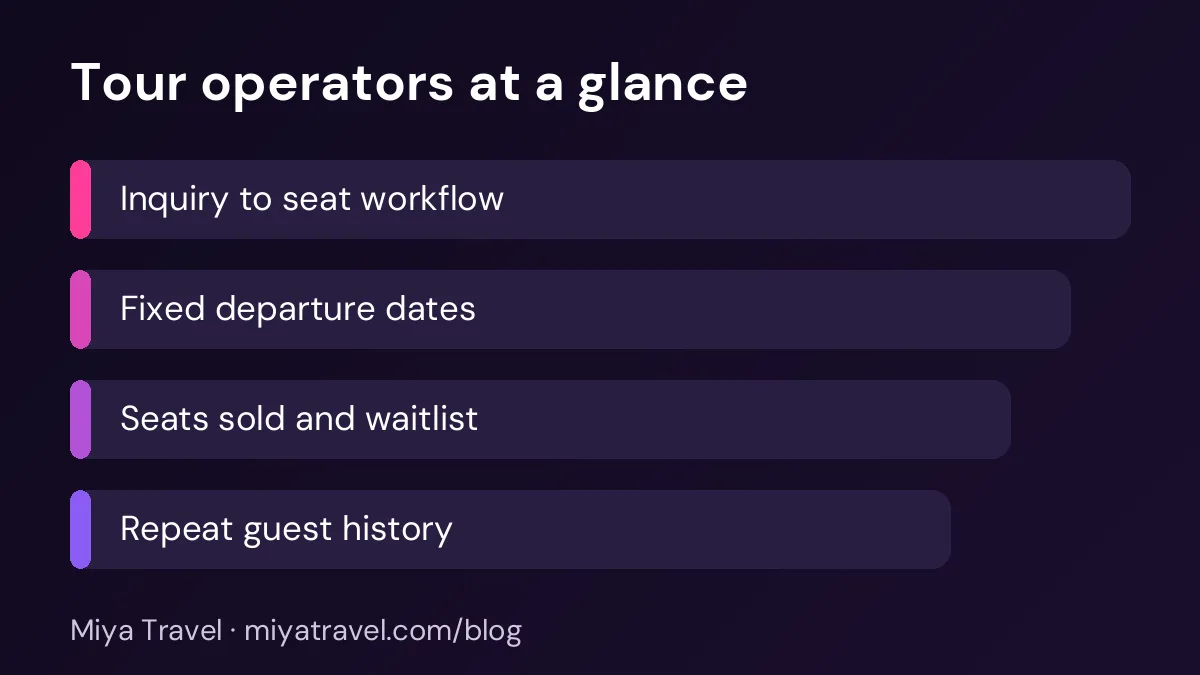
This changes the CRM. The main view should be the departure calendar, showing each trip, the date, the seats sold and the seats left. Each inquiry should link to a departure, so the team knows exactly which trip the client wants.
Organising inquiries by departure
Start by creating each departure as a record. Include the trip name, the start and end dates, the price, the number of seats and the cutoff date for booking. The cutoff date is the last day you accept bookings before the operator confirms the group.
Then link each inquiry to a departure. A client who asks about Ladakh in June is linked to the June departure. If that departure is full, the inquiry is linked to a waitlist or to the next date. This helps the team answer quickly with real options.
Track each inquiry through clear stages: new, contacted, interested, seat held, paid and confirmed. A seat held means the client has asked for a seat and you are waiting for a payment or a document. Set a hold time, after which the seat is released if the client does not pay.
Set a fixed hold period, such as 48 or 72 hours, and tell the client clearly. Without a hold rule, seats stay locked for weeks and other clients are turned away.
Managing seats and waitlists
Seat control is the most important part of tour operator software. The system should show seats sold and seats left for each departure in real time. A staff member should not have to count bookings in a spreadsheet to see if a departure is full.
A waitlist keeps interested clients in the process. When a seat becomes free, the team can call the first person on the list. Record the waitlist order and the date each client joined, so the rule is clear and fair.
Group quotations and private departures
Tour operators also sell private departures for groups. A school, a company or a family group may want a departure on different dates from the fixed calendar. Record these as separate quotations linked to the customer, with their own itinerary and price. Keep them separate from the public departures so the public seat count stays accurate.
Supplier coordination
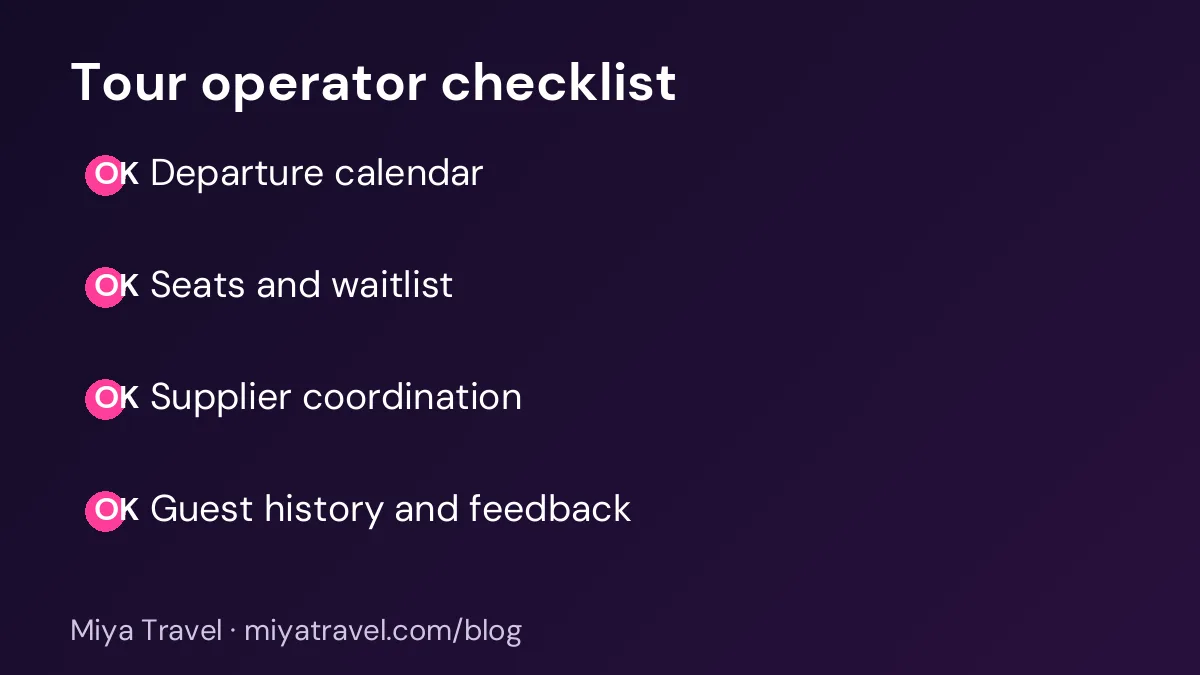
A departure depends on suppliers: hotels, transport, guides and activity providers. Keep the supplier list linked to each departure, with confirmation numbers and deadlines. When a hotel changes or a guide is unavailable, the team should see which departures are affected.
Set reminders before supplier deadlines. A missed deadline can mean a higher rate or a cancelled room. A reminder a week before each deadline gives the team time to act.
Repeat guests and history
Repeat guests are the most valuable part of a tour business. Each guest record should show past departures, preferences, feedback and any special needs. When a guest returns, the team can offer a suitable departure without asking the same questions again.
Record feedback after each trip, with a short rating and any comments about the hotel, the guide or the schedule. This feedback tells you which departures to repeat and which suppliers to review.
Pricing and departure reports
Tour operators need reports on departures. Look at how many seats sold for each departure, how many inquiries turned into bookings and which months sell fastest. These numbers help you decide which departures to add and which to drop.
Check profit by departure as well. A departure can sell out and still lose money if supplier costs rose after the price was set. The report should show the selling price, the supplier cost and the margin for each departure.
Common mistakes
The first mistake is keeping seat counts in a separate sheet from the inquiries. The two drift apart quickly. Keep the seat count and the inquiry list in the same system.
The second mistake is no hold rule. Without a hold time, the seat count becomes unreliable.
The third mistake is failing to record the cutoff date. Clients need to know when the booking closes.
The fourth mistake is ignoring repeat guests. Each returning guest should trigger a note that reminds the team to offer the next departure.
How Miya Travel fits a tour operator
Miya Travel includes leads, customers, quotations and itineraries, which cover the inquiry and sales workflow for a tour operator. Check the CRM for tour operators page for the current features and confirm any departure-specific needs, such as fixed-date seat management, before you plan around them.
Setting prices for each departure
Tour operators set prices months before departure, and costs can change in that time. A hotel rate may rise, a fuel surcharge may apply or the exchange rate for an international supplier may move. A simple pricing record for each departure helps you respond without guessing.
Record the base cost, the expected supplier increases and the selling price for each departure when it is created. Review the margin once a month. If the margin falls below your target, decide early whether to raise the price for new bookings, change the itinerary or accept a smaller margin on this departure. Make the decision before the seats sell, not after.
Early-bird prices are useful for filling seats sooner, but track them separately. A departure that sells mostly at an early-bird price may look full while earning less than you expected. The departure report should show how many seats sold at each price level.
A weekly routine for a tour operator team
Each Monday, review the departure calendar and the seat count for the next three months. Each Wednesday, review open inquiries and waitlists. Each Friday, check supplier deadlines for the next two weeks and review the week's bookings. Once a month, review profit and repeat guest numbers by departure.
This routine keeps the team focused on the departures that matter and prevents last-minute surprises.
Managing the waitlist fairly
A waitlist is a promise. When a client joins it, they expect to be contacted if a seat becomes free. A fair and visible waitlist builds trust, even when the answer is no. Record the date and time each client joined, and use that order when a seat opens. Do not let a staff member move a client up the list without a clear reason that the owner has approved.
Tell clients how the waitlist works when they join. State how long they will wait, how quickly you will contact them when a seat opens and the hold time once they are offered a seat. A client who knows the rules is less likely to complain when a seat goes to the next person in line.
Review the waitlist each week. Remove clients who have since booked elsewhere, and contact those who have been waiting for a long time with an honest update. A quick message such as "we are still hoping for a seat, and I will let you know as soon as one opens" keeps the relationship warm.
Using departure feedback to improve the next tour
Feedback from each departure is one of the most valuable inputs for the next season. Ask for a short rating of the hotels, the transport, the guide, the pace and the value. Add one open question, such as "What would you change?" The open question often reveals the best ideas.
Share the feedback with the suppliers involved, especially when it is positive. A hotel that receives good feedback is more likely to offer a better rate next season. A guide who hears praise from a group is likely to take extra care on the next departure. Feedback also helps you decide which suppliers to replace.
Keep a summary of feedback for each departure in the departure record. Over a year, the summaries show which departures are the most popular, which suppliers are the most reliable and which parts of the itinerary need a change.
Frequently asked questions
What is tour operator CRM software?
It is a CRM built around fixed departures. It tracks inquiries against each departure, shows seats sold and seats left, manages waitlists and keeps guest history.
How is a tour operator CRM different from a travel agency CRM?
A tour operator sells fixed departures with seat limits, while an agency usually builds custom trips. The departure calendar and seat control are the main differences.
How long should I hold a seat for a client?
Set a short hold period, such as 48 to 72 hours, and tell the client clearly. Release the seat if the client does not pay within that time.
Can I manage private group departures?
Yes. Record them as separate quotations linked to the customer, so that they do not change the public seat count.
What reports matter most for a tour operator?
Seats sold by departure, inquiries converted to bookings, profit by departure and repeat guest numbers.