

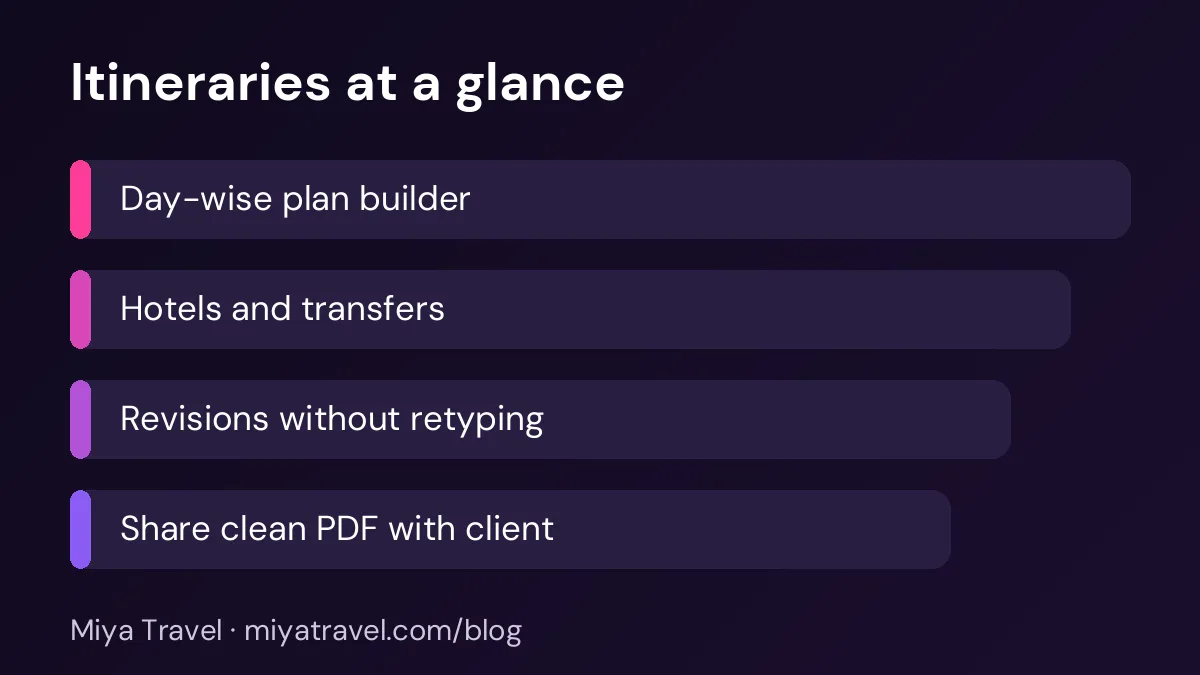
Itinerary software lets travel agents build day-wise trip plans, add hotels, transfers and activities, and send a clean document to the client. Good tools keep the itinerary linked to the quotation so revisions are fast and nothing is lost.
An itinerary is the part of a travel quotation that clients read most carefully. It shows what they will see each day, where they will sleep and how they will move between cities. A vague itinerary creates doubt. A clear one builds trust and often closes the sale. Itinerary software for travel agents helps you build that document faster, keep it consistent and change it without starting from zero.
This guide explains what good itinerary software should do, how to set up a workflow that saves time, and how to avoid the common errors that cause complaints later.
What an itinerary should contain
A useful itinerary has a clear title, the travel dates, the number of nights and the cities. Each day should list the place, the main activities, the meal plan, the transfer details and the hotel for the night. Add the check-in and check-out times when you know them, and note any free time so the client can plan.
Inclusions and exclusions belong at the end of the itinerary, not hidden in small print. List what is covered, such as hotels, transfers, sightseeing and meals, and what is not, such as airfare, personal expenses, optional activities and travel insurance. Clear exclusions prevent most disputes after the trip.
Why spreadsheets fail for itineraries
Many agents build itineraries in a word processor or a spreadsheet. This works for one trip. It becomes slow when you have ten trips a week, and it fails when a client asks for a change. Changing a hotel on day three may affect the transfer on day four and the price on the summary page. Manual edits often miss one of these links.
Itinerary software keeps the days, hotels and prices in one structure. When you change a hotel, the price updates and the transfer details stay with the right day. This reduces errors and makes revisions much faster.
Building an itinerary in five steps
- Start with the quotation. Confirm the destination, dates, number of travellers and budget before you add a single day. The itinerary should match the quotation exactly.
- Add the days in order. Enter one day at a time, starting with arrival. Keep each day short and specific.
- Attach hotels and transfers. Link the hotel and the transfer to the correct day so the details stay together.
- Add inclusions and exclusions. Use a standard list so every client sees the same terms.
- Review and send. Read the itinerary as the client would. Check dates, names and times, then send the PDF.
A consistent process matters more than a perfect first draft. Your team should follow the same five steps for every trip.

Revisions that do not start over
Clients rarely accept the first itinerary. They ask for a different hotel, a shorter stay in one city or an extra day for a temple visit. Good software keeps the previous version so you can compare changes and explain the price difference.
Ask vendors to show a revision live. Change one hotel and one activity, then check whether the price, the day plan and the summary all updated. If you have to retype the whole itinerary, the tool will slow your team down during peak season.
Keep one master itinerary for each destination. Copy it for each client and change only the dates, hotels and prices. This keeps quality high and saves time.
Using templates and AI
Templates speed up the work. A Kerala backwaters template, a Rajasthan heritage template and a Dubai city template each contain the usual days and inclusions. You change the details for each client. This is much faster than starting from a blank page.
AI itinerary tools can draft a first plan from a short brief. Use them as a starting point, not as the final document. Check every hotel name, opening time and transfer detail against your own supplier information. An AI draft that sounds right but uses the wrong hotel can cause real problems on the trip.
Miya Travel includes an AI itinerary generator for agents. Treat its output the same way: review it, correct it and confirm it with your suppliers before you send it. You can read about the feature in our AI travel itinerary generator page.
Handling multi-city trips
Multi-city trips need more care than single-city stays. A tour from Delhi to Agra, Jaipur and Udaipur involves four or five hotel changes, several transfers and a different sightseeing order for each city. A small mistake in the transfer times can leave a client waiting at a station.
Build the itinerary city by city. First, set the arrival and departure for each city. Then add the hotel and the nights for each stay. Finally, add the transfer between cities, with the date, the time and the vehicle type. When you link the transfer to the last day in the old city and the first day in the new city, the timing is easy to check. Many errors in multi-city itineraries come from a transfer that was added to the wrong day.
Check the total travel time each day as well. Clients enjoy a trip more when no single day has more than about four hours on the road. If a day looks too long, move one activity or suggest an overnight stop.
Writing itineraries clients can scan
Most clients scan an itinerary on a phone before they read it closely. Use short day titles, such as "Day 2: Jaipur city and Amber Fort". Keep each day to three or four lines. Use bullets for activities and bold the hotel name so the client can find it quickly.
Avoid long paragraphs about the destination. A short line of context per day is enough. Clients can search for more information themselves, and they will appreciate a document they can read in two minutes.
Common mistakes to avoid
The first mistake is inconsistent naming. If the hotel is called "Grand Palace" on day two and "The Grand Palace Hotel" on day five, clients will ask which one is correct. Use the exact name from the supplier confirmation.
The second mistake is missing transfer times. A client who arrives at the airport at 6 am needs to know when the driver will meet them. Put pickup times on the day, not in a separate email.
The third mistake is sending an itinerary that does not match the quotation. If the price includes three nights and the itinerary shows two, the client will notice. Check the numbers before you send anything.
How itineraries connect to the sale
An itinerary is part of the sales process. It should follow the quotation, lead to a decision and move the lead to the next stage. When your software links the itinerary to the lead, you can see which clients received one, which ones asked for changes and which ones booked.
This link also helps follow-up. If an itinerary was sent three days ago with no reply, your team can plan a call. Without that link, the itinerary sits in an inbox and the lead goes cold.
Adding local knowledge that clients value
A good itinerary does more than list places. It shows that the agency knows the destination. Add a short note to each day with one piece of local knowledge that helps the client: the best time to visit a monument to avoid crowds, a local dish worth trying, a dress code for a religious site or a simple tip about the weather. These notes are short, but they make the itinerary feel written by someone who has been there.
Keep these notes accurate and current. Local rules, opening hours and dress codes change, so review the notes each season. Ask your guides and drivers for updates, because they hear about changes first. A wrong tip, such as a closed temple, is worse than no tip at all.
Store the notes with the destination template, not only in one itinerary. When the template is reused for another client, the local knowledge goes with it, and the whole team benefits from the work done once.
Keeping itineraries consistent with the quotation
Every change to an itinerary should be reflected in the quotation, and every change to the quotation should be reflected in the itinerary. A mismatch between the two documents is one of the most common causes of client complaints. Before you send any itinerary, check that the number of days, the hotels, the transfers and the inclusions match the quotation exactly.
Use one source for the daily plan, and generate both the quotation summary and the itinerary from it where your tool allows. If you build the two documents separately, read them side by side before sending. This check takes only a few minutes and prevents misunderstandings at the start of the trip.
Frequently asked questions
What is itinerary software for travel agents?
It is software that helps you build day-wise travel plans, attach hotels and transfers, add inclusions and exclusions and send a client-ready document. Good tools link the itinerary to the quotation and the customer record.
Can an itinerary be changed after the client accepts it?
Yes. Keep the earlier version for reference, make the change and explain the price difference. Software that keeps versions makes this easier.
Should I use an AI itinerary generator?
It can save time for a first draft. Always check hotel names, timings, transfers and prices against your supplier confirmations before you send the document.
How long should a travel itinerary be?
Keep each day short. Three or four lines per day is usually enough, with a clear summary at the start and an inclusions list at the end.
Do I need a template for every destination?
Templates help a lot, especially for popular routes. Start with one template per destination you sell most often, then adjust it for each client.