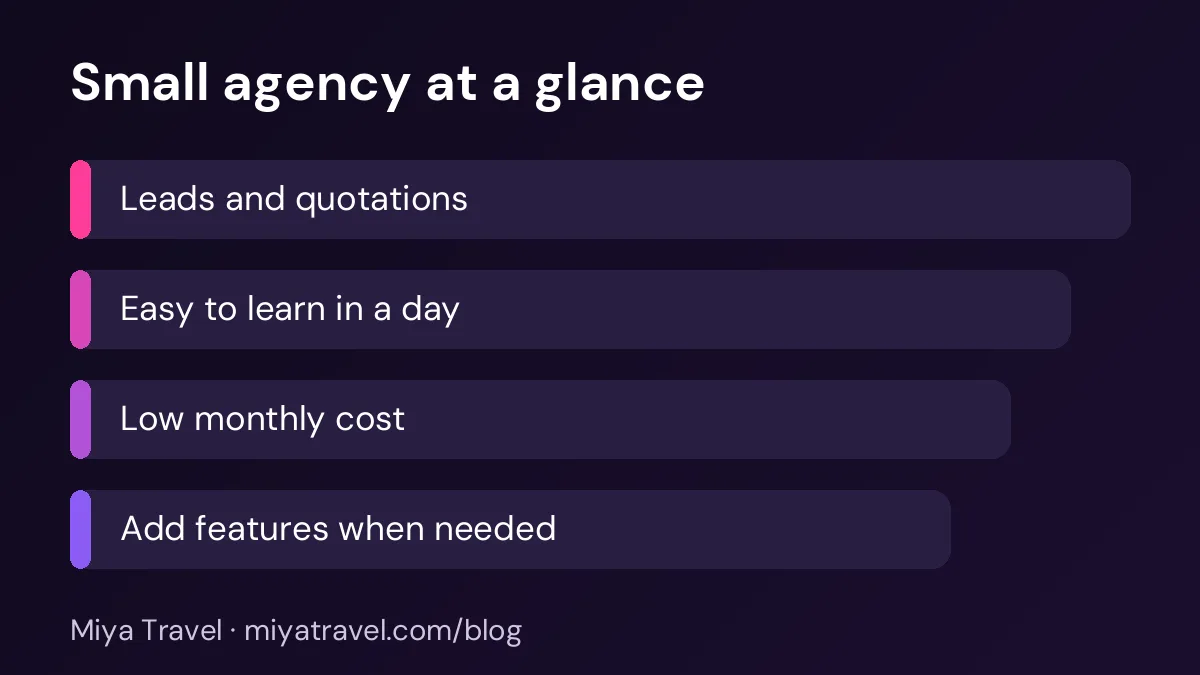
A small travel agency needs a CRM that is easy to start, handles leads and quotations, and costs little to run. Choose a tool your team can learn in a day, keep the setup simple and add features only when the team needs them.
A small travel agency with two or three staff members does not need an enterprise system. It needs a simple place to keep leads, send quotations and remember follow-ups. The problem is that many CRM tools are designed for large sales teams. They have long setup times, many features the agency will never use and prices that do not fit a small business. A CRM for a small travel agency should do the essential work well and stay out of the way.
This guide explains what a small agency actually needs, how to start in a week and what to avoid when you choose a tool.
What a small agency really needs
Start with the daily work. A small agency receives enquiries, creates quotations, follows up with clients and sometimes takes part payments. It needs to know who is handling each lead, what the client wants and when the next call is due.
Most small agencies do not need advanced marketing automation, complex reports or a custom sales forecast. Those features are useful later, but they are not the reason the agency is losing bookings today. The reason is usually slow follow-up and lost enquiries.
So the first test for any CRM is simple. Can a staff member add a lead, send a quotation and set a follow-up in under five minutes? If not, the tool will not survive a busy weekend.
Five features to look for first
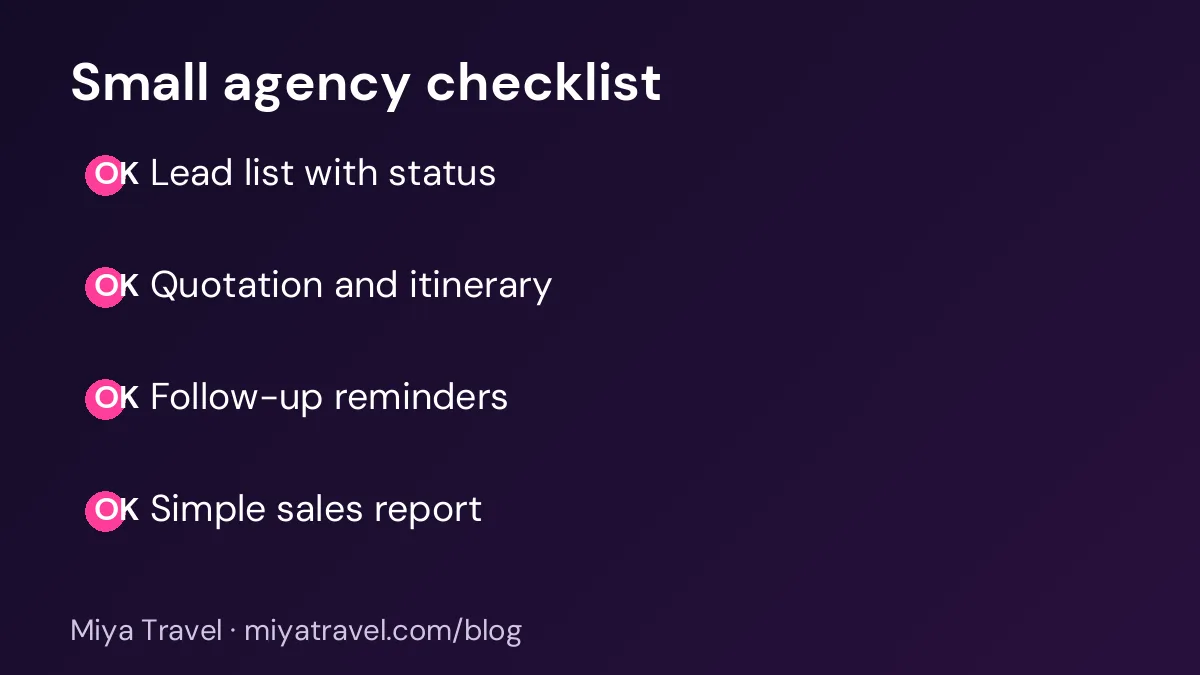
- A lead list with status. Every enquiry should appear in one list with a status such as new, contacted, quoted or won.
- Quotations and itineraries. The tool should create a quotation from the lead and link it to the trip details.
- Follow-up reminders. A reminder for each lead keeps the team from forgetting a client who said "call me on Friday".
- A simple customer record. Keep the client's contact details and past trips in one record.
- A basic sales report. Count leads, quotations sent and bookings each week. You do not need more than that at first.
Everything else can wait. Ask yourself whether a feature will change a decision this month. If not, leave it for later.
Choose the tool your team will open on a phone during a client call. A tool that works only on a desktop will be used less than you expect.
Picking a tool without a long study
Shortlist three tools. Read the pricing page and check the user limits, the lead limits and whether the features you need are in the plan you would pay for. Then book a short demo or start a free plan with your own leads.
In the demo, ask the vendor to show you a real lead from enquiry to quotation. Time it. If the tool takes more than ten minutes to do this for a simple trip, it will feel slow every day.
Check how long it takes to set up. A small agency should be able to start in a day. Setup that needs an external consultant and two weeks of configuration is too heavy for a team of three.
A one-week setup plan
On day one, write down your lead stages. Keep them to five or six. On day two, enter your current open leads. Do not import old closed leads, because they add noise without helping sales.
On day three, set up one quotation template for your most common trip type. Add your standard inclusions and exclusions. On day four, assign each open lead to one owner and set a follow-up date.
On day five, the team starts using the tool for every new enquiry. Each person updates the status after every call or message. On day six, the owner reviews the open leads each morning. On day seven, the team meets for fifteen minutes to fix one thing that slowed them down.
By the end of the week, the tool should be part of the routine. If it is not, the problem may be the process, not the software.
Keeping costs under control
A small agency should not pay for seats it does not use. Count how many people need full access, and how many only need to view the leads. Some plans charge by user, so think about this before you sign up.
Also check the cost of extras, such as data storage, additional templates or support packages. A low monthly price with many paid extras can cost more than a higher price with everything included.
What to skip at first
Skip complex automation until your basic process is stable. Automated email sequences are useful for large lead lists, but a small agency with fifty leads a month benefits more from a personal call.
Skip custom reports until you know which numbers matter. Start with leads, quotations and bookings each week. Add more only when you are asking questions that the basic report cannot answer.
Skip integrations you do not need. Connecting five tools sounds impressive, but each connection can break. Start with one system and add others when the team asks for them.
Common mistakes
The first mistake is buying a large system for a small team. The second is a tool with no mobile access. The third is keeping leads in a spreadsheet alongside the CRM, which creates two sources of truth. The fourth is not training the team. Even a simple tool needs a short session where everyone enters a lead together.
Training a small team without losing a week
A small team cannot afford a long training course. The trick is to teach the tool through real work. On the first morning, sit with each person for fifteen minutes and have them add one of their own current leads. This is faster than a formal demo and it builds confidence immediately.
Create a one-page guide with the five actions every person needs: add a lead, change its status, create a quotation, set a follow-up and close a lead. Keep it next to the screen or pin it in the team chat. Staff will refer to it in the first week and rarely need it after that.
Assign one person as the tool champion. This person answers simple questions, checks that new leads are entered correctly and reports any problem to the vendor. A champion does not need to be the most technical person. They need patience and a clear view of the daily routine.
A simple weekly review
Once a week, review three numbers: new leads, quotations sent and bookings won. Look at the leads that have been open for more than two weeks and decide whether to follow up or close them. Check the quotation revisions and find the most common reason for a change. These five minutes show you where to focus next week.
Where Miya Travel fits
Miya Travel is built for travel agencies, with leads, customers, quotations, itineraries and team workspaces in one dashboard. For a small agency, the main features to test are the lead list, the quotation builder and the follow-up workflow. You can read the Miya Travel documentation to see how they fit together, and you can start a free plan to test them with your own leads.
When a small agency should upgrade
A small agency does not need to upgrade on a fixed date. It should upgrade when the current tool holds the business back. Watch for signs such as leads being missed because the list is too long to scan, quotations taking more than an hour because the template is weak, or staff asking for reports the tool cannot produce.
Before upgrading, check whether the problem is the tool or the process. A messy lead list is often a process problem, and a new tool will copy the mess. Clean the process first, then decide whether the tool still fits. Many agencies find that a clear process solves most of their issues with the existing tool.
When you do upgrade, plan the move carefully. Choose a quiet period, move the data in stages and train the team before the switch. Keep the old tool available in read-only mode for a few weeks, so that anything missing can be checked. The upgrade should feel like a step forward, not a risk to the business.
Keeping costs predictable
Small agencies need predictable costs. Set a monthly budget for software, and review the actual spend each quarter. Include the cost of users, extras, add-ons and any training. A tool that costs a little more but has no hidden charges is often better value than a cheap tool with frequent extras.
Ask the vendor how price changes are handled. A good vendor gives notice before a price increase and explains the reason. Keep a note of the renewal date, so you can compare options before the price rises.
Do not pay for features that no one uses. Once a year, review which features the team uses each week. If a paid module sits unused, consider moving to a lower plan. The savings can then fund training or a better quotation template.
Frequently asked questions
What is the best CRM for a small travel agency?
The best CRM is the one your team can learn in a day, handles leads and quotations well and fits your monthly budget. Test two or three options with real leads before you decide.
Do I need a CRM if I have only two staff members?
Yes, if you receive enquiries from several channels. A simple CRM keeps the leads in one list and makes follow-up reliable, even with a small team.
How much should a small agency spend on a CRM?
Compare the monthly cost with the bookings you would otherwise lose to slow follow-up. Also count the number of users and check the extras in the plan.
Can I start with a free plan?
Yes. A free plan is useful for testing. Check the limits on users, leads and quotations, and make sure the plan includes the features you use daily.
What should I do if my team does not use the CRM?
Keep the process short, train everyone together, review the open leads each morning and remove any step that does not help the sale.