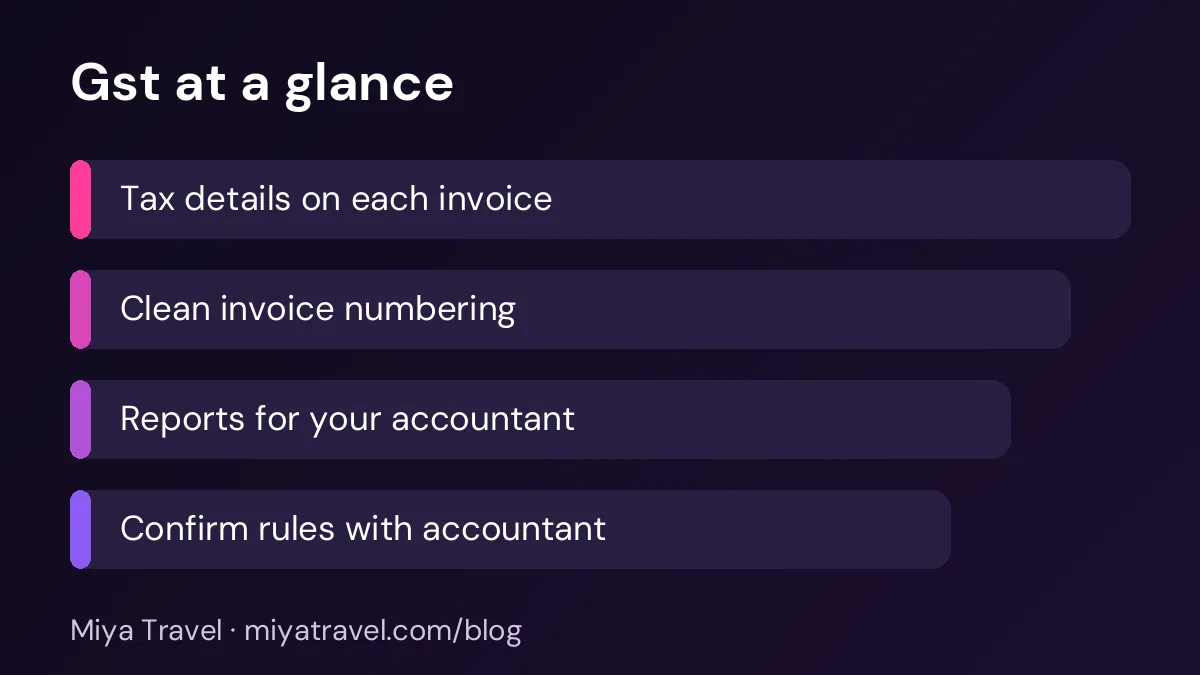
GST invoice software for a travel agency should record tax details on each invoice, keep numbering clean, and produce reports your accountant can use for filing. The treatment of GST for travel services depends on the service and your registration, so confirm the rules with your accountant before you set up any template.
GST is one of the first things a travel agency has to get right, and one of the easiest to get wrong. The rules depend on the type of service, whether the agency acts as a principal or an agent, and where the service takes place. Many small agencies copy an invoice format from a friend and then discover that the tax treatment does not match their business. GST invoice software helps by keeping the details consistent, but it cannot replace advice from your accountant.
This guide explains what a GST-ready invoice should contain, what the software should support and how to check your setup before you start filing.
Start with the tax rules, not the software
Before you choose any tool, confirm how GST applies to your services. Ask your accountant which rate applies to the packages you sell, whether you charge GST on the full package or only on your margin, and how you show tax on international services. These rules change, so ask for the current position in writing.
Once you know the rules, you can check whether a tool supports them. A tool that cannot show the tax treatment you need will create work for your accountant and may lead to errors in your returns.
What a GST invoice typically needs
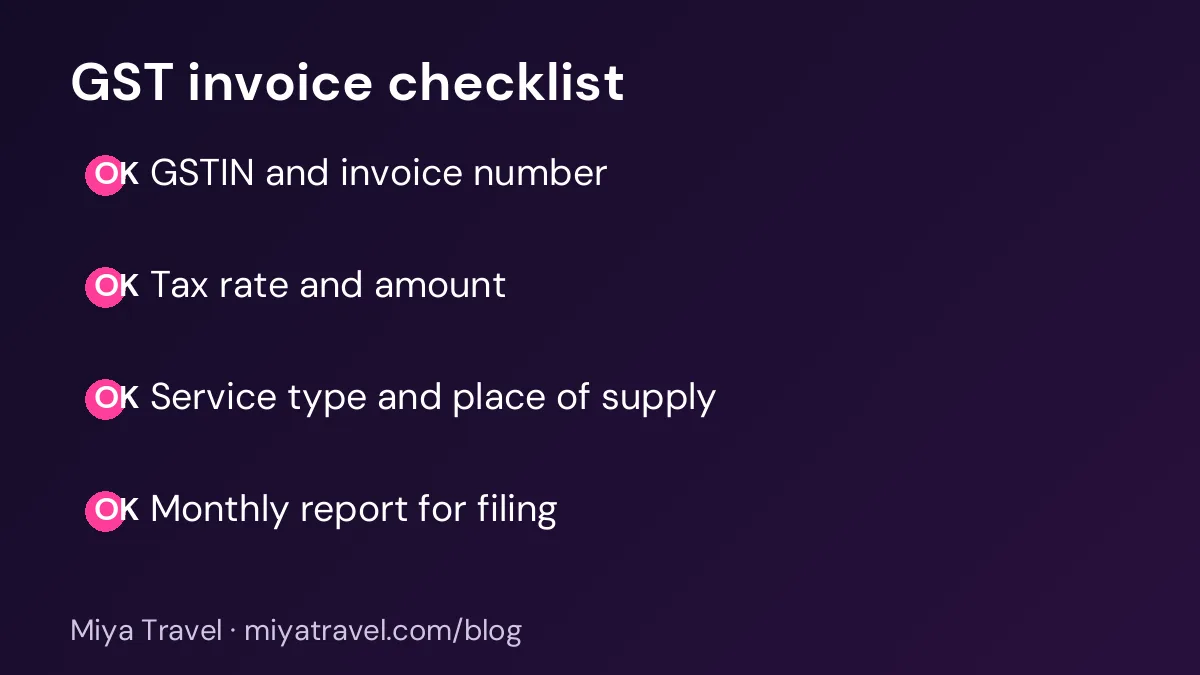
A GST invoice normally shows the agency's name, address and GST registration number. It shows the client's name and, for business clients, their registration number if they need it for input credit. It has a unique invoice number and date, a description of the service, the taxable value, the tax rate, the tax amount and the total.
For travel services, the description should be clear. A line that says "package" is not enough. Show the trip name, the dates and the main components, so that the invoice matches the service delivered.
Ask your accountant for a sample invoice that they have approved. Use it as the template and change only the trip details. This avoids repeated questions later.
Numbering and records
Invoice numbers must be sequential and unique. Gaps and duplicates create problems during filing. Keep a master list of invoice numbers, and check it when you issue a new invoice. If you use software, confirm that it prevents duplicate numbers and does not allow deleting issued invoices silently.
Keep a copy of every invoice, with the payment record and the booking reference. Your accountant will need these when they check your returns, and you will need them if a client disputes a charge.
Reports for filing
The software should produce a report of invoices issued in a period, with taxable value and tax amount for each. Your accountant will use this report to prepare returns. Ask the vendor to show the report for a sample month, and check whether it matches the invoices.
A good report also highlights any invoice that was cancelled, amended or issued as a credit note. These should be visible, not hidden.
Checking supplier invoices
GST is not only about the invoices you issue. You may also receive supplier invoices that carry tax. Record each supplier invoice with its tax details, so that your accountant can match them to your returns. A supplier invoice without a clear tax number may not be usable for credit.
Store supplier invoices with the booking they belong to. This makes it easier to check the cost of each trip and the tax paid on it.
Working with clients who ask for tax credit
Business clients often ask for a GST invoice because they can claim input credit. Confirm that your invoice includes the details they need, and ask them to share their registration number before you issue the invoice. Incorrect details can cause the client's claim to fail, which creates a dispute.
If a client asks for a correction after the invoice is issued, issue a credit note or a revised invoice as your accountant advises, and record it clearly.
Common mistakes
The first mistake is using an old template with the wrong tax rate. The second is leaving the GST number off the invoice. The third is issuing invoices from several places with different numbering. The fourth is editing a sent invoice. The fifth is not sharing the monthly report with the accountant on time.
Another mistake is assuming that software handles every tax rule automatically. Software applies the rules you set. If the rules are wrong, the output will be wrong too.
What to check in a tool
Ask the vendor to show a GST invoice for a package trip and for a service-only booking. Check the fields that appear on the invoice, the numbering, the report and how amendments are recorded. Confirm that you can export the data in a format your accountant can use.
Check the support too. You will need help when a rule changes or when a client asks for a specific format. Confirm how quickly the vendor responds to tax-related questions.
If you need full accounting and filing features, you may need a separate accounting system. Our accounting software guide explains what to check. Miya Travel focuses on the sales side of the agency, including quotations, itineraries and customer records. Check the current documentation before you assume a tax feature is included.
A monthly GST routine
At the end of each month, check that every invoice has a GST number, a tax rate and a clear description. Compare the invoice list with the booking list, and look for missing numbers. Send the monthly report and the supplier invoices to your accountant. Ask them to confirm receipt and to flag any question before the filing date.
This routine takes less than an hour and reduces the risk of errors at filing time.
Keeping invoices consistent across the team
When several people issue invoices, small differences creep in. One agent writes the service as "tour package", another writes "holiday package". One uses the full client name, another uses a nickname. These differences do not change the tax, but they make the records harder to match and the reports harder to read. Agree one format for descriptions, client names and service types, and put the format in the invoice template.
Keep a short list of standard service descriptions. A domestic package, an international package, a hotel-only booking and a transfer-only booking may each need a clear label. Your accountant can confirm the labels that fit your registration and the tax rules you follow. Once agreed, make the list available in the invoice tool or in the shared template.
Check the client name against the booking and the passport where relevant. For business clients, check the company name and registration details against the company's own records. A mismatch can cause a client's tax claim to fail, which then becomes a dispute that reaches the agency.
Review a sample of invoices each month. Look for missing numbers, unclear descriptions and inconsistent tax lines. Share any pattern with the team, and update the template so the error does not repeat.
Preparing for a tax query
Sometimes a tax authority or an auditor asks questions about past invoices. Being ready makes these queries quick and calm. Keep the invoices, the booking records, the payment records and the supplier invoices together for each period. A consistent folder structure, by month or by quarter, helps a great deal.
Write a short note for each unusual invoice, such as a credit note, a revised invoice or a service with a different tax treatment. Explain why it was issued and which rule applied. Your accountant can review these notes and confirm that the treatment was correct.
Store copies in a secure location with regular backups. Lost invoices create the same problems as wrong invoices, and a backup is inexpensive insurance.
Frequently asked questions
Do travel agencies need GST invoices?
Most do, but the exact requirement depends on your registration and the services you sell. Confirm the rules with your accountant.
What should a GST invoice for a travel package show?
The agency GST number, client details, invoice number and date, a clear service description, the taxable value, the tax rate, the tax amount and the total.
Can software calculate GST for me?
It can apply the rules you set, but you must confirm the rules with your accountant. Software will repeat an error if the setup is wrong.
What should I do if a client asks for a corrected invoice?
Issue a revised invoice or a credit note as your accountant advises, and record the change clearly. Never edit a sent invoice silently.
How often should I send GST reports to my accountant?
Follow the filing schedule your accountant gives you. Most agencies send a monthly report of invoices and supplier bills before the return date.