A travel agency CRM mobile app lets agents update leads, share quotations, set follow-ups and check payments from their phone, between client calls and on the road. Before the team relies on it, check that it works on a phone, keeps data in sync and shows the right information for each role.
Travel agents rarely sit at a desk all day. They meet clients, visit hotels, travel to destinations and take calls from the car or the airport lounge. A CRM that works only on a desktop is used less and falls behind. A travel agency CRM mobile app keeps the work moving, so the agent can update a lead, send a quotation or set a follow-up within minutes of a conversation. This guide explains what a good mobile experience looks like and what to check before the team depends on it.
Why mobile matters for travel agents
Most enquiries reach an agent when they are away from a computer. A client calls during a site visit, or sends a WhatsApp message while the agent is in a taxi. If the update waits until the agent is back at the office, details are forgotten and follow-ups are missed.
A mobile app closes this gap. The agent can record the enquiry, add the key details and set a follow-up while the conversation is fresh. The team sees the update straight away, and the owner has an accurate view of the pipeline.
Ask each agent to update the lead within five minutes of a call. A quick update on the phone is far more accurate than a detailed note written at the end of the day.
What the mobile app should do
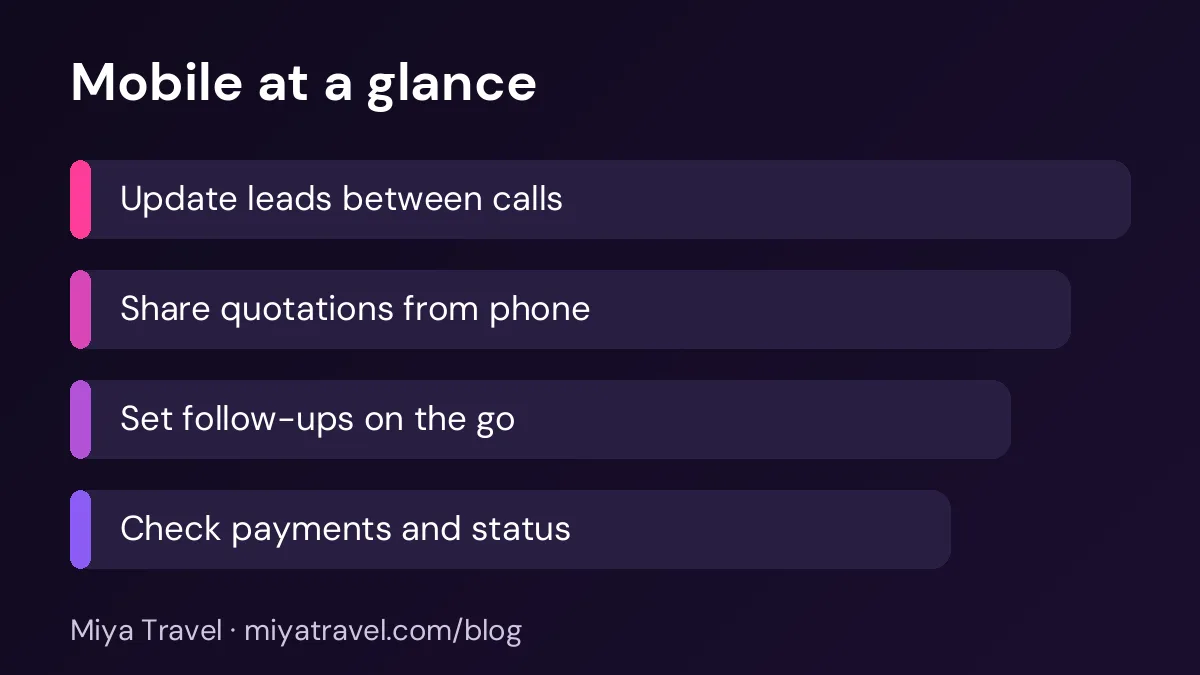
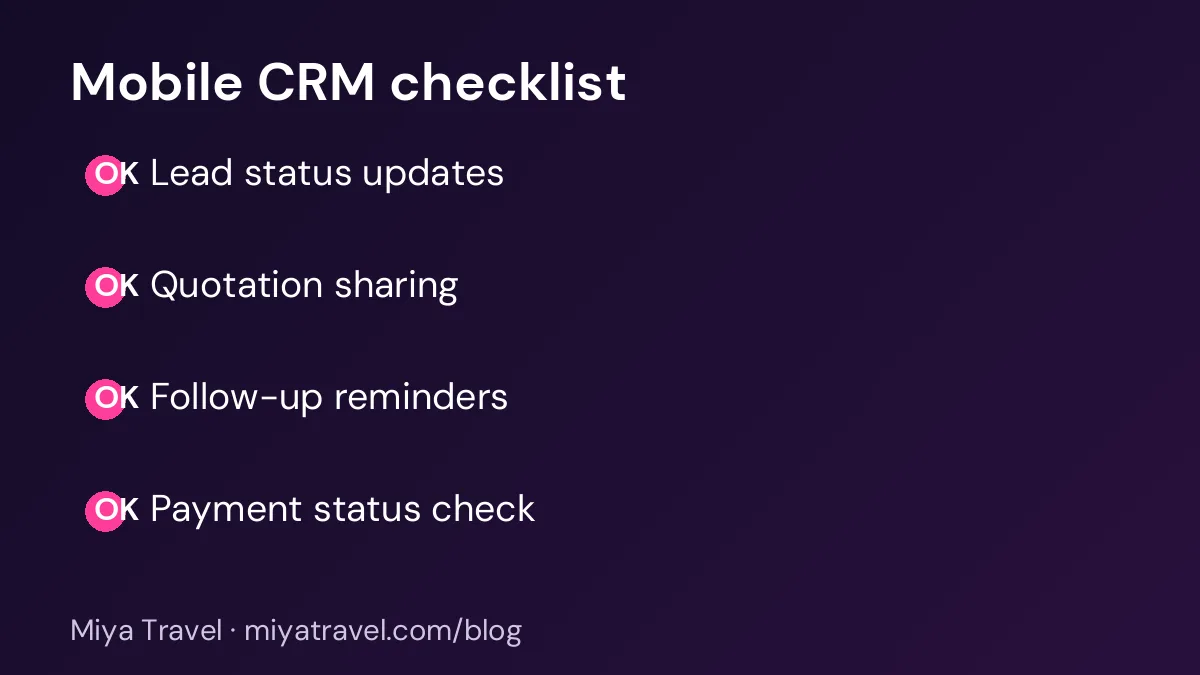
The core tasks should be quick on a phone. An agent should be able to find a lead by name or phone number, see its status and history, change the status, add a note and set the next follow-up date. These five steps should take less than a minute each.
Quotation sharing is the second most important task. The agent should be able to open the latest quotation and send the PDF or a link from the phone, with the version clearly labelled. Payment status and reminders are the third. The agent should see the balance due for a client and mark a payment as received.
Check that the app is fast and clear
A mobile app should load quickly on a normal mobile network, and it should be readable in bright sunlight. Test the app on a phone with a slower connection, because agents often work from places with poor signal. A screen that takes ten seconds to load will be avoided.
Check the layout too. Buttons should be large enough to tap easily, and the lead list should show the most important information first: the name, the status and the next follow-up date.
Check that data stays in sync
Data must match across the phone, the desktop and the team's view. Ask the vendor how the app handles offline use. If an agent updates a lead without a signal, the change should sync when the connection returns, without overwriting another person's update.
Test this with two people. One updates a lead on a phone while the other updates it on a desktop, and check that both changes are kept. Conflicting updates are a common source of lost information, so test them before you rely on the app.
Check the role access on mobile
A mobile app should respect the same roles and permissions as the desktop. An agent should see only their own leads and their permitted information. The owner should see the full pipeline. Check that a sales agent cannot see supplier costs or margin on the phone, just as they cannot on the desktop.
Also check what happens when a phone is lost. The vendor should let you log out the device remotely, and the team should know how to report a lost phone quickly.
Protect client data on phones
Phones are personal devices and are easily lost. Client records include names, phone numbers and sometimes travel documents, so the app should protect them. Ask the vendor about login security, such as a password or a fingerprint lock, and whether the app clears cached data when the user logs out.
Ask agents not to save client documents in their photo gallery or in personal messaging groups. The app should be the place for client information, and the team should follow the same rule.
Common mistakes
The first mistake is adopting a mobile app without testing it with real work. The second is no offline check, which causes lost updates when signal drops. The third is inconsistent data between the phone and the desktop. The fourth is letting the app show information the role should not see. The fifth is no rule for lost phones and logouts.
Another mistake is expecting the phone to replace the desktop completely. A mobile app is excellent for quick updates and follow-ups. Long quotations and reports are often easier on a larger screen.
What to ask the vendor
Ask whether the app is available for both Android and iPhone, and whether it supports the phones your team uses. Ask how updates are delivered and whether the app needs to be updated before the desktop. Ask how the app handles WhatsApp messages and calls, and whether activity is logged automatically or only when the agent records it.
Ask for a live test on a phone during the demo. Give the vendor a real lead to update, and time the process. A ten-second update is a good sign; a two-minute process will be avoided.
A simple mobile routine for agents
Set the phone to notify the agent for follow-ups due in the next hour. Update each lead within five minutes of a call. Share the latest quotation from the phone after each change. At the end of the day, check the overdue follow-ups on the phone and reassign any that cannot be done tomorrow.
This routine keeps the team up to date without adding hours of desk work.
Miya Travel on mobile
Miya Travel is designed for travel agencies that need to work quickly. Check the documentation and ask the team for a live demo to test the mobile experience with your own leads and quotations. Confirm the current mobile features and the offline behaviour before you rely on them.
Setting up the phone for daily use
Before the team relies on the mobile app, set it up carefully. Install it on each phone, sign in with the agent's own account and turn on the notifications for follow-ups and new enquiries. Check that the app shows the agent's own leads and nothing outside their role.
Set a simple home screen. Put the lead search, the follow-up list and the quotation library on the first screen, because these are the tasks agents use most often on the move. A cluttered screen slows the agent down, and a clear one makes the app a natural habit.
Agree a rule for personal phones. If agents use their own phones, check the agency's policy for storing client data, including whether the app may be used on a personal device and how access is removed when the person leaves. Write the rule down and ask each agent to confirm they understand it.
Using the app during client meetings
The mobile app can help during a meeting, but it should not distract from the client. Keep the phone face down when the client is talking, and use the app for a quick check of the client's record or the latest quotation. Take short notes rather than long typing, and update the lead fully after the meeting.
Show the client the quotation on the phone only if the app displays it clearly and you have checked that it is the correct version. A wrong version on screen can cause confusion and erode trust. When in doubt, send the PDF after the meeting instead.
Frequently asked questions
Do travel agents need a CRM mobile app?
Most do, because enquiries and follow-ups happen away from the desk. A mobile app lets them update the lead within minutes of a conversation.
What should a travel CRM mobile app do?
Find a lead quickly, update its status, add a note, set a follow-up, share the latest quotation and check the payment status.
What if the phone has no signal?
Check whether the app works offline and syncs later without losing updates. Test this before the team relies on it.
Does the mobile app show the same information as the desktop?
It should respect the same roles and permissions. An agent should not see information on the phone that they cannot see on the desktop.
What should happen if an agent loses their phone?
The vendor should let the owner log out the device remotely, and the agency should have a clear process for reporting the loss and removing access.